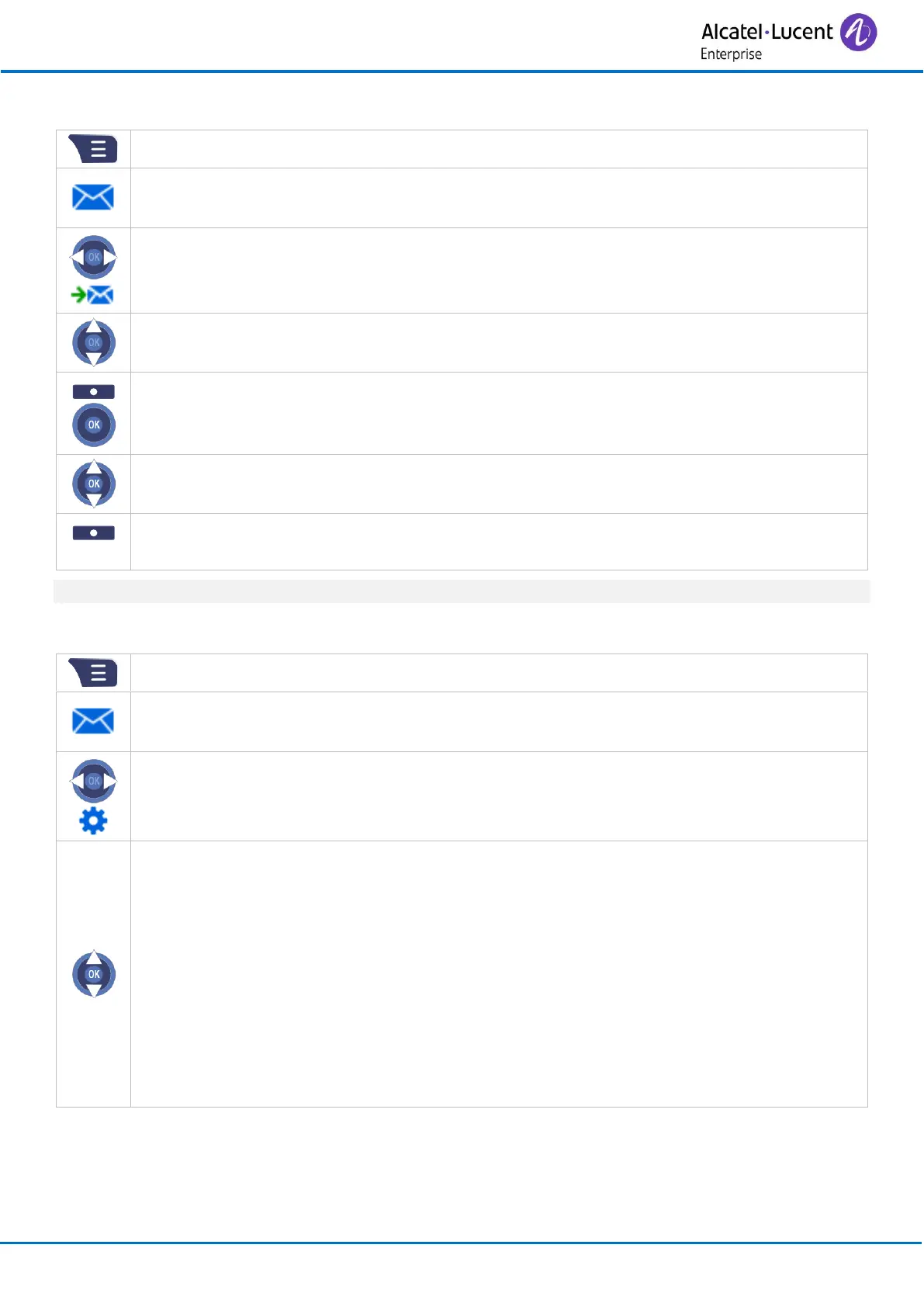
To delete all messages, select: Delete all msg.
3.21.4 Configure the messaging portal
• Overwrite old
If this option is enabled, the oldest message will be overwritten once the maximum
number of messages (250) is reached in the drafts, inbox, or sent messages folder.
However, if the option is turned off and the number of messages exceeds 250, no
new messages can be received until old messages are manually deleted (On / Off).
• Sent Messages
If this option is enabled, sent messages will be saved (On / Off).
• Display
If this option is enabled, the new message will be displayed on the screen when the
handset is in idle state. If the option is turned off, only the notification will be
displayed (On / Off).



 To Next Page