CHAPTER 1 INTRODUCTION
READER INTERFACE GUIDE
DOC. CONTROL # 8101938-000 REV 05
5
ixp1 Link encap:Ethernet HWaddr 00:0A:55:00:01:10
inet addr:10.9.8.10 Bcast:10.255.255.255 Mask:255.255.255.0
UP BROADCAST RUNNING MULTICAST MTU:1500 Metric:1
RX packets:602 errors:0 dropped:0 overruns:0 frame:0
TX packets:5 errors:0 dropped:0 overruns:0 carrier:0
collisions:0 txqueuelen:256
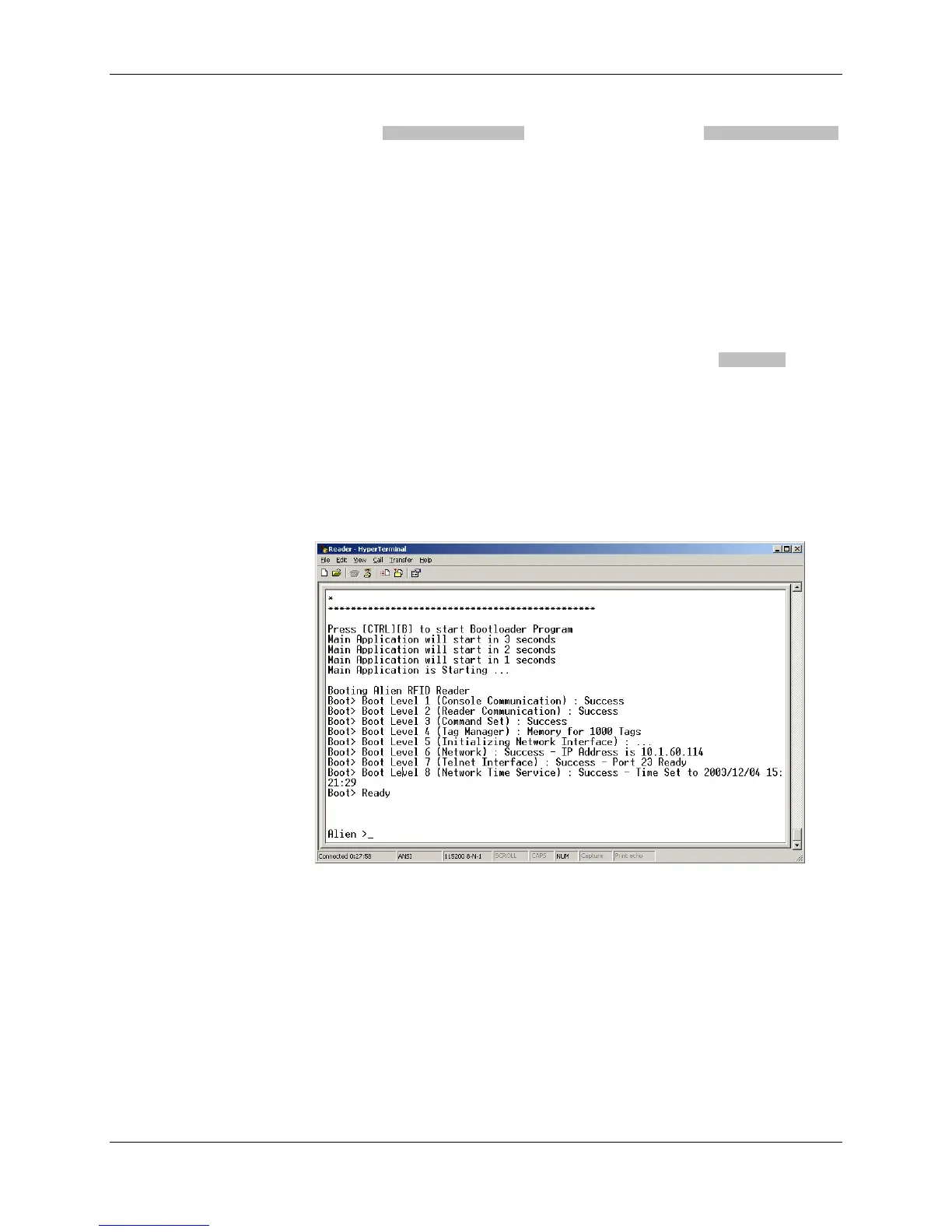
For all other readers, the bootup trace displays text such as the following:
Boot> Booting Alien RFID Reader
Boot> Boot Level 1 (Console Communication) : Success
Boot> Boot Level 2 (Reader Communication) : Success
Boot> Boot Level 3 (Command Set) : Success
Boot> Boot Level 4 (Tag Manager) : Memory for 1000 Tags
Boot> Boot Level 5 (Initializing Network Interface) : ...
Boot> Boot Level 6 (Network) : Success - IP Address is 10.9.8.10
Boot> Boot Level 7 (Telnet Interface) : Success - Port 23 Ready
Both traces indicate that the reader can be contacted over TCP/IP at the
address 10.9.8.10, on port 23.
6. If your reader supports the Alien Reader Protocol over serial the serial
interface, you will see the "Alien >" command prompt. At the command
prompt, you may now type any command followed by the [ENTER] key to
submit the command.
The following basic commands are helpful in verifying the reader-host
interface:
• "Help" (or “h”) – provides a list of all commands available
• "Info" (or “i”) – provides a list of current settings for the reader
• "get TagList" (or "t") – scans field immediately for tags and reports the
results
NOTE: RFID Reader commands are case insensitive and may be typed in all
lowercase characters, if preferred.



 To Next Page