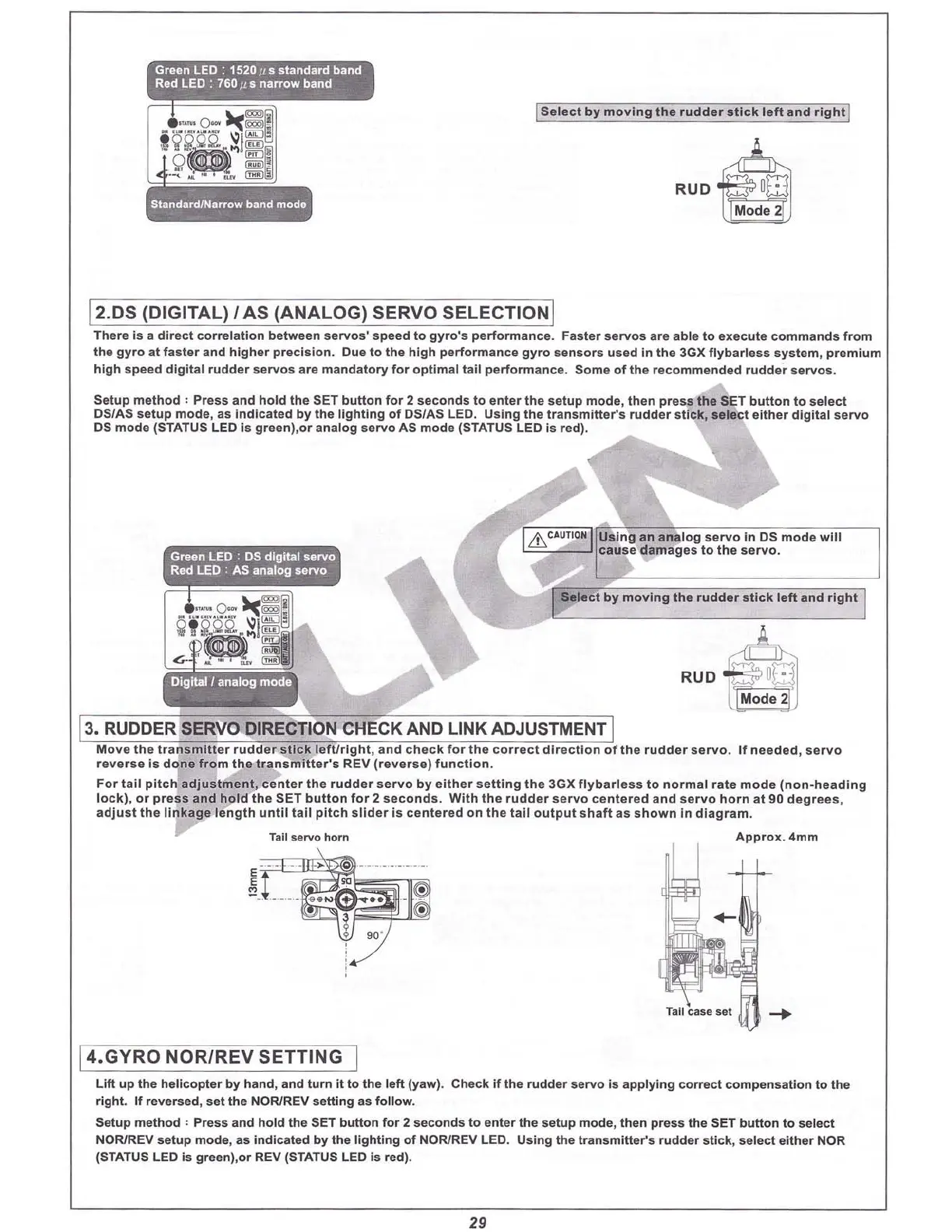
Green
L.ED
: 1520
#5
standard band
Red LED : 760 # s narrow band
ISe
lect
by
movi
ng the ru
dder
stick
le
ft
a
nd
rlg
E!]
Ruo4
~
12.DS (DIGITAL) / AS
(ANALOG)
SERVO
SELECTION
I
There
Is a
dire
ct
corre
lation
between
servos' speed
to
gyro'
s
performanc
e. Fa
ster
serv os are able to ex
ecut
e
com
ma
nds
f
rom
the
gyro
at fa
ster
and
hig
her
prec
i
sion
. Due
to
the
high
performance
gy ro s
ensors
used In th e 3GX
flyba
rless
sy
ste
m, pre
mium
high
speed
digital
rudder
servos
are ma
ndatory
for
optim
al
tail
performance.
Som
e
of
the
recomme
nde
d ru
dder
servos
.
Setup
method
:
Press
a
nd
ho ld
the
SET
button
for
2
seco
nds
to
enter
the s
etup
mode
,
then
pr
ess t e SET button to
select
DS/A S setup mod e, as I
ndicat
ed by
the
lighti ng
of
DS/AS LED.
Using
the tr
ansmitt
er's
rudd
er stick,
select
eithe
r
dig
ital
servo
OS
mode
(STATUS LED Is
green),or
a
nalog
servo
AS mode (STATUS LED is red).
13.RUDDER
.SERVO
DIRECTION CHECKAND LINK ADJUSTMENT1
Mo ve the t
ransmitter
ru dd
er
st
ick
le
ftfr
ig ht,
and
check
for
the
corr
ect
dir
ection
of
the
ru d der se
rvo
.
If
need ed , se
rvo
reve
rse
is
done
fro
m the t
ransm
itter's
REV (
reve
r
se)
functio
n.
For
tail
p
itc
h
adjust
me
nt,
ce
nter
the ru dd er se
rvo
by
either
setting
t he 3GX
flyba
r
less
to
norma
l rate
mo
de (
non-head
i
ng
lock), or p
ress
and
hol d
th
e SET b
utton
fo r 2
seco
nds
.
With
the
rudd
er s
ervo
centered
a
nd
se
rvo
h
orn
at 90
deg
r
ees
,
adjust
the
linkag
e len
gt
h
unti
l
tail
pi tch
slider
Is c entered on the
tail
outp
ut
shaft as
shown
In
diag
ram
.
Tail servo horn
App
rox
.4mm
>
E
~
~
-
-
- -
- _
·
~
Tall easeset
-+
14.GYRO
NOR/REV
SETTING
I
Lift up the
helico
pter by hand, and
turn
it
to the left (yaw) . Check if the rudder
servo
is
applyi
ng
co
rrect
co mpe
nsation
to the
right. If reversed,
set
the NOR/REV
sett
ing as foll ow.
Setup met
hod
: Press and hold the SET button fo r 2
seconds
to
enter the
setup
mode
, the n p
ress
the SET b
utt
on to
select
NOR/REV
setup
mo
de, as i
ndicated
by the
lighting
of
NOR/REV LED. Using the trans
mitter'
s
rudde
r
stick
, sele
ct
either
NOR
{STATUS LED Is green),or REV (STATUS LED Is red).
29
Adjust the control rod
in RATE MODE so the
model doesn't yaw in a
hover.
If it yaws left, shorten
the rod.
If it yaws right,
lengthen the rod.
Click here to watch my video on tail
rotor basics.



 To Next Page