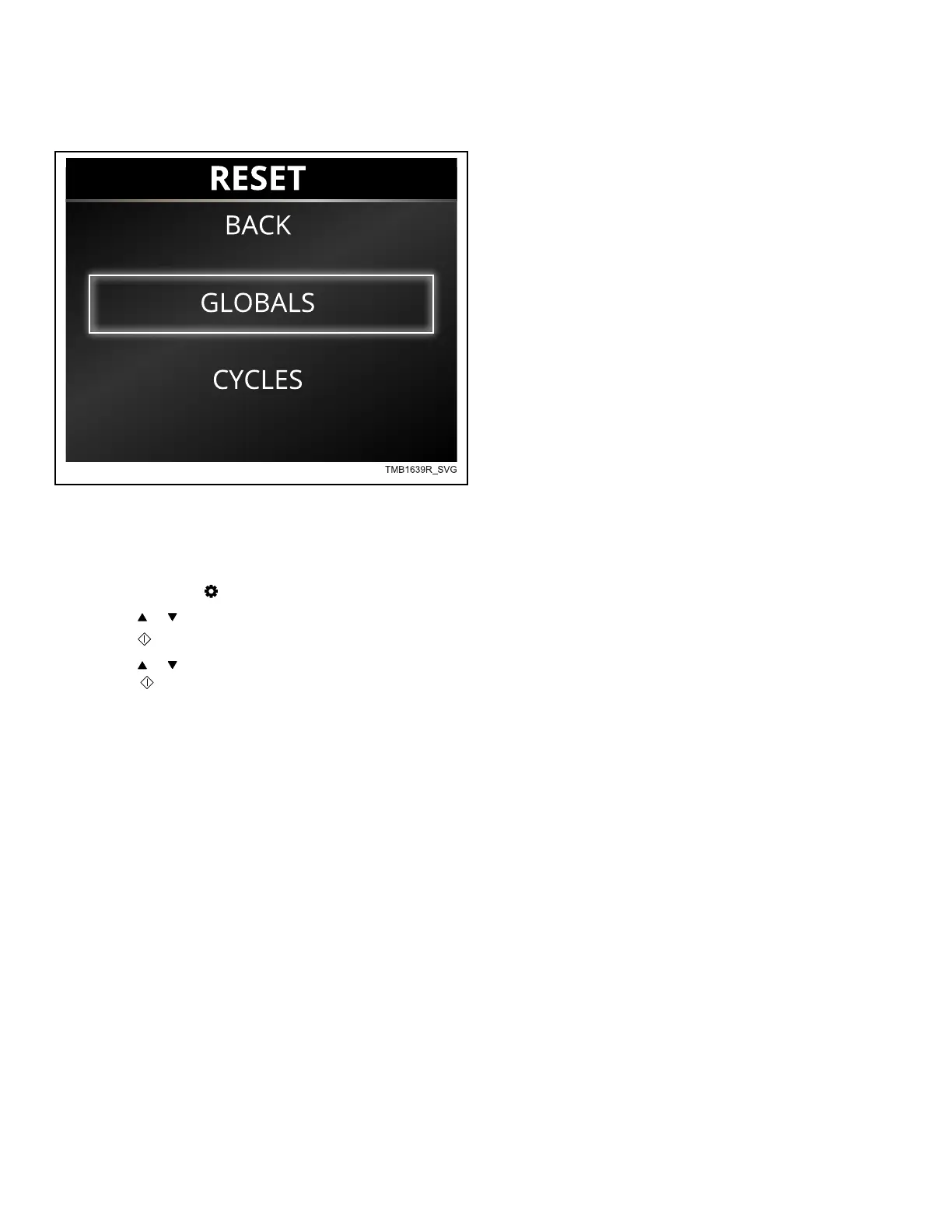
Reset Menu
Figure 36
If enabled (refer to Globals Menu), the Reset Menu allows the
user to reset the control's global and cycle programming data to
the factory default setting. To enter Manual Reset Mode:
1.
To access, press the keypad to enter the Systems Menu.
2. Press the or keypads to highlight Reset.
3.
Press the keypad to enter the Reset Menu.
4. Press the or keypads to highlight Globals, Cycles or All
and press
keypad.
Default Machine Settings
If resetting Cycles, the control resets Machine Cycles 1-48. Cy-
cles can be reset by each individual cycle or all cycles.
If resetting Globals, the control resets the programming parame-
ters to factory default. Refer to Table 9 .
Reset Menu
©
Copyright, Alliance Laundry Systems LLC -
DO NOT COPY or TRANSMIT
59 Part No. 70549501ENR6






 To Next Page