29
Altai A8n (ac) Series Super WiFi Base Station
Configuration Guide
Altai Technologies Ltd. All rights reserved
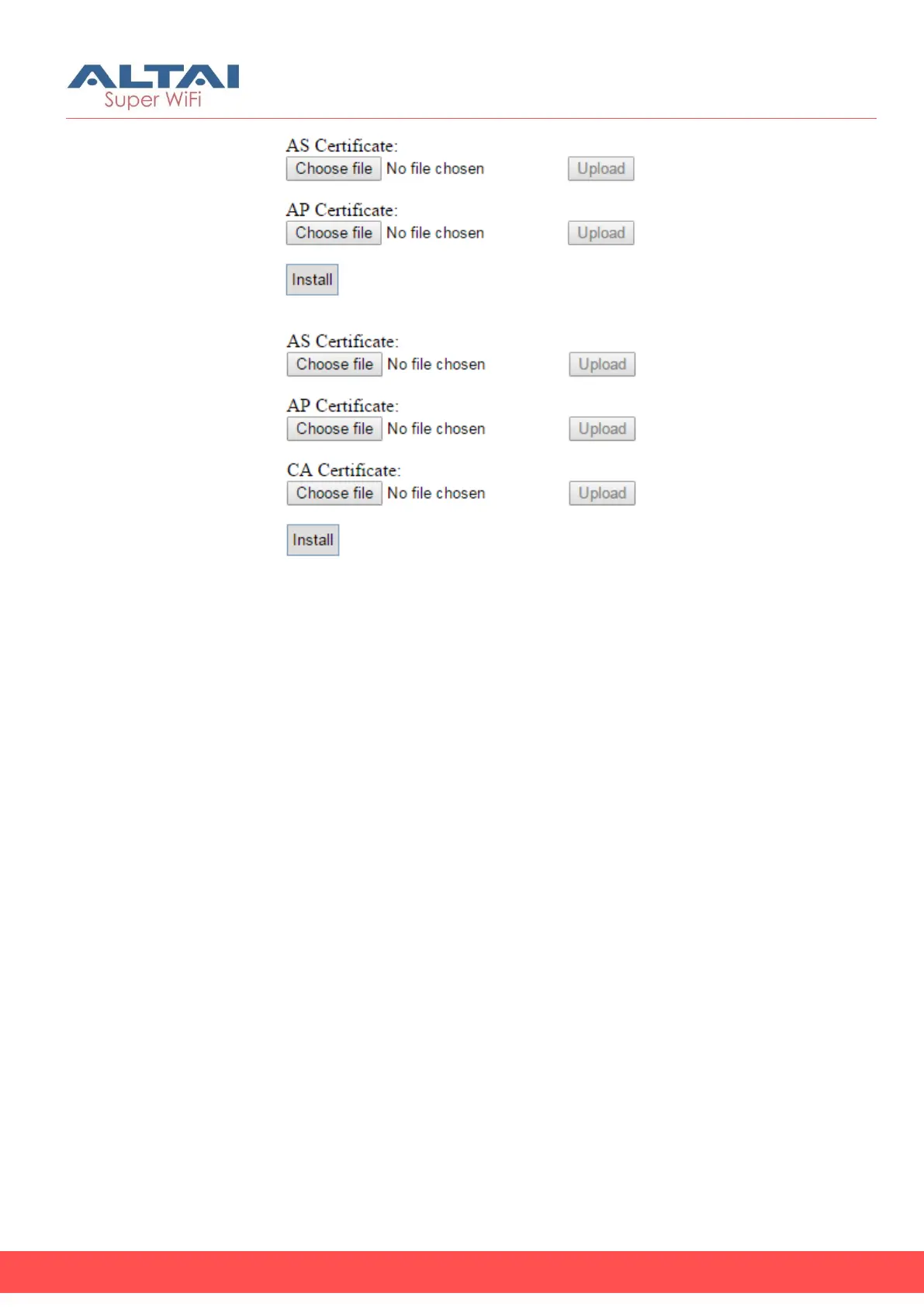
Figure 27 – Two-Cert Mode Certification Installation
Figure 28 - Three-Cert Mode Certification Installation
6. Click Browse to select suitable certifications
7. Click Upload to upload the selected certifications to A8n (ac)
8. Click Install to install certifications
9. Type IP address of AS server in AS IP Address
10. Type service port of AS server in AS Port
11. Enter interval time between 60 and 2147483647s in Unicast Key
Update Interval [Optional]; 86400 is default setting
12. Enter interval time between 60 and 2147483647s in Multicast Key
Update Interval [Optional]; 86400 is default setting
13. Click Submit
14. Click Save & Apply



 To Next Page