70
Altai A8n (ac) Series Super WiFi Base Station
Configuration Guide
Altai Technologies Ltd. All rights reserved
6. Monitor Your Access Point
This chapter introduces various information / statistics from Web UI or
LED indication that monitoring the device’s status.
6.1. LED Colors and What They Mean
6.1.1. A8n (ac) series
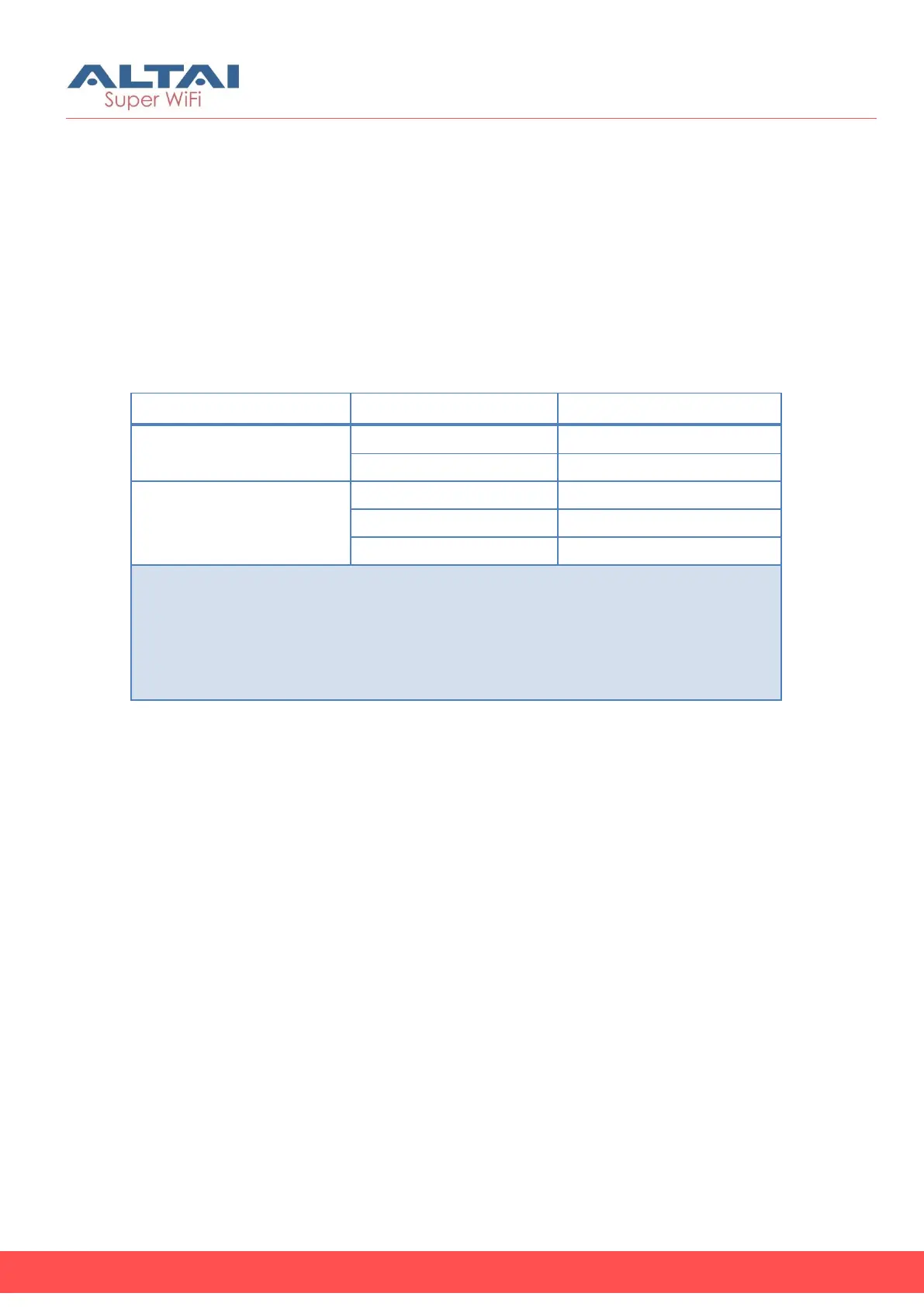
Remarks:
1. All LED will be off once pressing down the reset button
2. Pressing and holding the reset button until Power LED blinks once, the device
reboots.
3. Pressing and holding the reset button until Power LED blinks twice
consecutively, the device restores the factory default setting.
Table 5 – A8n (ac) series operation LED indicators



 To Next Page