59
Altai A8n (ac) Series Super WiFi Base Station
Configuration Guide
Altai Technologies Ltd. All rights reserved
Note:
- Level I is recommended
Data Rate Setting
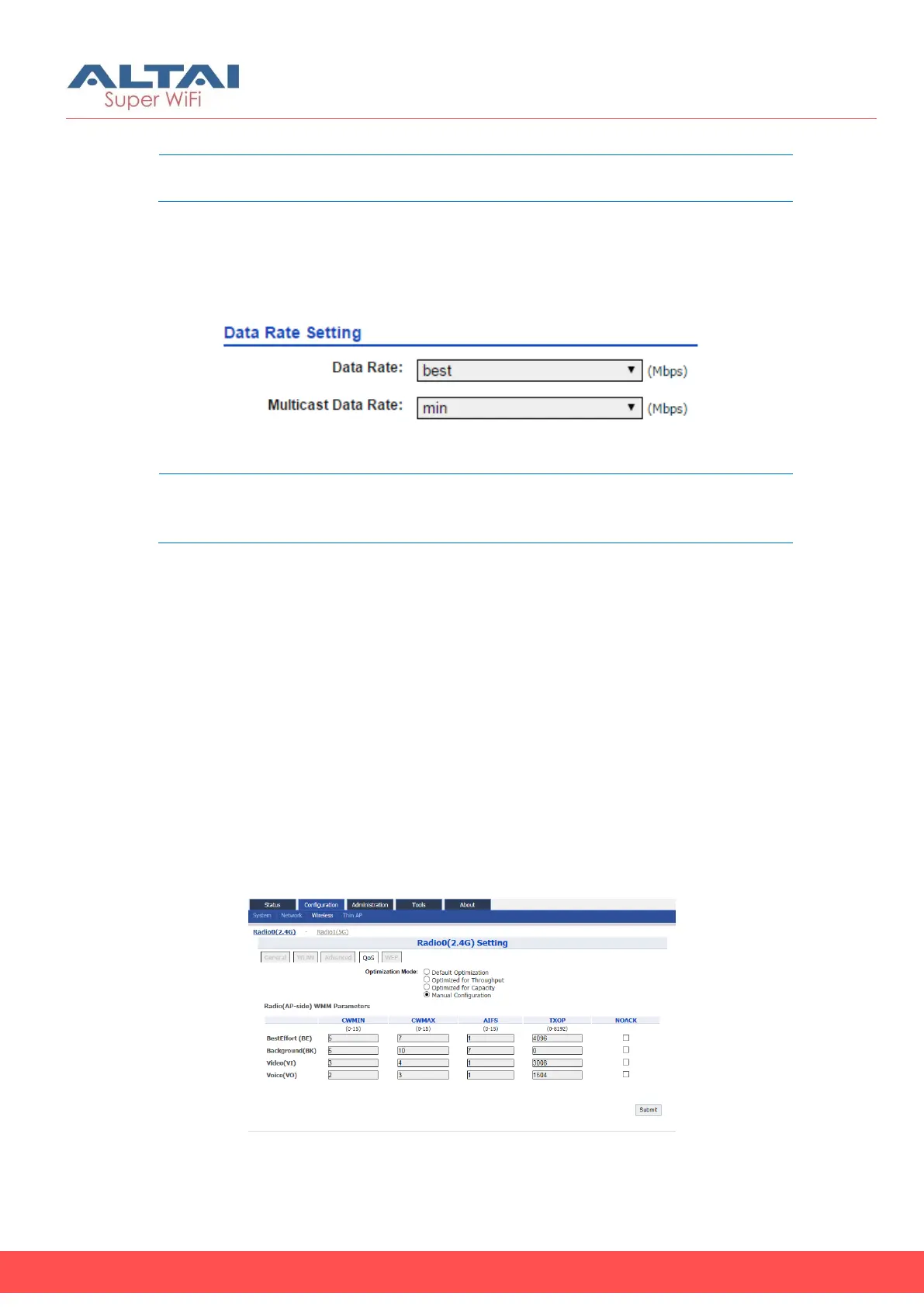
Altai AP provides the capability to limit all clients to transmit data and
multicast data in the certain data rate.
Figure 63 – Data Rate Setting
Note:
- Data rate: Best and Multicast Data Rate: Min is
recommended
1. 2.4G Radio: Go to Configuration > Wireless > Radio0 > Advanced >
Data Rate Settings
5G Radio: Go to Configuration > Wireless > Radio1 > Advanced >
Data Rate Settings
2. Select a data rate on Data Rate; best is default setting
3. Select a data rate on Multicast Data Rate; min is default setting
4. Click Submit
5. Click Save & Apply
4.2.14. Quality of Service on Radio Interface
A8n (ac) provides QoS/WMM configuration on both radio interface
and each WLAN.
Modify the QoS setting on Radio
Figure 64 – QoS Setting on Radio
1. 2.4G Interface: Go to Configuration > Wireless > Radio0 > QoS



 To Next Page