22
Altai A8n (ac) Series Super WiFi Base Station
Configuration Guide
Altai Technologies Ltd. All rights reserved
WLAN 0-15 Security Configuration
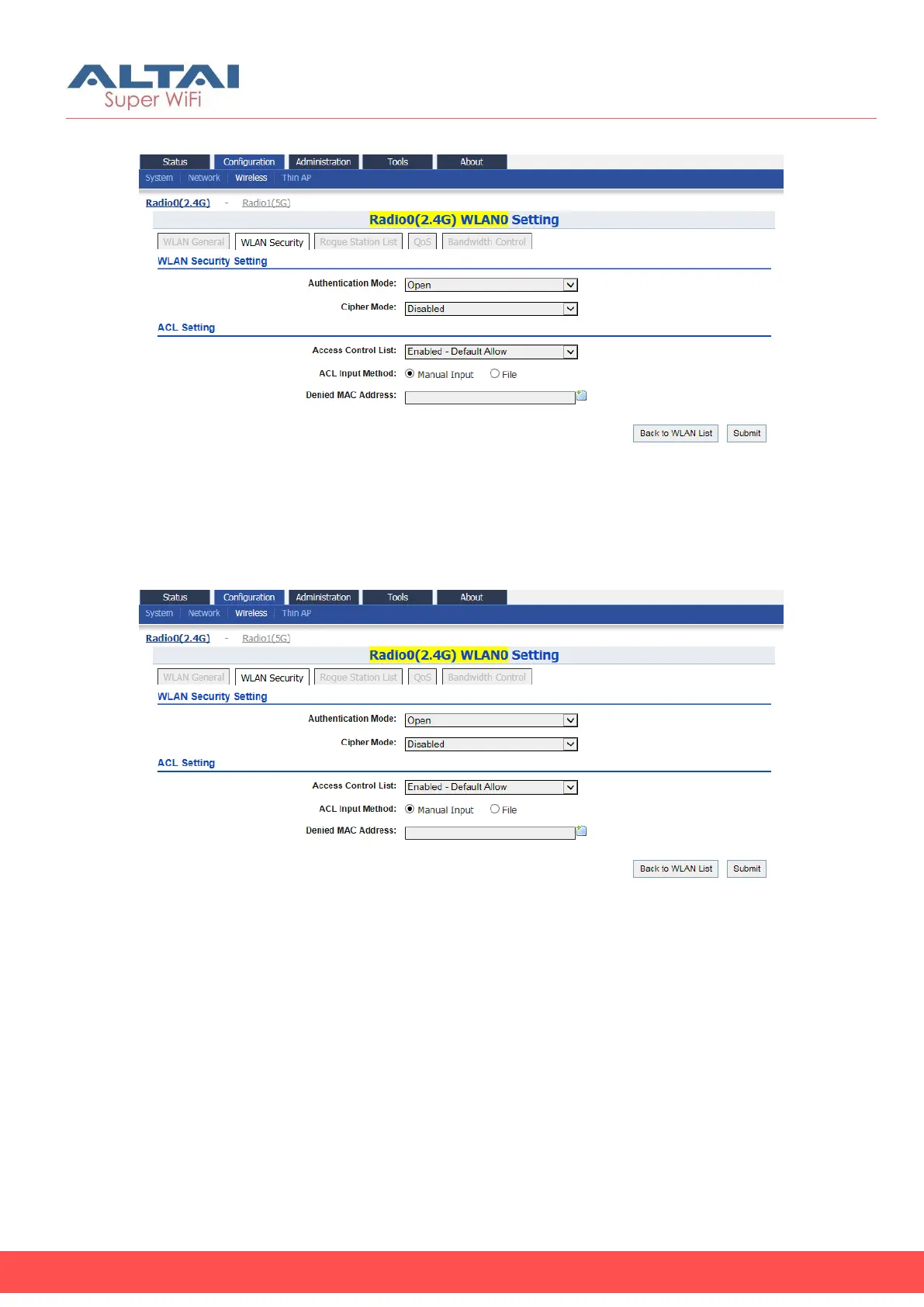
Figure 20 – WLAN Security Setting for WLAN 0 of AP
Configure WLAN as Open network
This option is typically only used in a guest network. No security measure
is enforced.
Figure 21 – Open network of AP
1. Go to Configuration > Wireless > Radio0(2.4G) > WLAN > WLAN 0-15
> WLAN Security
2. Select Open in Authentication Mode
3. Select Disabled in Cipher Mode
4. Click Submit
5. Click Save & Apply



 To Next Page