11
Altai A8n (ac) Series Super WiFi Base Station
Configuration Guide
Altai Technologies Ltd. All rights reserved
3.3. Configure as Repeater
1. Go to Configuration > Network > General > WAN Settings
2. Select suitable internet connection type (DHCP / Static)
3. Configure IP Address on the device (for static internet connection
type only)
4. Click Submit
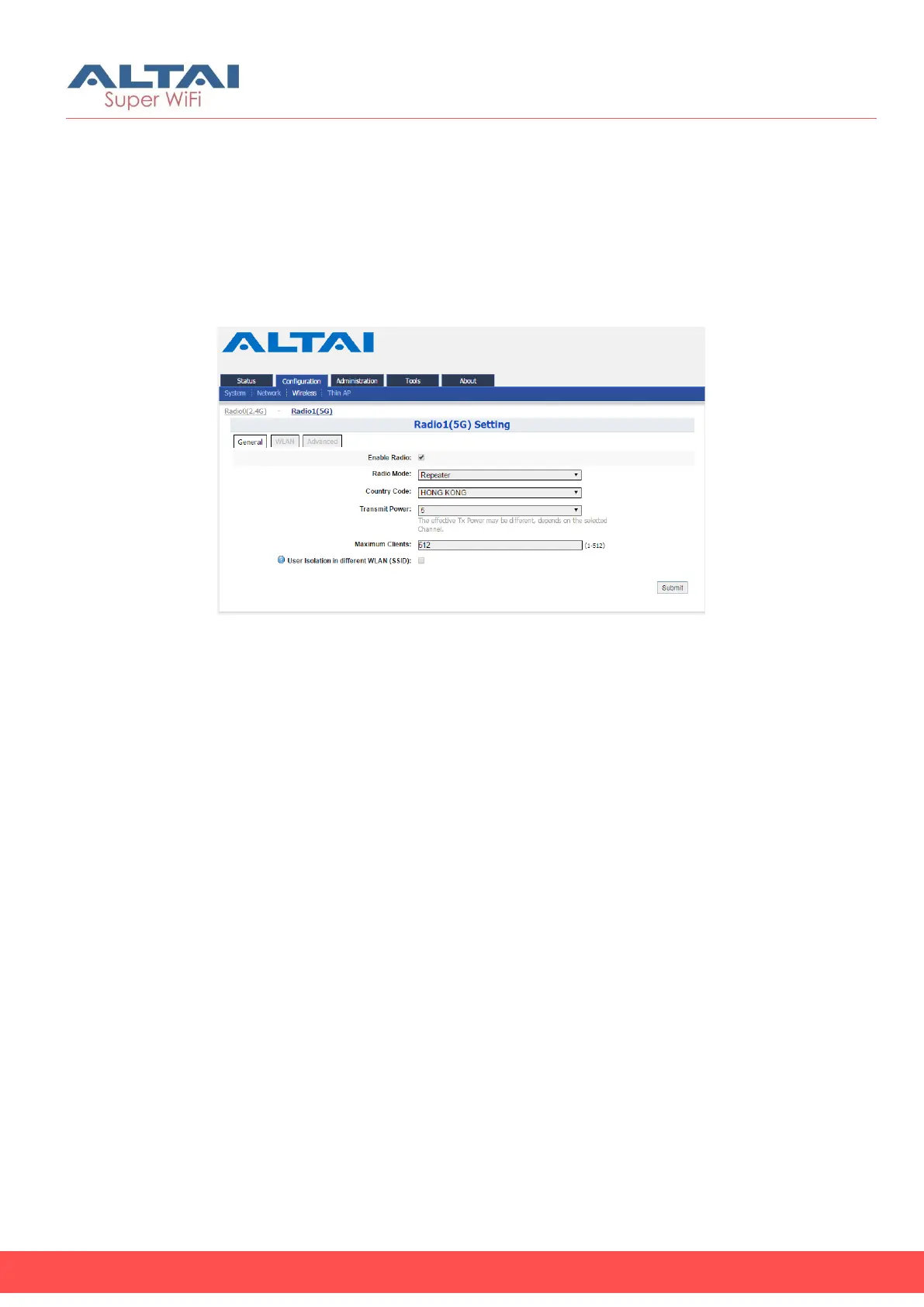
5. Go to Configuration > Wireless > Radio1(5G) > General
Figure 13 – 5G Radio General Setting of Repeater
6. Select Repeater as Operating Mode on 5G radio the device.
7. Select suitable Country Code that matches your device’s installation
location.
8. Select the suitable Transmission Power
9. Click Submit



 To Next Page