33
Altai A8n (ac) Series Super WiFi Base Station
Configuration Guide
Altai Technologies Ltd. All rights reserved
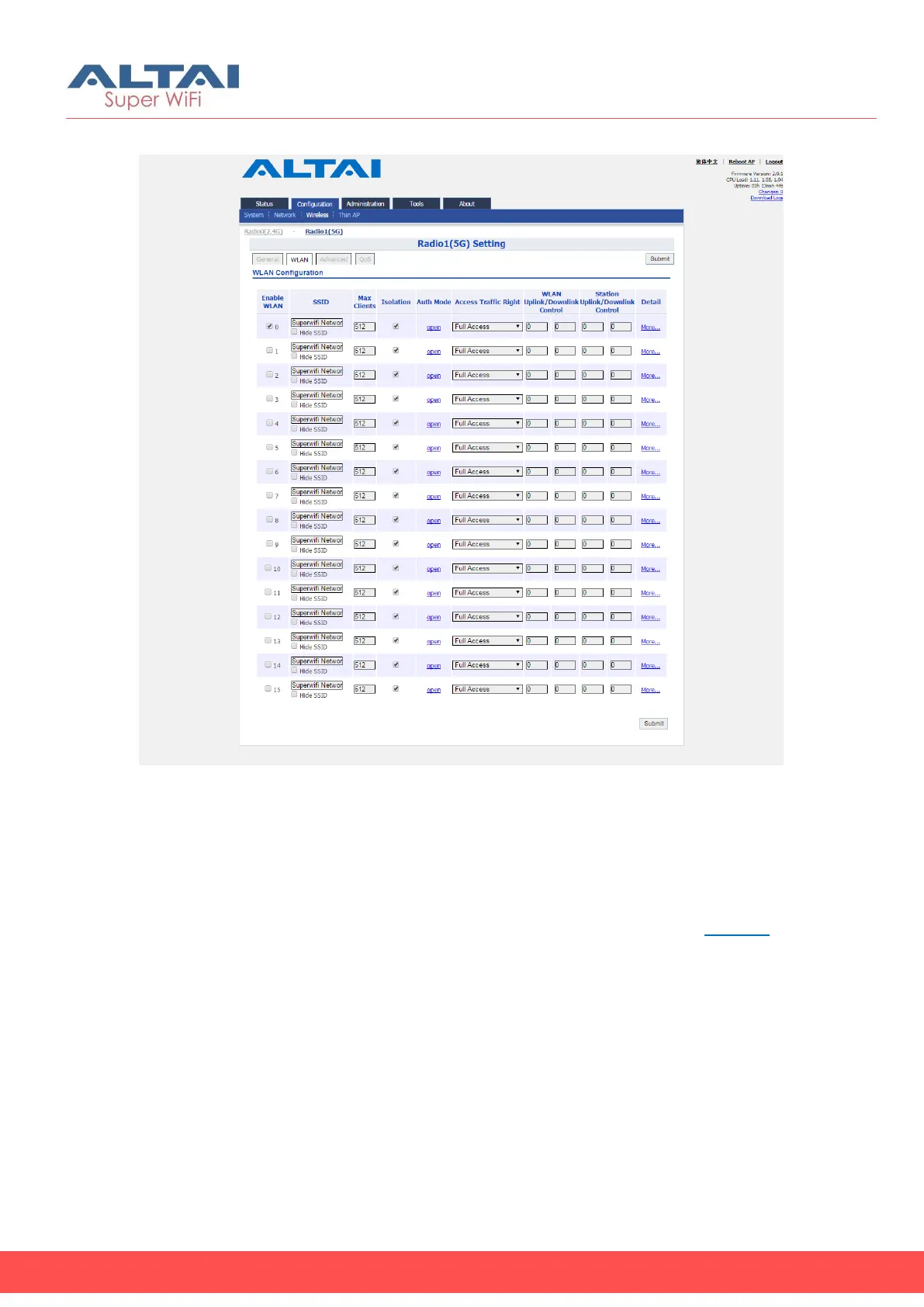
WLAN List
Figure 31 – WLAN list on Radio1(5G) of AP
1. Go to Configuration > Wireless > Radio1(5G) > WLAN
2. Please refer to WLAN List on page 19 for more detail.
WLAN 0 - 15 General Configuration
1. Go to Configuration > Wireless > Radio1(5G) > WLAN 0-15 > More…
2. Please refer to WLAN 0-15 General Configuration on page 20 for
more detail.
WLAN 0 - 15 Security Configuration
1. Go to Configuration > Wireless > Radio1(5G) > WLAN > WLAN 0-15 >
WLAN Security
2. Please refer to the following chapters for more detail:
Configure WLAN as Open network (see Configure WLAN as Open
network on page 22)
Configure WLAN as Open network with WEP encryption (see
Configure WLAN as Open network with WEP encryption on page 23)



 To Next Page