We can apply the IR receiver to many applications, such as integrating to the SD Card Demo, and
you can also develop other related interesting applications with it.
Demonstration Setup, File Locations, and Instructions
Project directory: DE2_115_IR
Bit stream used: DE2_115_IR.sof
Load the bit stream into the FPGA by executing DE2_115_IR\demo_batch\DE2_115_IR.bat file
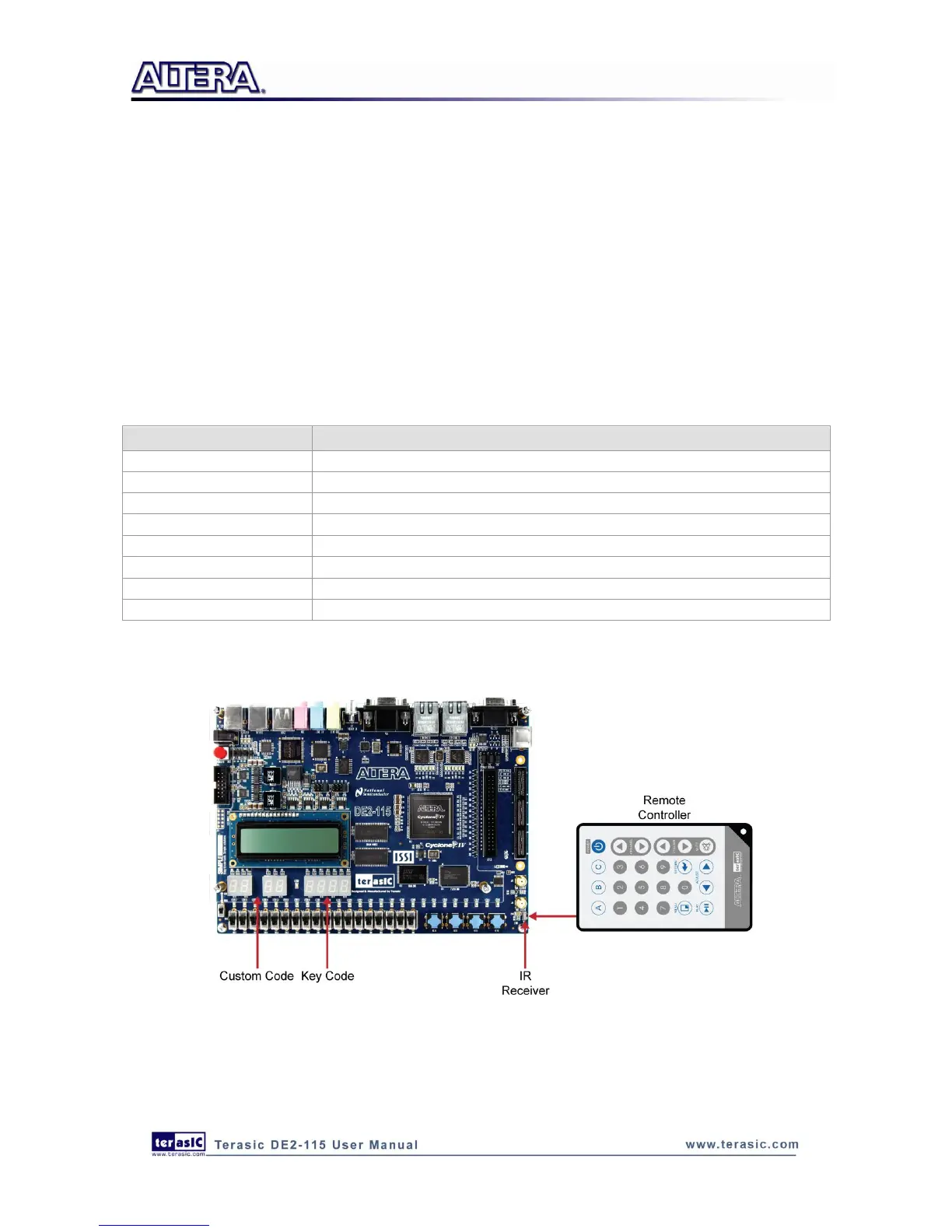
Point the IR receiver with the remote-controller and press any button
Table 6-4 shows how the received code and key data display on eight 7-segment displays.
Table 6-4 Detailed information of the indicators
Figure 6-22 illustrates the setup for this demonstration.
Figure 6-22 The Setup of the IR receiver demonstration



 To Next Page