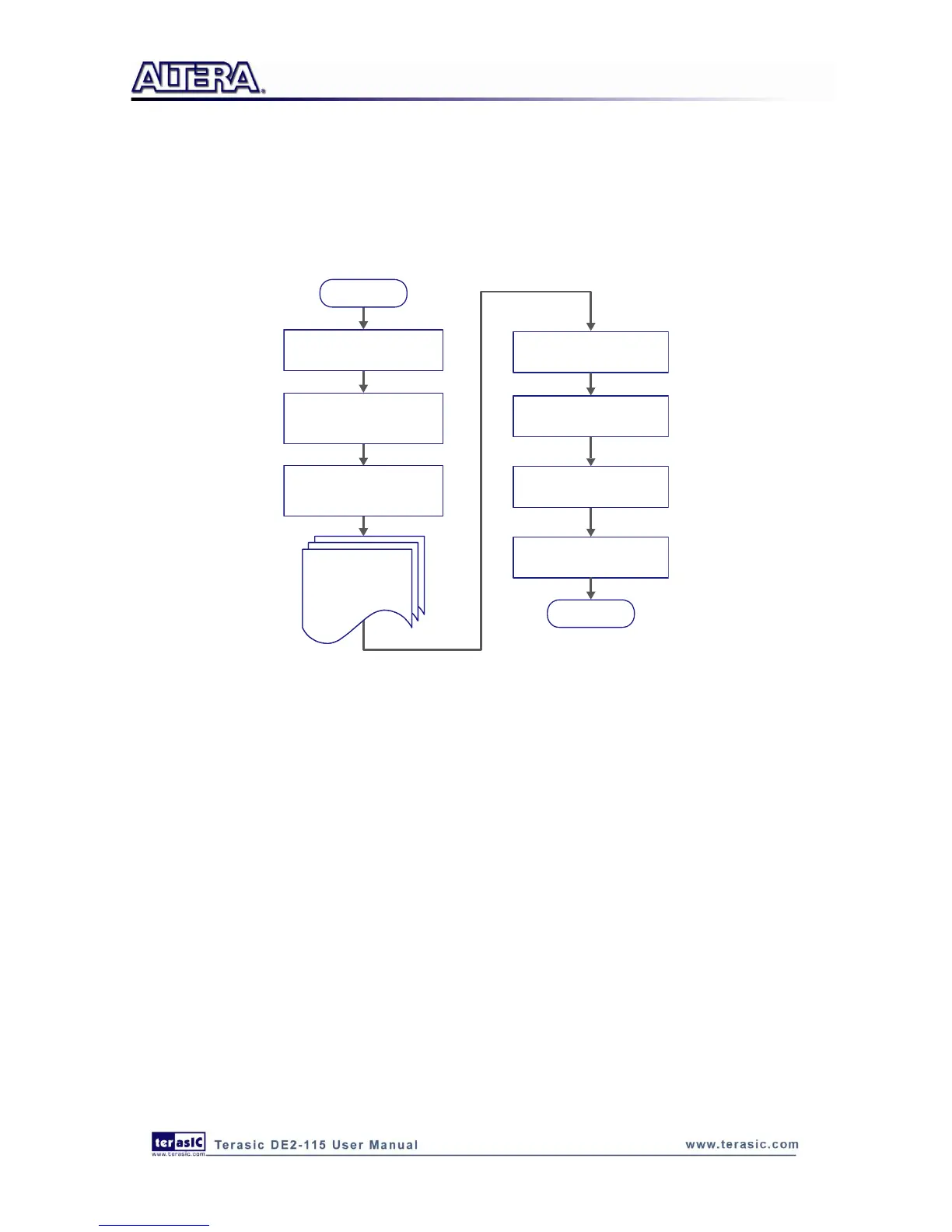
The top-level design file contains top-level verilog HDL wrapper for users to add their own
design/logic. The Quartus II setting file contains information such as FPGA device type, top-level
pin assignment, and I/O standard for each user-defined I/O pin.
Finally, Quartus II programmer must be used to download SOF file to DE2-115 board using JTAG
interface.
Figure 5-1 The general design flow of building a design
5
5
.
.
3
3
U
U
s
s
i
i
n
n
g
g
D
D
E
E
2
2
-
-
1
1
1
1
5
5
S
S
y
y
s
s
t
t
e
e
m
m
B
B
u
u
i
i
l
l
d
d
e
e
r
r
This section provides the detailed procedures on how the DE2-115 System Builder is used.
Install and launch the DE2-115 System Builder
The DE2-115 System Builder is located in the directory:
"DE2_115_tools\DE2_115_system_builder" on the DE2-115 System CD. Users can copy the whole
folder to a host computer without installing the utility. Launch the DE2-115 System Builder by
executing the DE2_115_SystemBuilder.exe on the host computer and the GUI window will appear
as shown in Figure 5-2.



 To Next Page