3
3
.
.
6
6
P
P
S
S
/
/
2
2
D
D
e
e
v
v
i
i
c
c
e
e
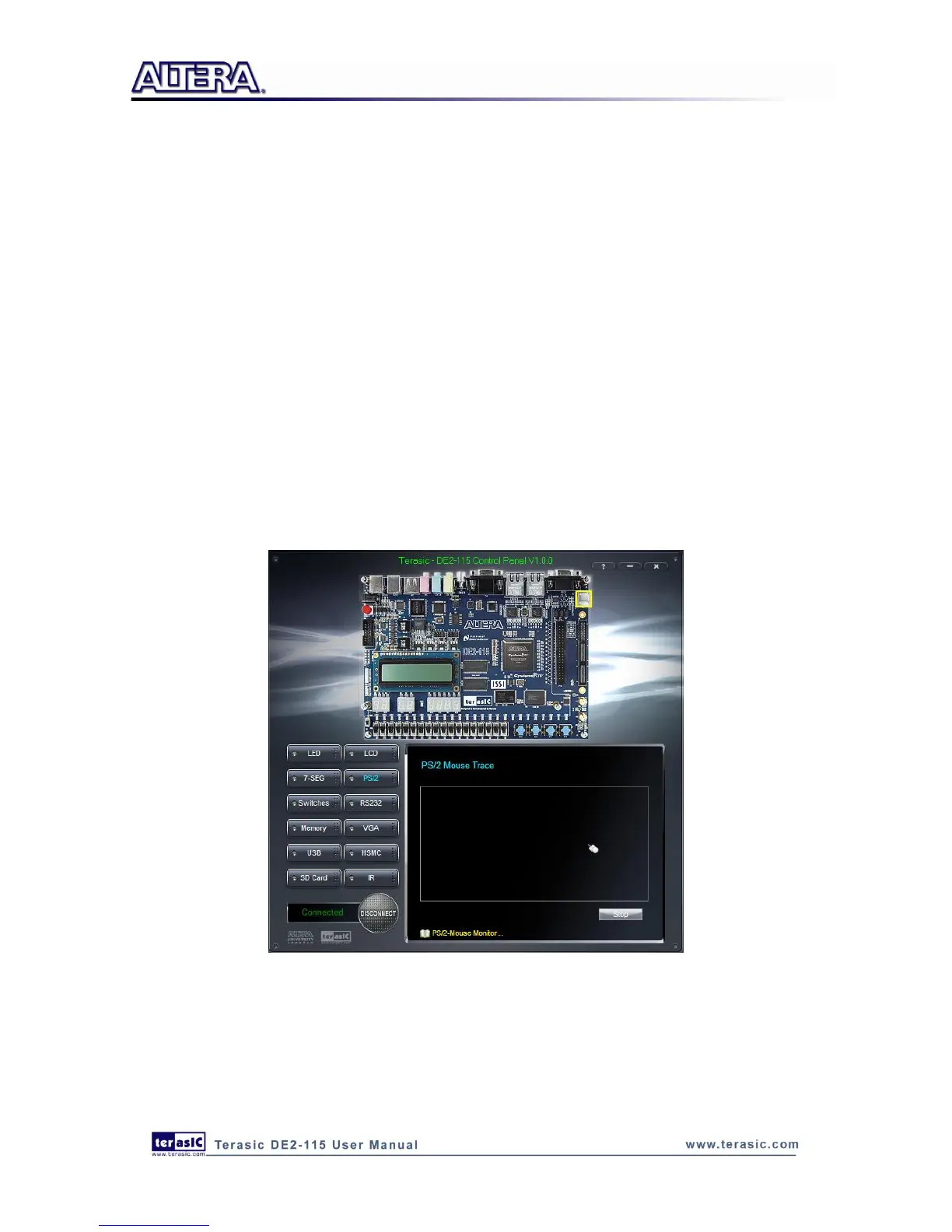
The Control Panel provides users a PS/2 monitoring tool which monitors the real-time status of a
PS/2 mouse connected to the DE2-115 board. The movement of the mouse and the status of the
three buttons will be shown in the graphical and text interface. The mouse movement is translated
as a position (x,y) with range from (0,0)~(1023,767). This function can be used to verify the
functionality of the PS/2 connection.
Follow the steps below to exercise the PS/2 Mouse Monitoring tool:
1. Choosing the PS/2 tab leads to the window in Figure 3-9.
2. Plug a PS/2 mouse to the PS/2 port on the DE2-115 board.
3. Press the Start button to start the PS/2 mouse monitoring process, and the button caption is
changed from Start to Stop. In the monitoring process, the status of the PS/2 mouse is updated
and shown in the Control Panel‟s GUI window in real-time. Press Stop to terminate the
monitoring process.
Figure 3-9 PS/2 Mouse Monitoring Tool



 To Next Page