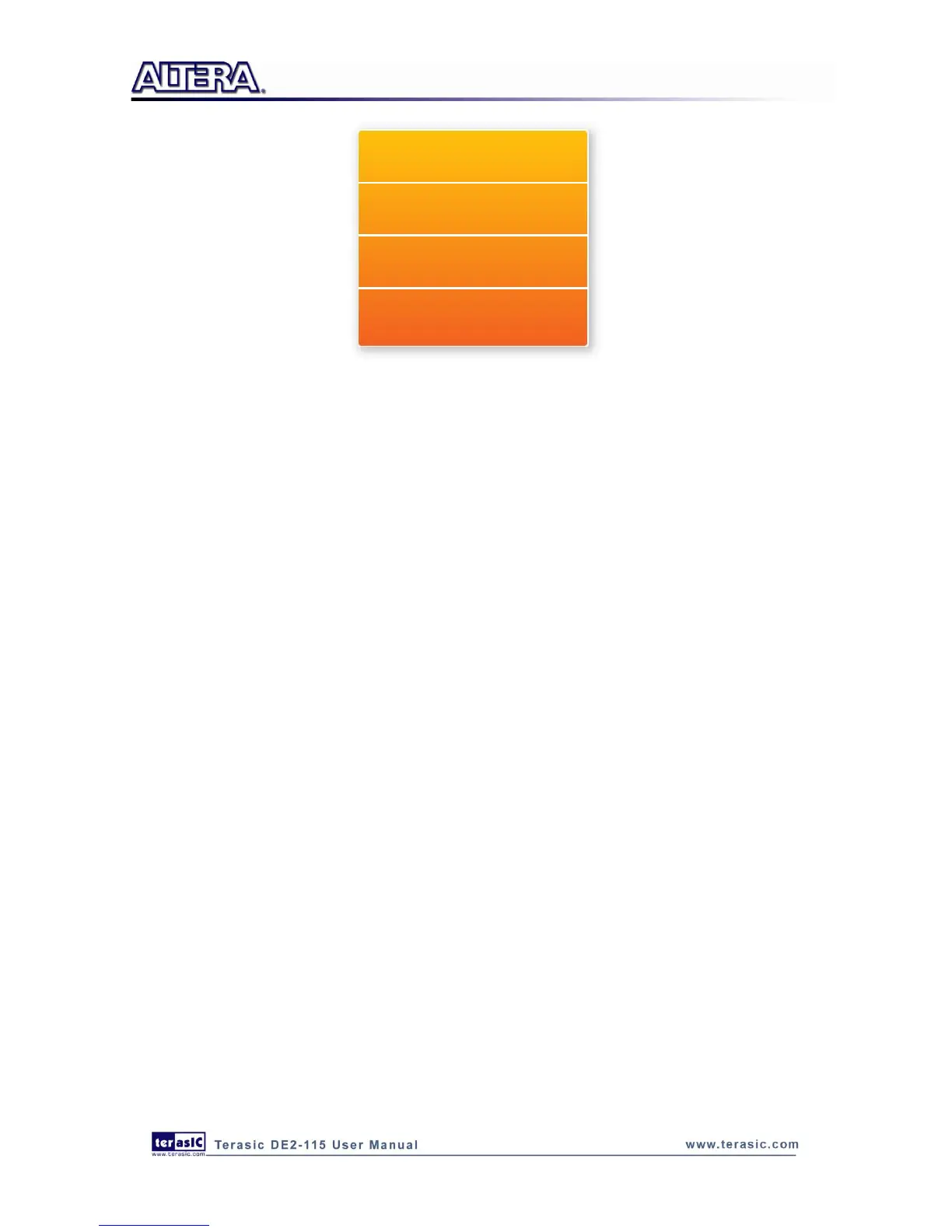
Figure 6-10 Software Stack of the SD Card Demonstration
D
D
e
e
m
m
o
o
n
n
s
s
t
t
r
r
a
a
t
t
i
i
o
o
n
n
S
S
o
o
u
u
r
r
c
c
e
e
C
C
o
o
d
d
e
e
Project directory: DE2_115_SD_CARD
Bit stream used: DE2_115_SD_CARD.sof
Nios II Workspace: DE2_115_SD_CARD\Software
D
D
e
e
m
m
o
o
n
n
s
s
t
t
r
r
a
a
t
t
i
i
o
o
n
n
B
B
a
a
t
t
c
c
h
h
F
F
i
i
l
l
e
e
Demo Batch File Folder: DE2_115_SD_CARD \demo_batch
The demo batch file includes the following files:
Batch File: DE2_115_SD_Card.bat, DE2_115_SD_CARD_bashrc
FPGA Configure File: DE2_115_SD_CARD.sof
Nios II Program: DE2_115_SD_CARD.elf
D
D
e
e
m
m
o
o
n
n
s
s
t
t
r
r
a
a
t
t
i
i
o
o
n
n
S
S
e
e
t
t
u
u
p
p
Make sure Quartus II and Nios II are installed on your PC.
Power on the DE2-115 board.
Connect USB Blaster to the DE2-115 board and install USB Blaster driver if necessary.
Execute the demo batch file “DE2_115_SD_Card.bat” under the batch file folder,
DE2_115_SD_CARD\demo_batch.
After Nios II program is downloaded and executed successfully, a prompt message will be
displayed in nios2-terminal.
Copy test files to the root directory of the SD Card.
Insert the SD Card into the SD Card socket of DE2-115, as shown in Figure 6-11.
Press KEY3 of the DE2-115 board to start reading SD Card.
The program will display SD Card information, as shown in Figure 6-12.



 To Next Page