malletKAT User Manual (ver.07-17-18)
you want to save a new permanent threshold level, perform the Global Threshold Adjust procedure described
below.
Don’t lean on the pads when you step on the edit footswitch as this will raise the thresholds of the pads, making
them very in-sensitive. If this should happen, press and release the Edit again (without touching any pads) and
this will make the pads playable again.
To Change the malletKAT Pad Sensitivity Thresholds GLOBALLY
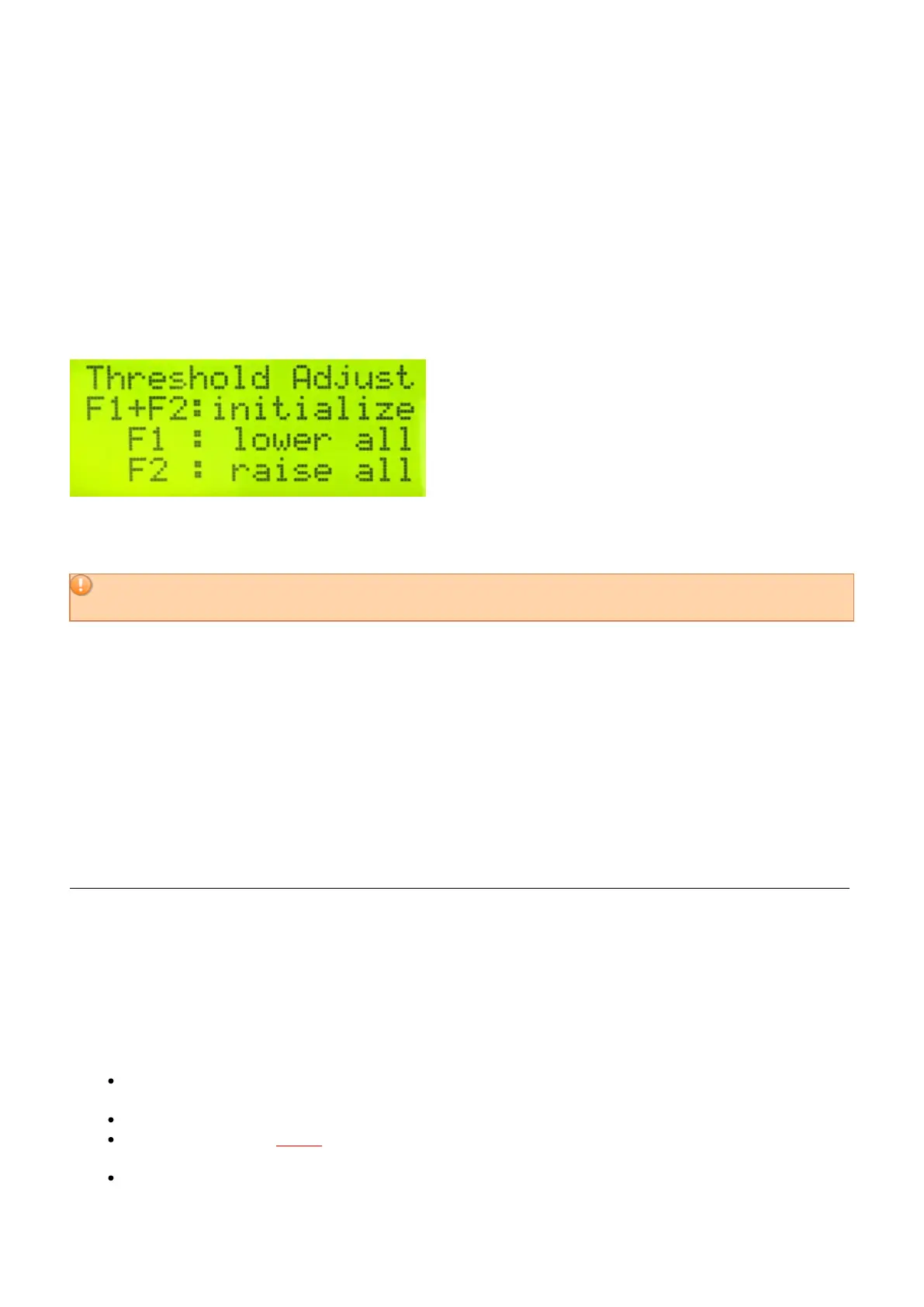
Step on the Edit footswitch and Sustain 2 pedal at the same time. The display changes and says “Threshold
Adjust”
Use the BACKWARDS pad to lower the threshold to make the instrument MORE sensitive.
Use the FORWARD pad to raise the threshold to make the instrument LESS sensitive.
Be careful not set the thresholds too low, or the instrument may start playing itself. If you raise it up too high,
it will take a harder hit in order to get the instrument to respond.
To REINITIALIZE your malletKAT Pad Sensitivity Thresholds back to “safe”
settings
Step on the Edit Footswitch and the Sustain 2 at the same time, and while they are depressed hold down
both the “Backward” and Forward” small Function pads.
Your malletKAT will read the present idle levels of
your Pads and put your Thresholds at safe settings for you.
Understanding the Threshold Readings / Troubleshooting an Individual Pad
If you have a pad that is not behaving well, start by comparing it’s Actual Threshold value to others. It is normal
that the threshold numbers of each pad may differ slightly.
If the individual pad is off by a significantly larger value (meaning an “oversensitive” pad) – this can indicate that
the pad is misaligned on the sensor, or the pad is adhered a little too tightly. This can happen when the instrument
is subjected to hot or cold. In this situation, you can try the following:
Reinitialize the instrument to remove any saved threshold or training settings (Edit footswitch and press
down both Forward/Backward at the same time).
Unplug the instrument completely and turn it on and off to make sure there’s no capacitance being stored.
Take your fingers and gently
peel no more than an 1/8? all the way around the pad. If you peel it too far,
you will have trouble getting it reattached!!
Turn the instrument back on and check that pad threshold against others again.
31 / 109



 To Next Page