malletKAT User Manual (ver.07-17-18)
You can also disable sending out this initial Volume change by setting the volume value to “NO” (between 0 and
127). (You may see this when first making changes to Controller Two)
Set the playing range for the patch (Octave range).
Remember that MIDI allows for a patch to extend a maximum of ten octaves! Since your malletKAT only allows
you to play from two to five octaves, you will need to adjust the octave range of your instrument to where you are
expecting to play pitches.
To set the octave range for this Controller, with the Edit footswitch down, tap the Octave pad (E natural top
octave). Adjust up or down with the Increment/Decrement pads.
You can extend the playing range of the instrument by temporarily shifting the octave range up or down with a
footswitch by setting Controller 2 to use the same patch in a different octave! Keep reading this section for setting
up Controller Two on your User Kit.
Program Changes, Channel, Volume, and Octave range are the MINIMUM that you will need when setting
up your User Kit. To make additional adjustments to things like Gate Time, Transposition, Velocity
settings, etc… refer to the sections Editing Functions – Pad Shortcuts(https://alternatemode.com/online-
docs/malletkat/#editing-functions-pad-shortcuts)
and Kit Auxiliary Screens (Alphabetical)(https://alternatemode.com/online-docs/malletkat/#kit-auxiliary-
screens)
Do you only want to use one sound patch? If so, you’re done! Otherwise…
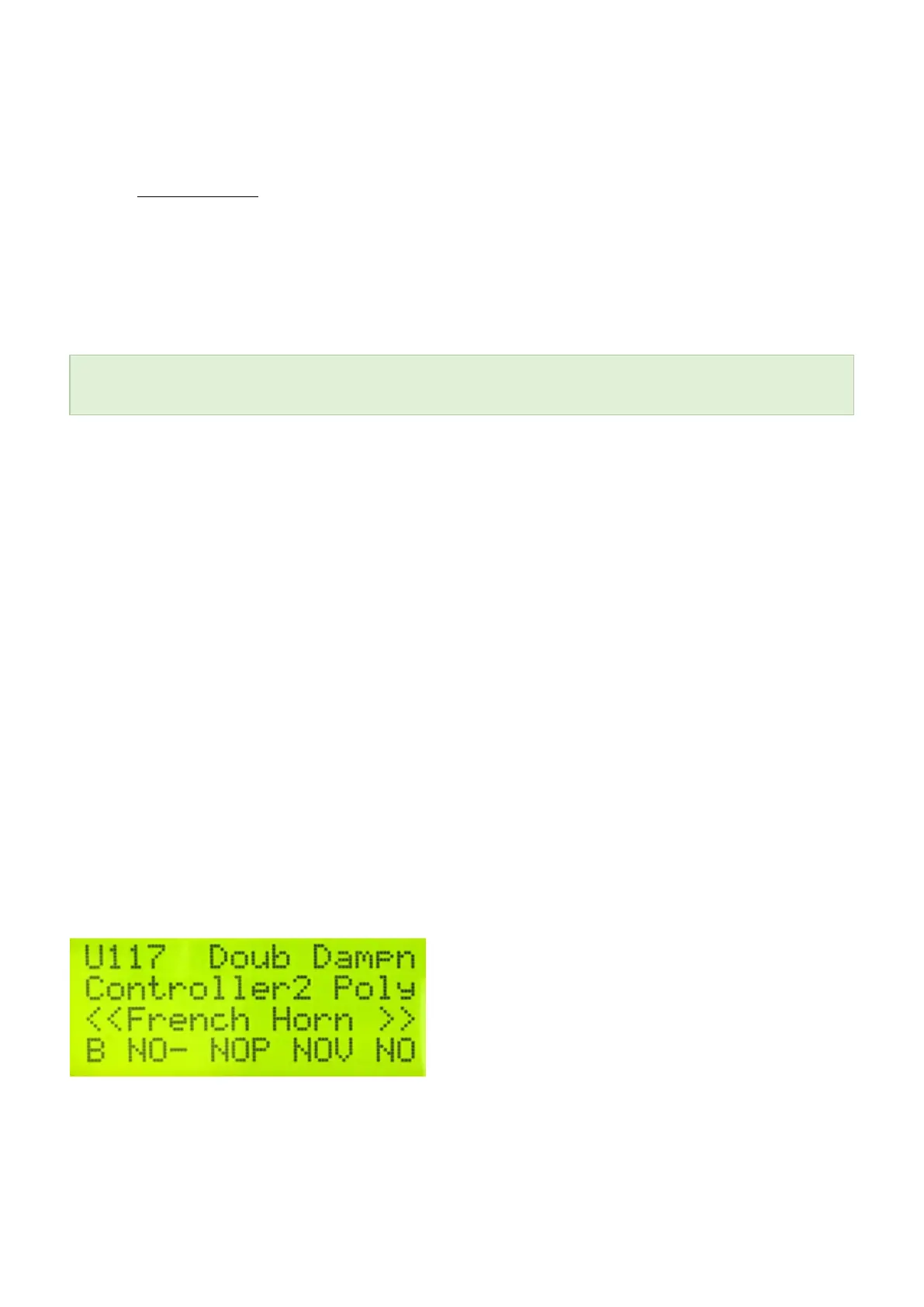
Set up Controller Two.
You can set up Controller Two in an identical manner to Controller One. The most important things to
remember are:
— If you want to use two different sound patches, then Controller One and Controller Two must use different
MSB/LSB/Program numbers AND broadcast on different MIDI channels!
— If you want to use the SAME sound patch for things like using Hang Mode to extend the octave range of your
malletKAT, then make sure to set Controller Two on the SAME MIDI channel, and set the Program Change and
Volume values to “NO”!
Rename Your User Kit to Something “Useful”
52 / 109



 To Next Page