malletKAT User Manual (ver.07-17-18)
If you are using a Kurzweil Internal Sound card, or Alternate Mode’s GIGKAT – Make sure the MIDI Routing
listed here is set to “Internal” (or “Int”) !!! If it does NOT say “Int” – see MIDI IN and MIDI
Routing(https://alternatemode.com/online-docs/malletkat/#midi-in-and-midi-routing)
How to Disable Sending Program Changes:
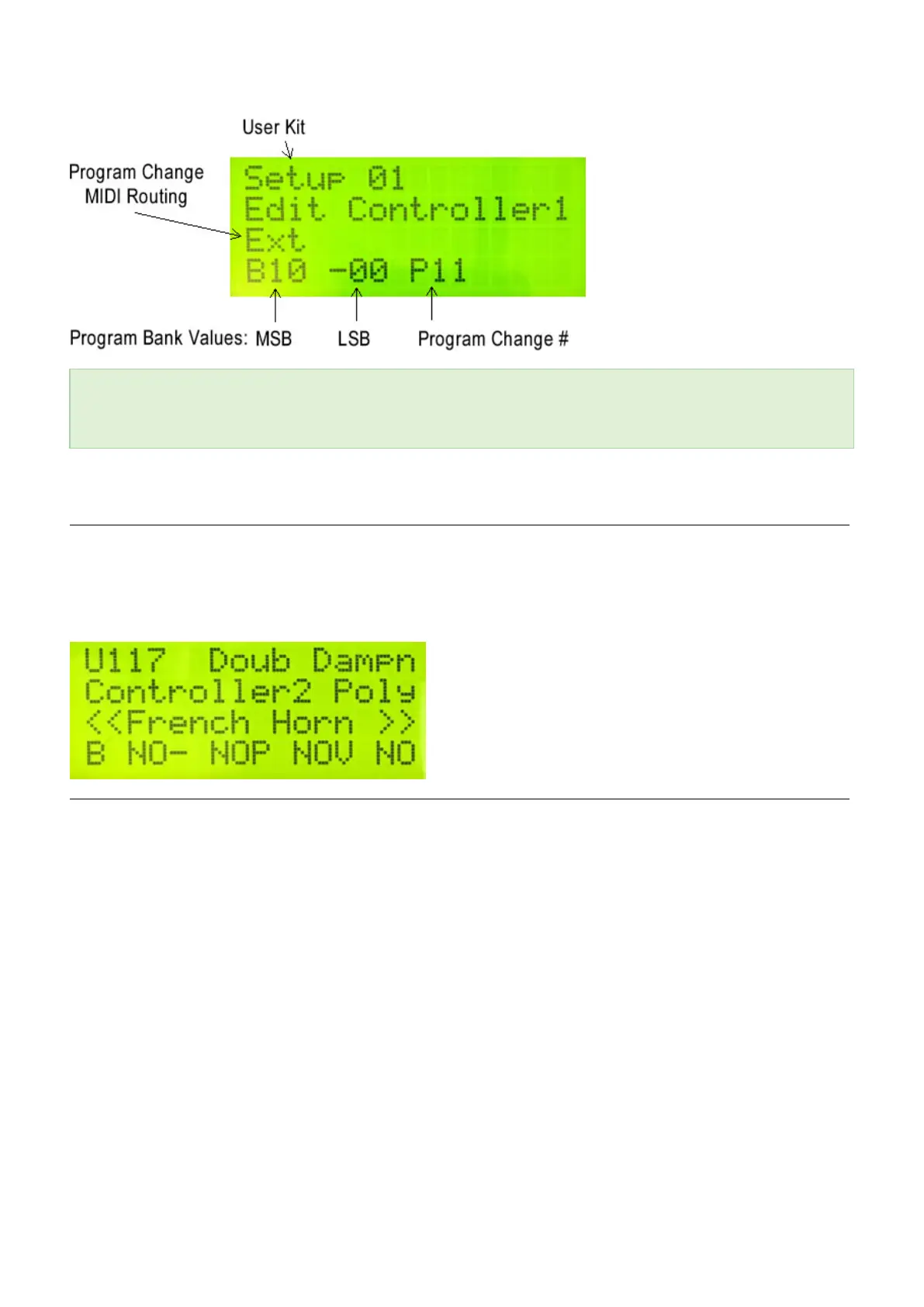
You can disable the Controller from sending out initial Program Change data by setting the Program Change
number to “NO” (scroll between 0 and 127). This also prevents MSB and LSB from being sent. (You may see this
when first making changes to Controller Two)
Set the MIDI Channel
When this User Kit is first selected for use, this tells the sound source what MIDI channel to place your Program
Change, and then routes the performance data for this Controller to this channel.
To set the MIDI Channel for this Controller, with the Edit footswitch down, tap the Channel pad (B natural middle
octave).
Set the initial patch volume
When this User Kit is first selected for use, this tells the sound source where to set the initial volume for the patch.
This is helpful in “blending” slight variances in volume from one patch to another, and also provides a “baseline”
before using a controller pedal to change volume.
To set the initial volume for this Controller, with the Edit footswitch down, tap the Volume pad (B natural top
octave)
51 / 109



 To Next Page