DE-3000 IOI 7-17
All rights reserved © ALTRONIC, LLC 2017
52
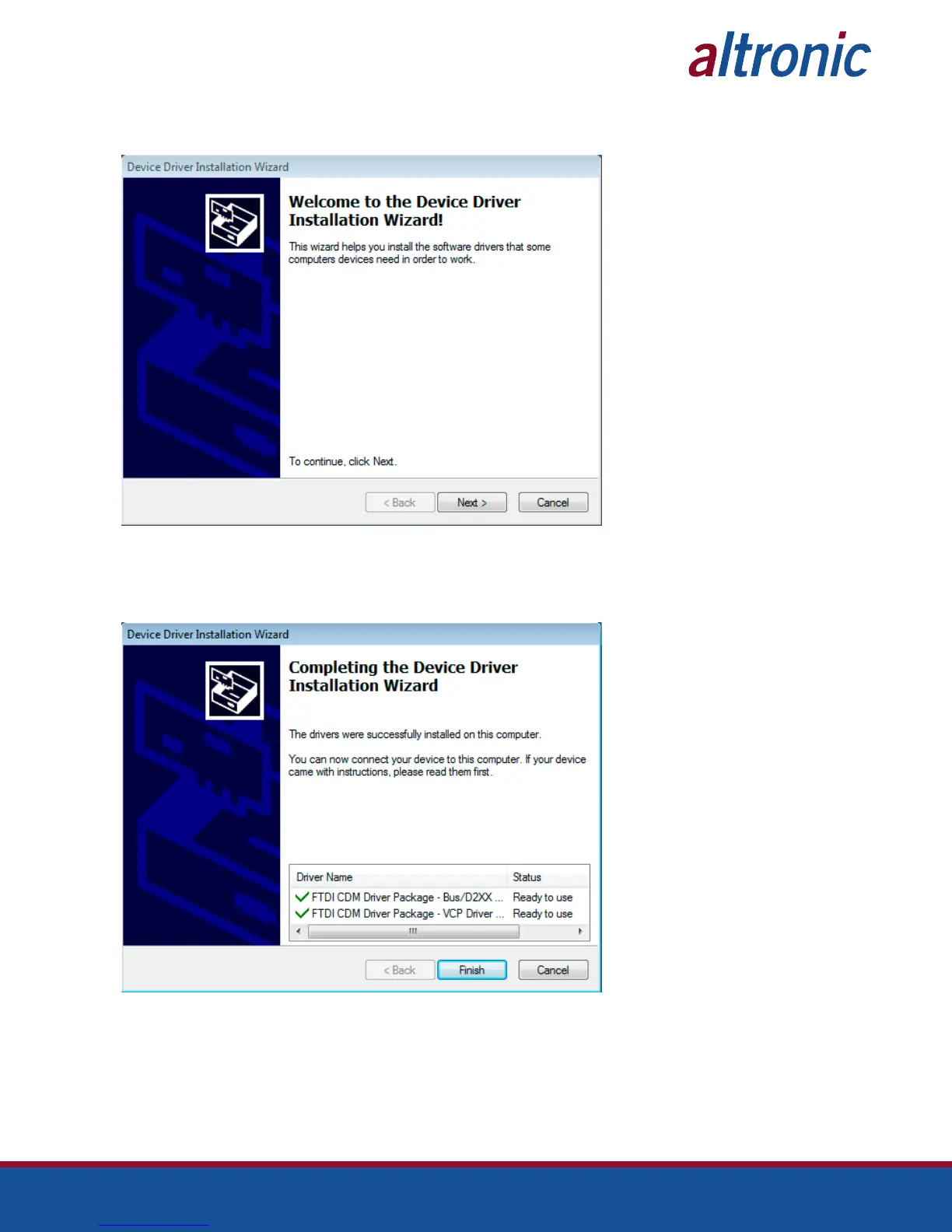
28.4 Once extracted, the Installation Wizard will begin running. Click ‘Next’ to install
the drivers.
28.5 When the installation completes, ensure that the drivers were successfully in-
stalled and ready to use as noted in the screen below. The device is now able to
connect to the PC and be configured using the terminal program.
28.6 Click “Finish” to complete the installation.



 To Next Page