Commissioning
Amatron+ BAG0063.1 03.10 35
10.
, Press the key until the read-
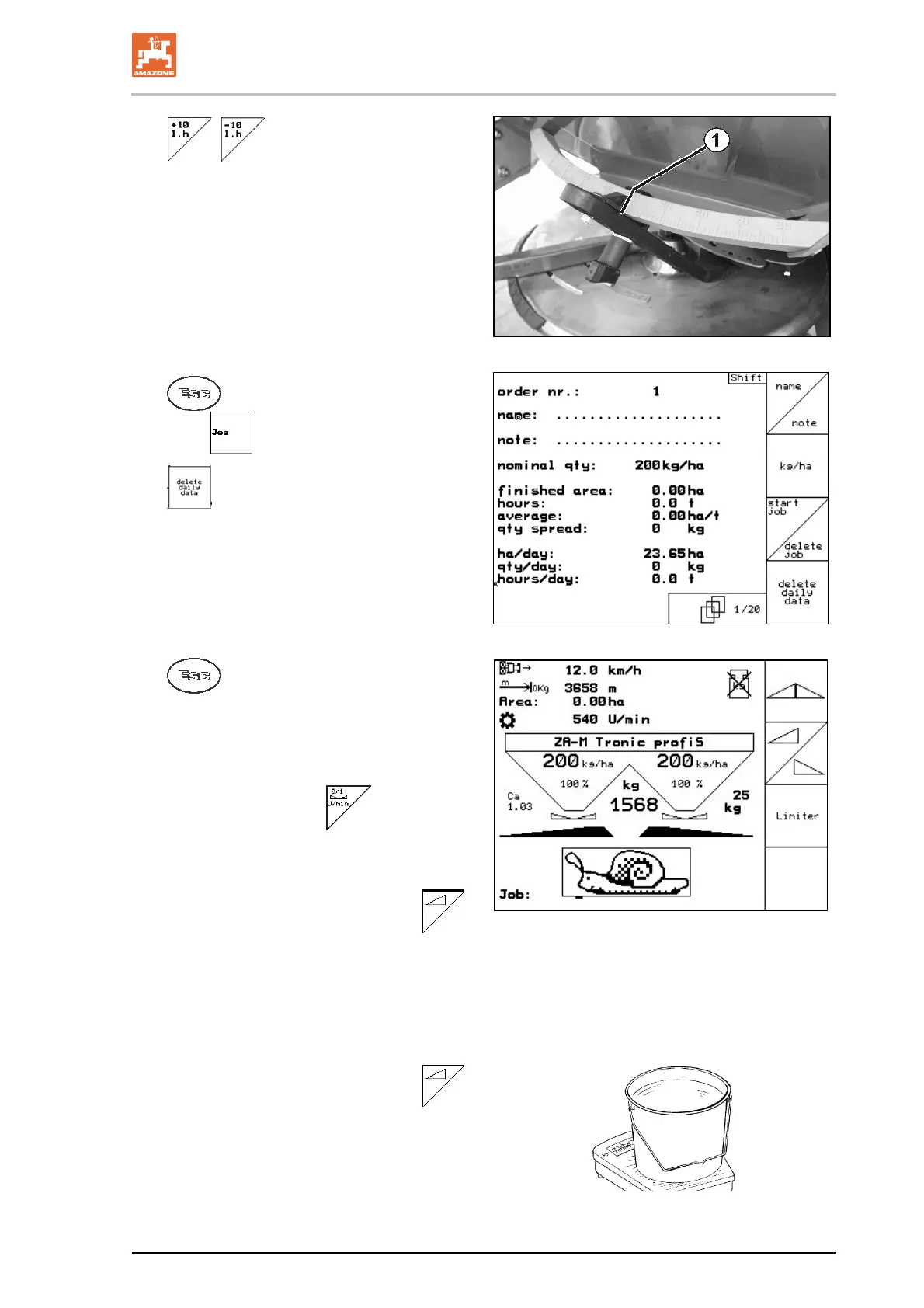
off edge (Fig. 42/1) of the left dosing slider
shows the require
d slider position.
Fig. 42
11.
Switch to the job menu via the main
menu
(Fig. 43).
12.
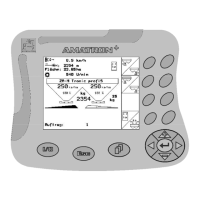
Delete the day's date in the started
job (Fig. 43).
Fig. 43
Fig. 44
13.
Switch to the work menu
(Fig. 44).
14. Switch on sp
reading disc drive.
Set the power take-off on the tractor as
per the settings chart.
ZA-M Hydro
15. Open the left slide gate.
Operate controller.
ZA-M Hydro/Comfort:
.
The theoretically spread area is displayed in
the work menu.
16. If the display shows approx. 1 ha spread,
close the left slide gate.
Operate controller.
ZA-M Hydro/Comfort:
.
17. Switch off spreading disc drive.
18. Weigh the collected slug pellets (allow for
the weight of the collection bucket).


 To Next Page