PARSTAT MC Hardware Manual
PARSTAT MC Hardware Manual 13
3.3. Connectors and Indicators
3.3.1. Rear Panel
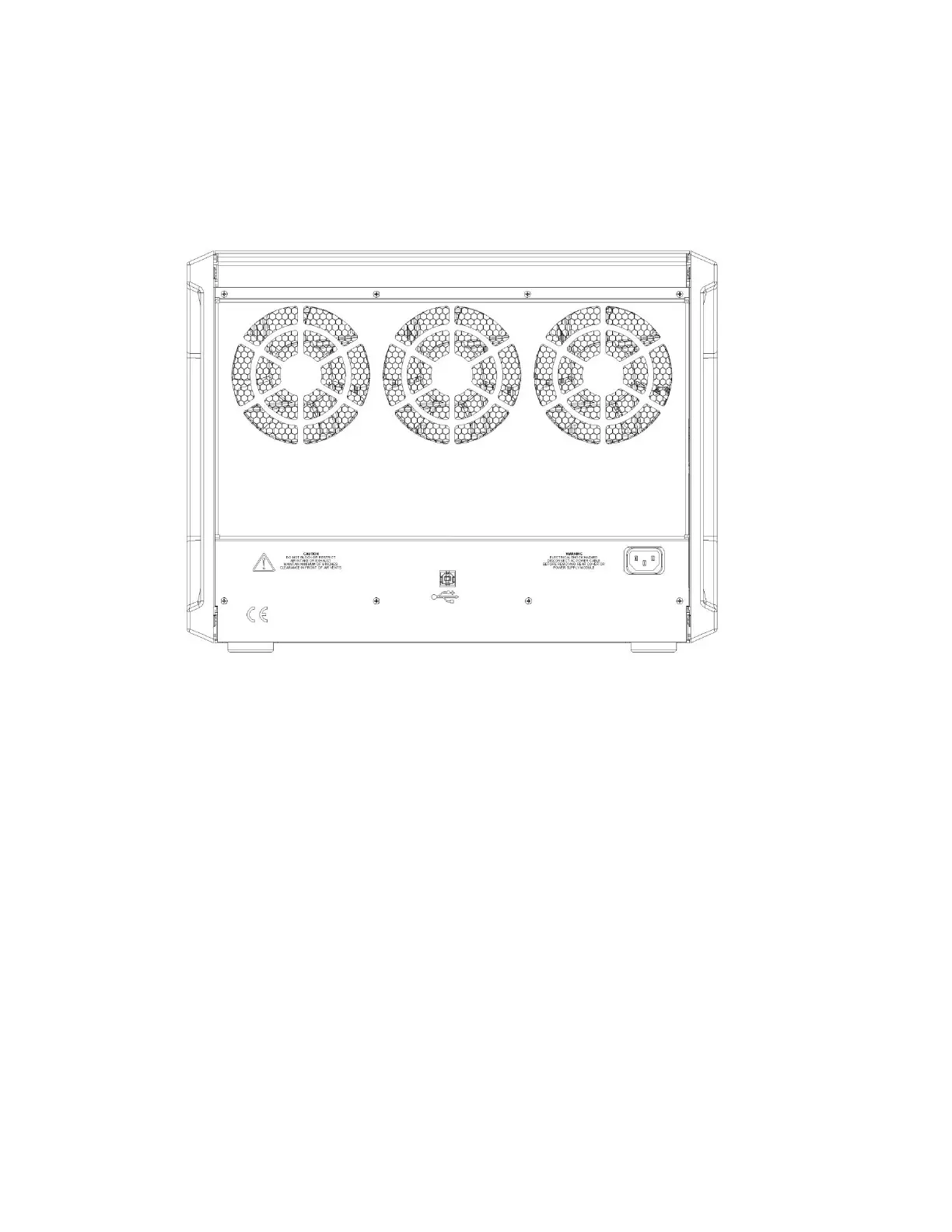
The PARSTAT MC rear panel is shown in the figure below
Figure 4. Rear panel of PARSTAT MC (PMC CHS08A Chassis)
3.3.1.1. INPUT POWER
120-240-V; the supplied AC power cord can be connected to 120-240
3.3.1.2. USB
Attach the supplied USB cable to this connector and to the USB connector on the PC. You can connect to
and disconnect from the PC without shutting down or restarting Windows or VersaStudio.
3.3.2. Front Panel
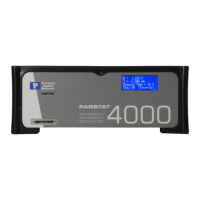
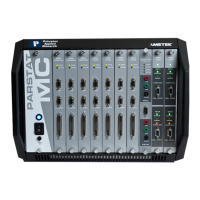
The PARSTAT MC front panel is shown in the figure below.





 To Next Page