PARSTAT MC Hardware Manual
PARSTAT MC Hardware Manual 36
Insert the thumbscrews into the threaded holes in the chassis and turn the thumbscrews clockwise (toward
the right) until they are finger tight.
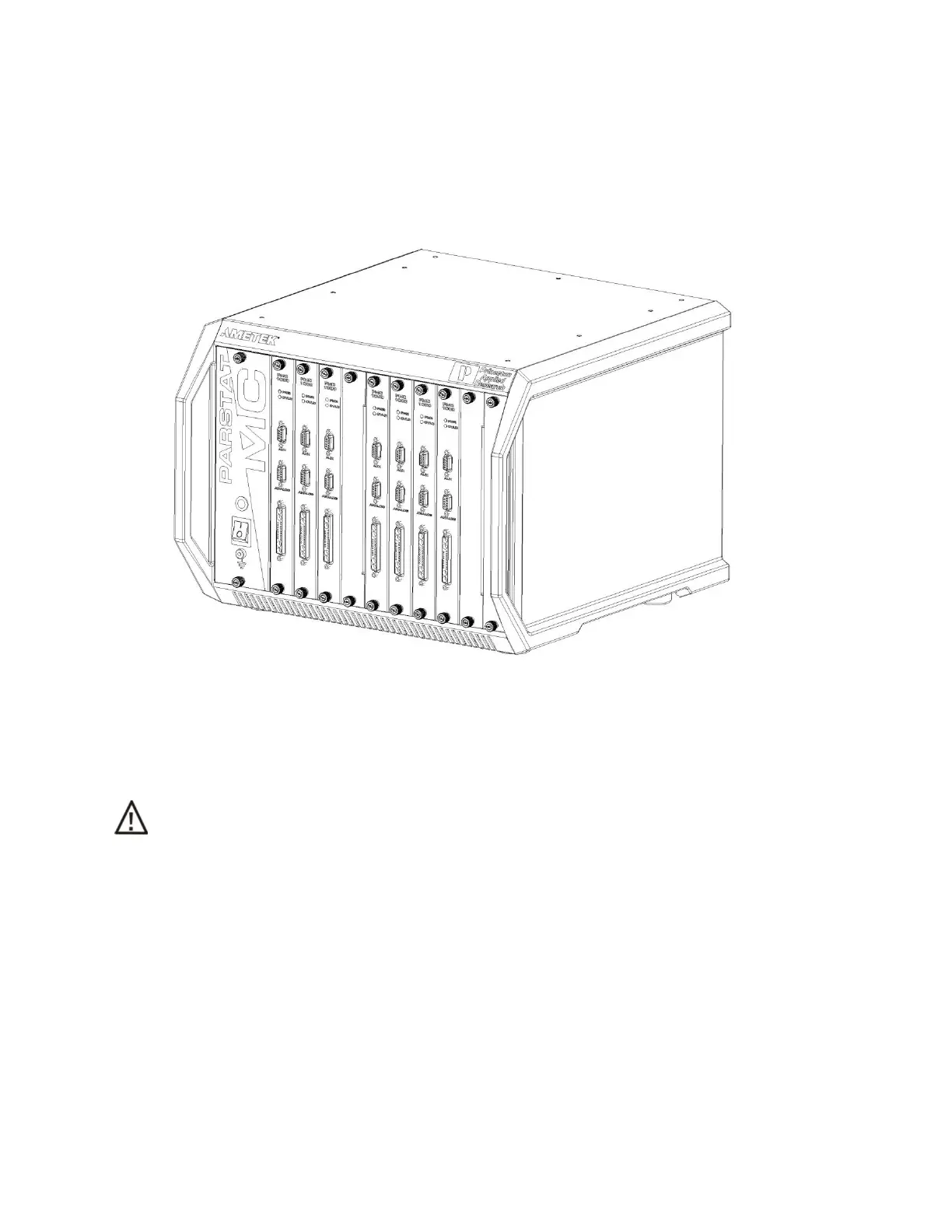
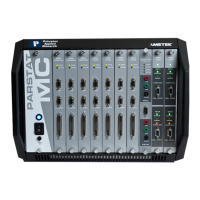
Figure 30. PMC CHS08A with a 7 x PMC-1000 and 1 x Blank Module in place.
When the replacement potentiostat module arrives, unpackage the new module and remove the blank
module from the chassis.
CAUTION Do NOT operate the PMC with an empty slot any longer than necessary to insert another
module into that slot.
Consult the Installing New Potentiostat section in the document once the new potentiostat arrives.
4.5. Replacing the Fan Module
To replace the fan module, first toggle the main power switch down (O) to the OFF position. THEN
DISCONNECT THE AC MAINS POWER CABLE FROM THE BACK OF THE INSTRUMENT.





 To Next Page