PARSTAT MC Hardware Manual
PARSTAT MC Hardware Manual 35
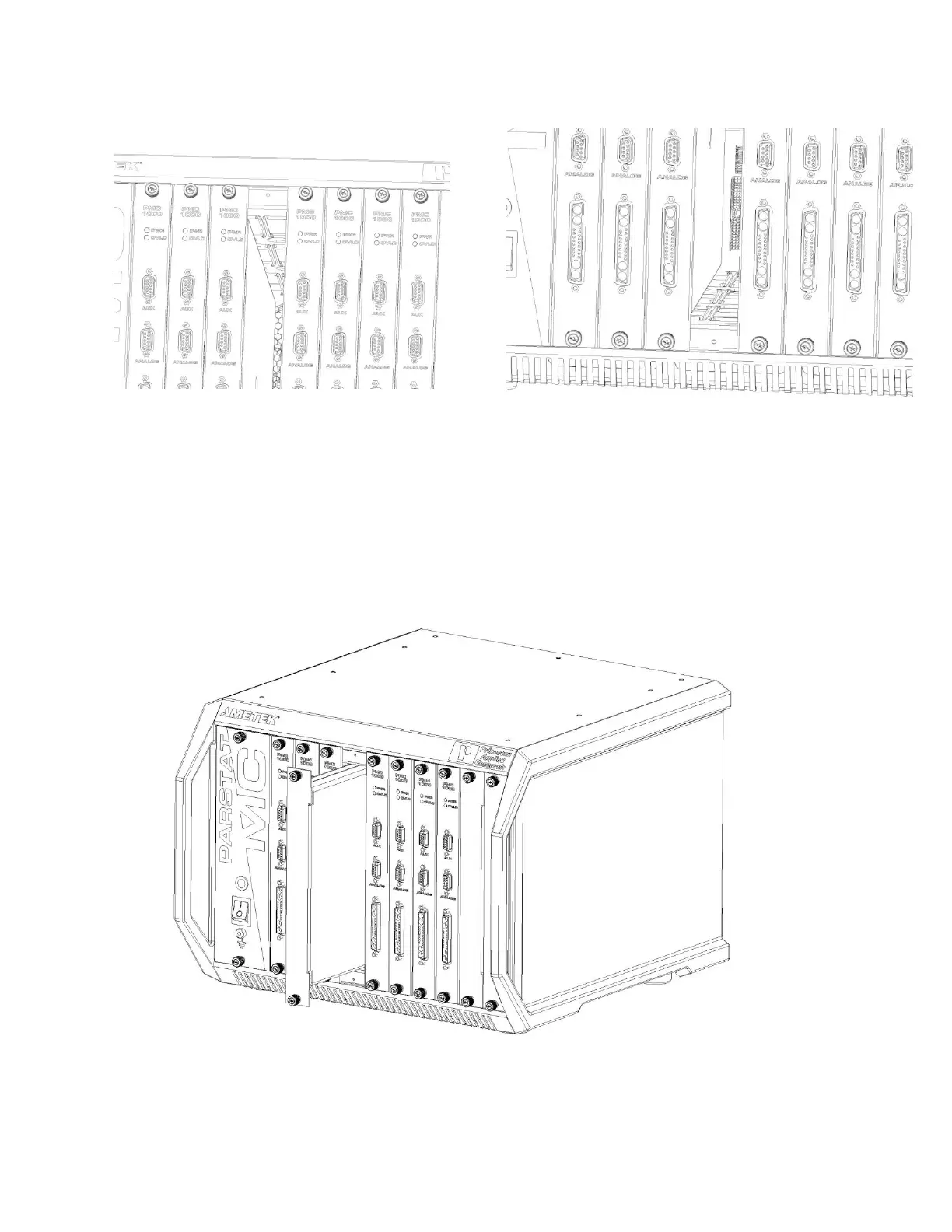
Figure 28. PMC CHS08A with card guides identified for installation of new PMC-1000
Align the top and bottom locating edges of the new blank module with the top and bottom card guides in
the chassis. Slide the blank module into the chassis until the front panel of the module meets the front of
the chassis.
Figure 29. PMC CHS08A with a temporary Blank Module being installed .






 To Next Page