PARSTAT MC Hardware Manual
PARSTAT MC Hardware Manual 14
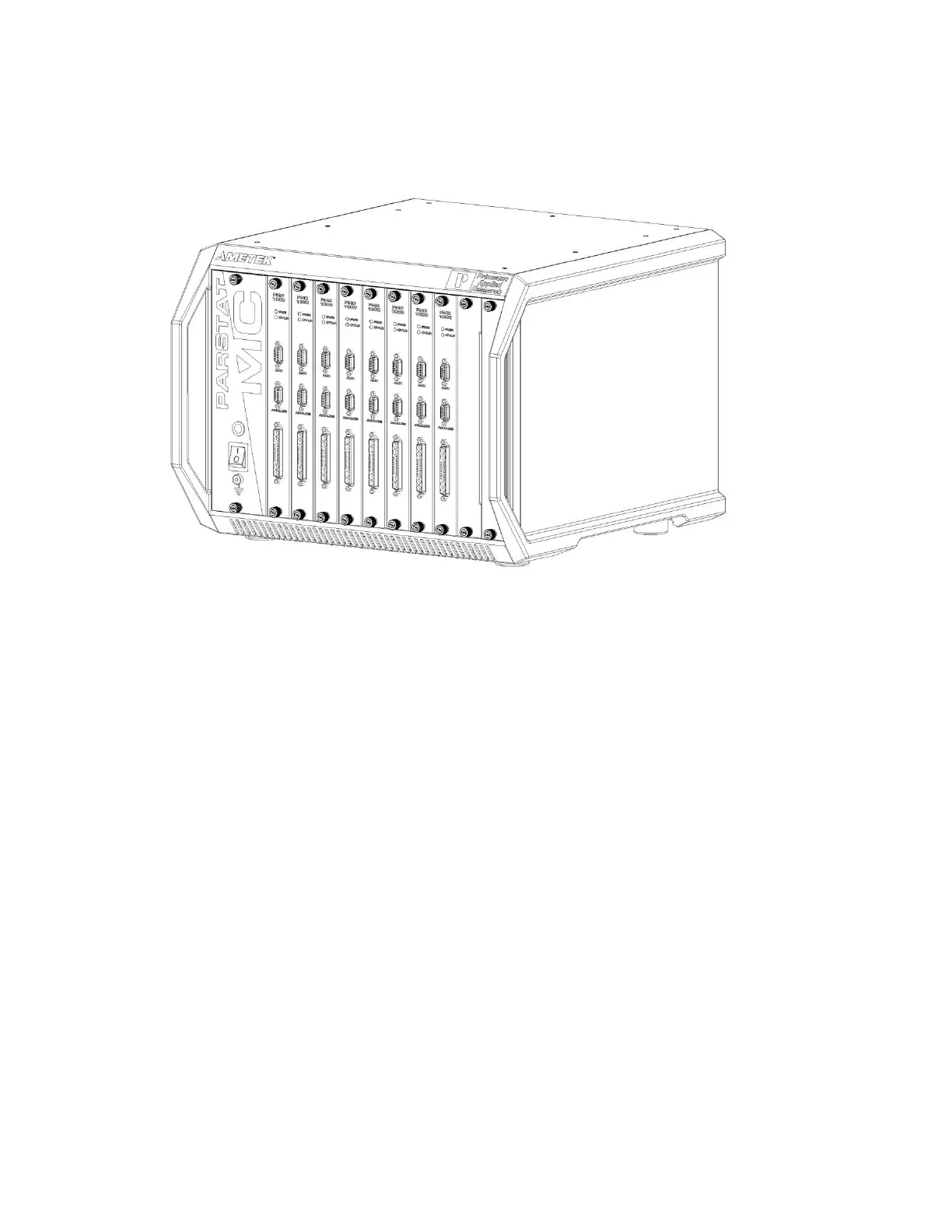
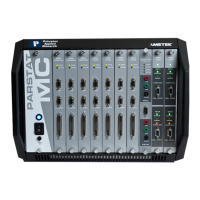
Figure 5. Front panel of PARSTAT MC (PMC CHS08A Chassis)
3.3.2.3. CELL CABLE Connector The cell cable connector provides a means of connecting a cell cable to
the instrument. The cell cable is described in more detail below.
3.3.2.4. INDICATORS
OVERLOAD: This red LED lights if the working electrode current exceeds 2x the full-scale current range.
POWER: This green indicator lights when the PMC-1000 channel is powered on.
3.4. Connecting to the PC and Cell
This section gives instructions on connecting the PARSTAT MC to the host PC and to electrochemical cell
and other equipment.
3.4.1. Connecting to the PC
The PMC CHS08A is shipped with a standard USB cable. Connect it between the rear-panel USB
connector and a USB port on the PC. As noted above, it is not necessary to shut down and restart Windows
or VersaStudio.





 To Next Page