PARSTAT MC Hardware Manual
PARSTAT MC Hardware Manual 29
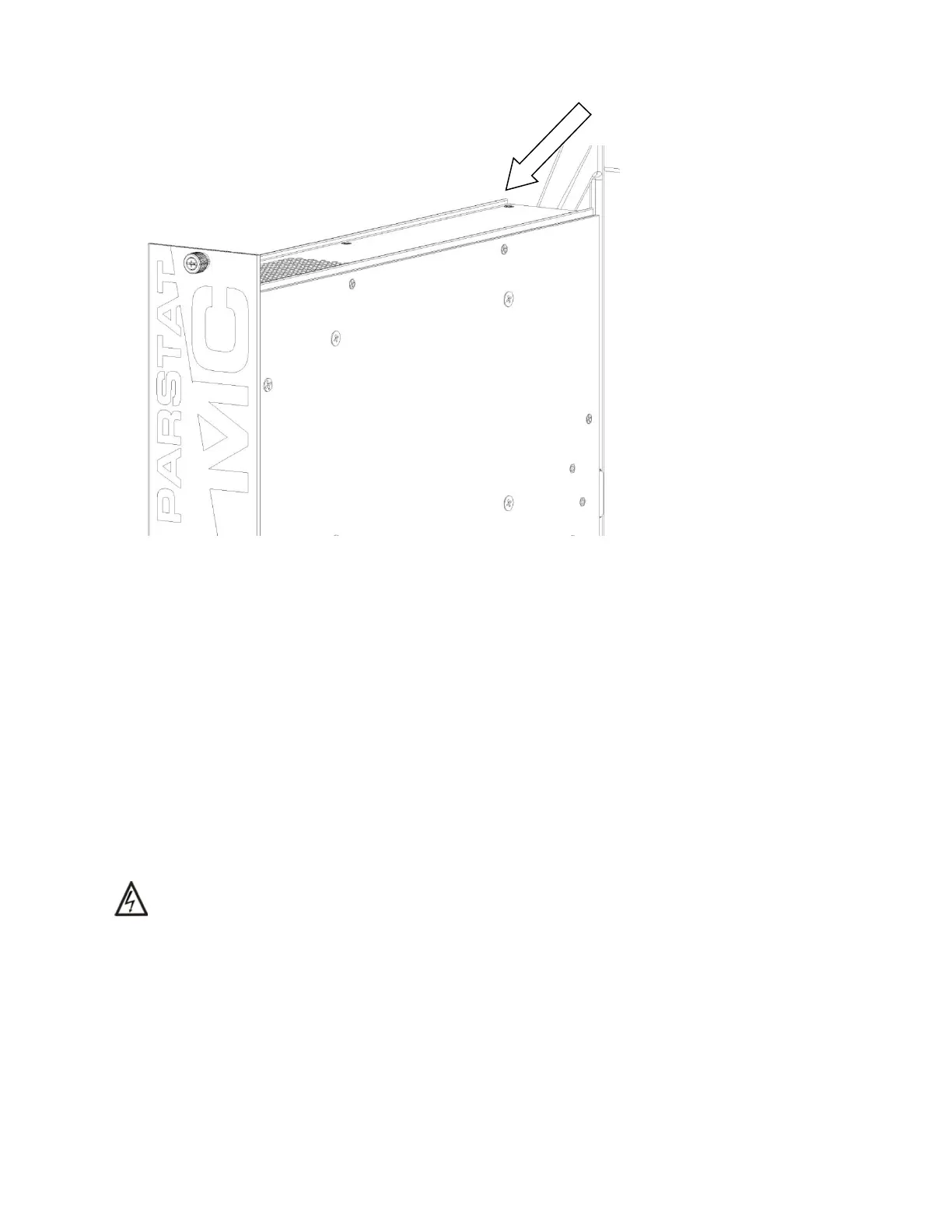
Figure 21. PMC PWR01 power supply with card guides identified.
Slide the power supply module into the chassis until the front panel of the module meets the front of the
chassis. Fasten the thumbscrews to the chassis by inserting them into the threaded holes in the chassis
and turning them clockwise (toward the right) until they are finger tight.
Connect the AC mains power cable to the back of the instrument and toggle the main power switch up (I)
to the ON position.
4.2. Replacing a Fuse on the Power Supply Module
To replace a fuse on the power supply module, remove the power supply module from the instrument as
shown in the section Replacing a power supply module.
WARNING Do NOT remove the power supply module from the chassis without first disconnecting
the AC mains power cable from the instrument.






 To Next Page