PARSTAT MC Hardware Manual
PARSTAT MC Hardware Manual 41
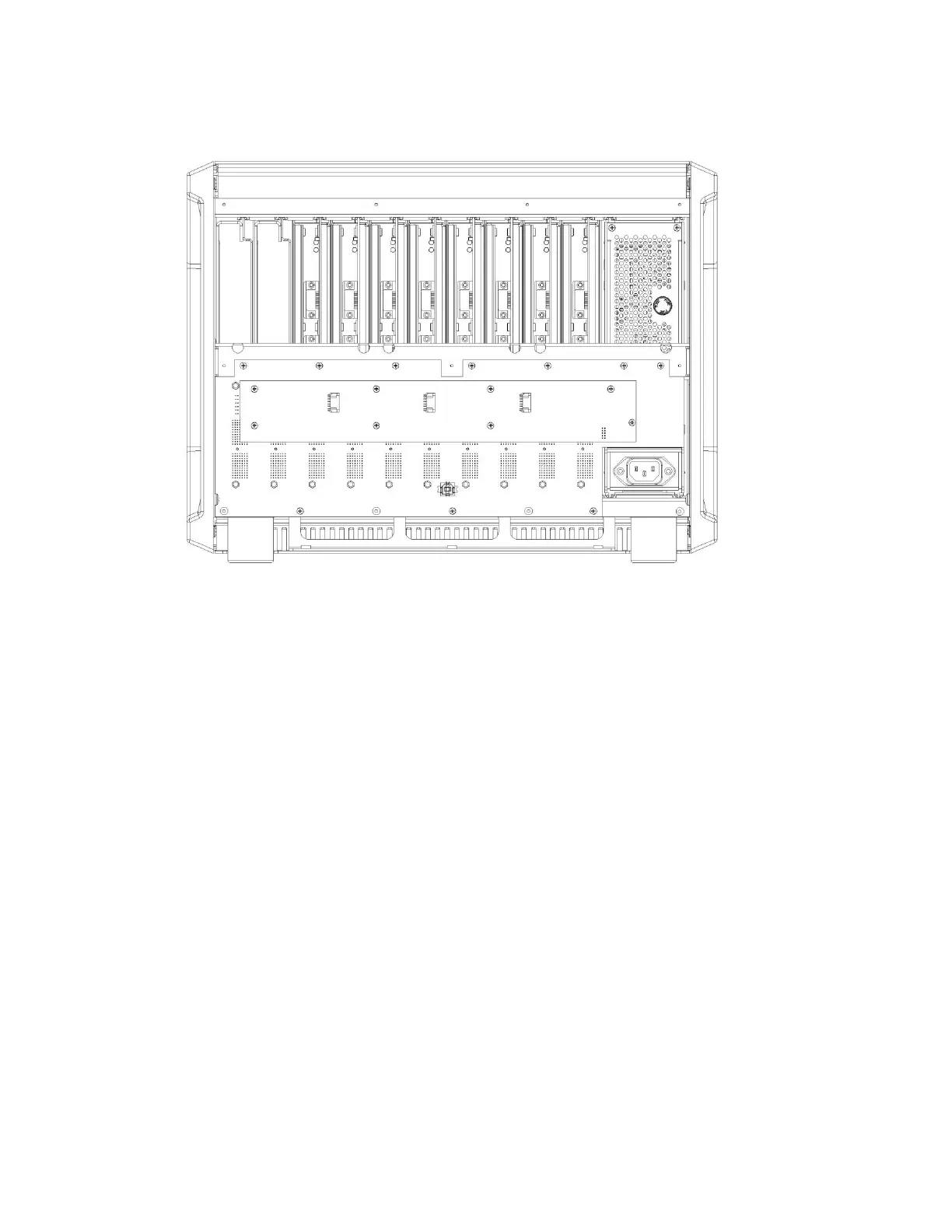
Figure 35. PMC CHS08A shown with the PMC FAN01 removed.
Pull the fan control card straight back from the backplane. When the fan control card is disconnected from
the backplane, the fan control card and the fan module may be packaged for shipment to the factory.
To install the new fan control card, hold the card so that the side of the fan card with the three fan connectors
is facing out away from the chassis, and the connector to the backplane is in the bottom right corner position.
Push the fan card into the connector on the backplane, being careful that all pin positions are aligned. Then
insert the eight screws that hold the fan card to the backplane.






 To Next Page