106 ARX 4
1208531 | 03.07.2012
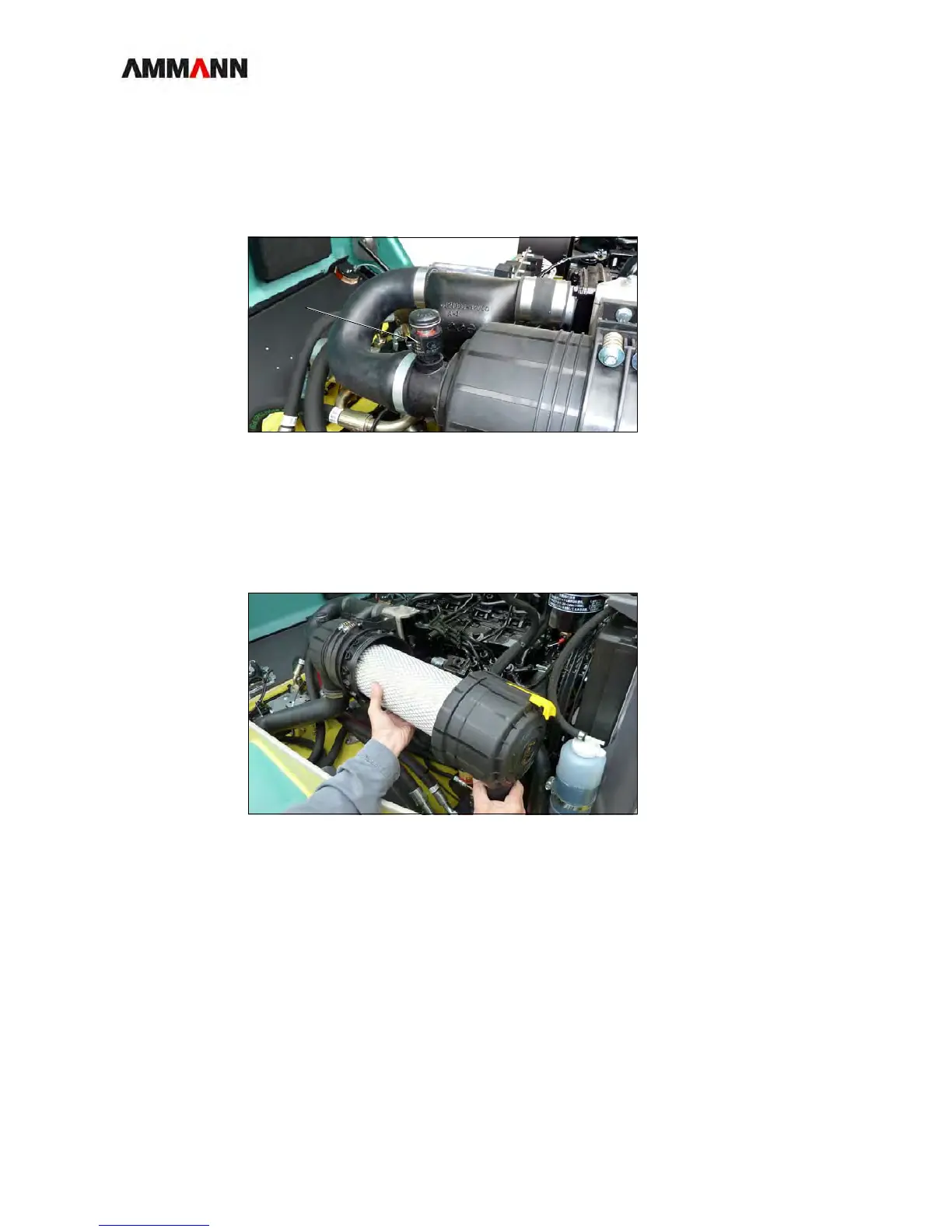
Soiling indicator 1 If a red ring appears on the soiling display (1) during operation of the roller, you
must:
2a clean the air filter cartridge,
2b or replace it.
Fig. 9-28 Soiling indicator
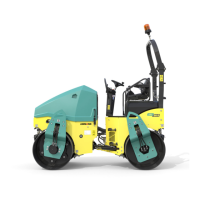
Air filter cartridge 1 Check the air filter cartridge for:
2a Damage: replace the cartridge.
2b Soiling: clean the cartridge.
Fig. 9-29 Air filter cartridge
Air intake 1 Check the air intake for soiling.
1.1 Clean the intake, if necessary.



 To Next Page