Page 51
EWCIE Technical Manual
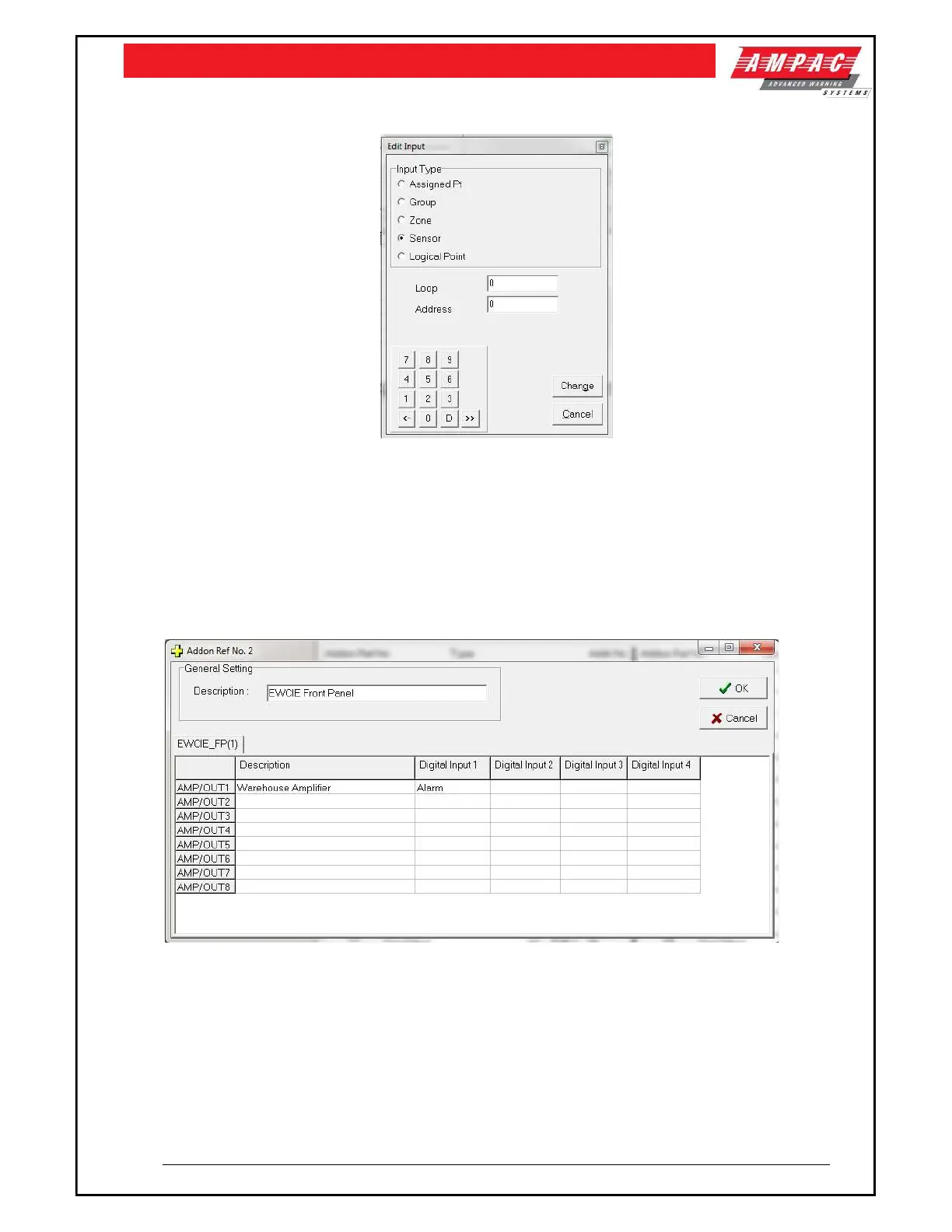
To input a condition to activate each of the inputs, the following dialogue box is used:
This dialogue box allows assigned points, group, zone, sensor or logical to be assigned to activate the
selected input.
The EWCIE can be programmed to respond to an alarm signal in two ways.
The first way is to ONLY use the alarm signal (input #1 – section 5.2). How the EWCIE reponds is
determined by switches 5, 6 and 7 of the 8 way DIP switch (section 5.6). Switch settings 000 thru to
110 support 7 different settings, from evacuate signal only, alert signal (for a preset timeout) and then
the evacuate signal or alert signal only. The EWCIE will broadcast the selected signal (as per switches
5, 6 and 7), when the condition in the Digital Input 1 is true.



 To Next Page