SECTION 4 SOFT-KEY MENU
4-11
Marker
Marker
Marker
Off
Normal
Marker
Delta
Marker
*
Marker ->
*
Zone Width
|1|
| | |
Marker
–> CF
Mkr
Step Size
Marker
Multi
On Off
Search
Marker
Peak Dip
Delta Mkr
–> Span
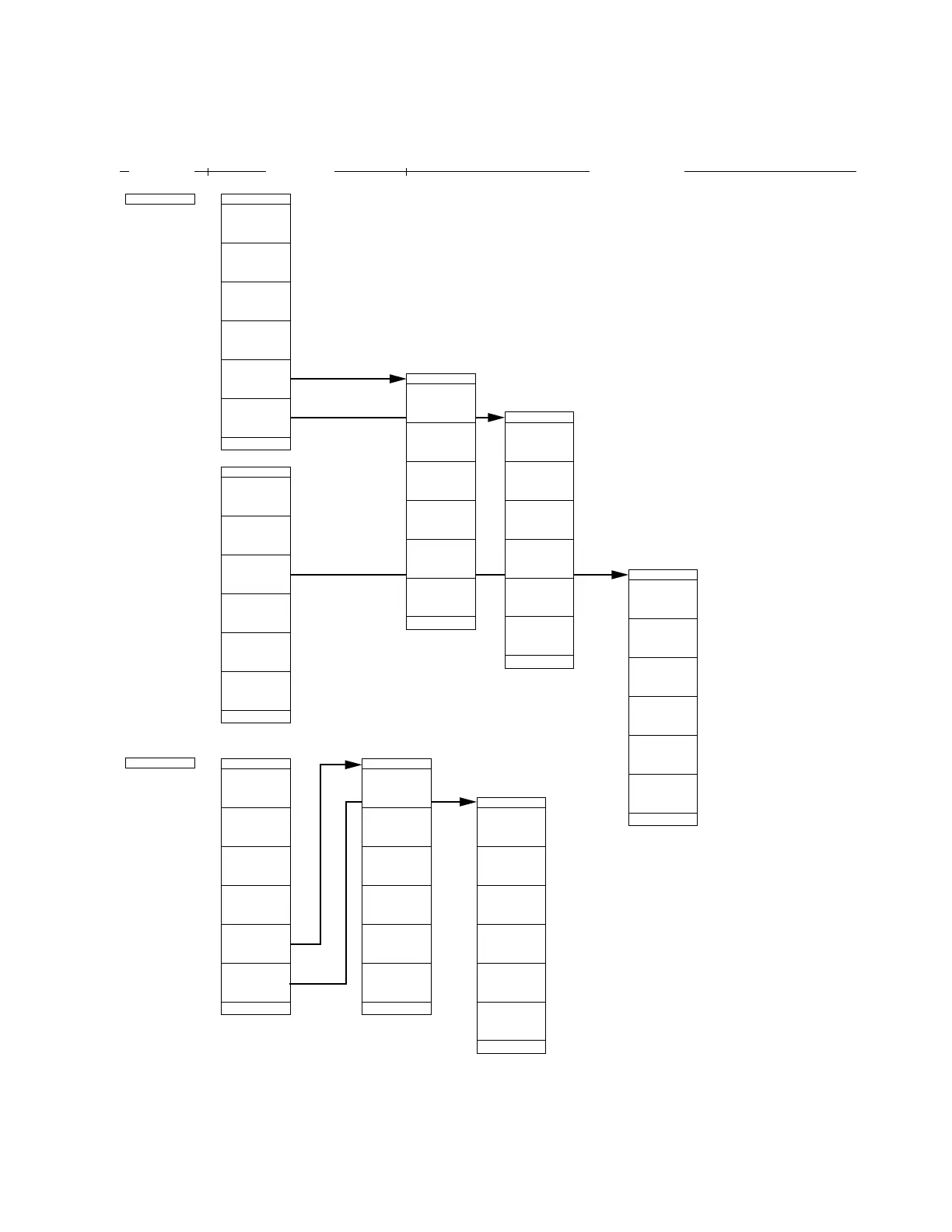
MS2665C Menu Tree (4/25)
Panel Key
Top menu Lower menues
*
Display
Line
|
|2| | |
Mkr Func
return
Clear All
Manual Set
Highest 10
Harmonics
*
Manual
Set
*
Marker
List
Multi Mkr
Multi Marker
Mkr–>RLV
Mkr–> CF
return
Zone
–> Span
Marker –>
Level
Marker
Abs Rel
Line
Display
On Off
Level
Disp Line
–50.00dBm
return
Disp Line
Spot
1Div
2Div
5Div
return
10Div
Zone Width
#1
Tracking
Marker
On Off
Zone Sweep
On Off
#2
#3
#4
#5
Marker
Select
4
Active
Change
Marker
Auto
On with
Select
Auto
Off with
Select
return
Level
Abs Rel
Mkr List
List
Marker
On Off
Freq/Time
Abs Rel
#1 Selects whether to search for maximum (Peak) or minimum (Dip) value in
zone marker.
#2 Toggles zone sweep On/Off. Usually, the zone sweep is Off. At On, the
sweep time is reduced by sweeping only the zone specified by the zone
marker.
#3 Allocates up to 10 multi-markers
sequentially from the peak level of the
signal displayed on screen.
#4 Allocates multi-markers to the harmonic
signals of frequency indicated by current
marker.
#5 Function allowing user to select only
multi-markers necessary for
measurement.
#6 Select "absolute value" or "relative value
(display line)" to display marker level.
• Set the selection of normal/delta/no marker, zone marker width, marker->, marker
search mode, display line, marker tracking On/Off, zone sweep On/Off, etc.
• Set multi-marker On/Off, 10 multi-marker, harmonic
multi-marker, listing of multi-marker values,
selection of necessary markers, etc.












 To Next Page