SECTION 4 SOFT-KEY MENU
4-21
A/B
Trace B
Trace A
*
Detection
*
Storage
|1|
|
Trace A,B
(A–B+DL)
Normalize
On Off
A–B–>A
On Off
return
Trace Calc
A–>B
B–>A
A<–>B
A+B–>A
return
*
Trace
Calc
*
Ref Line
*
Trace
Move
Normal
return
View
|1|
|
Storage
*
Average
*
Min Hold
*
Max Hold
Cumlative
return
Restart
|
|2|
Storage
Avg Count
Continue
Stop
Overwrite
Trace Move
MS2665C Menu Tree (14/25)
Panel Key
Top menu Lower menues
Top
Moddle
Bottom
Ref Line
Trace AonB
*
Storage
*
Detection
|
|2|
Trace A,B
Normal
Pos Peak
Sample
Neg Peak
return
Detection
#1
#2
#3
#4
return
Restart
Stop
Avg Mode
Non-Stop
Count
Averaging
256
Stop
Continue
Hold Count
return
Restart
Endless
Sweep
Count
Sweep
256
Trace
Active
A B
Stop
Continue
return
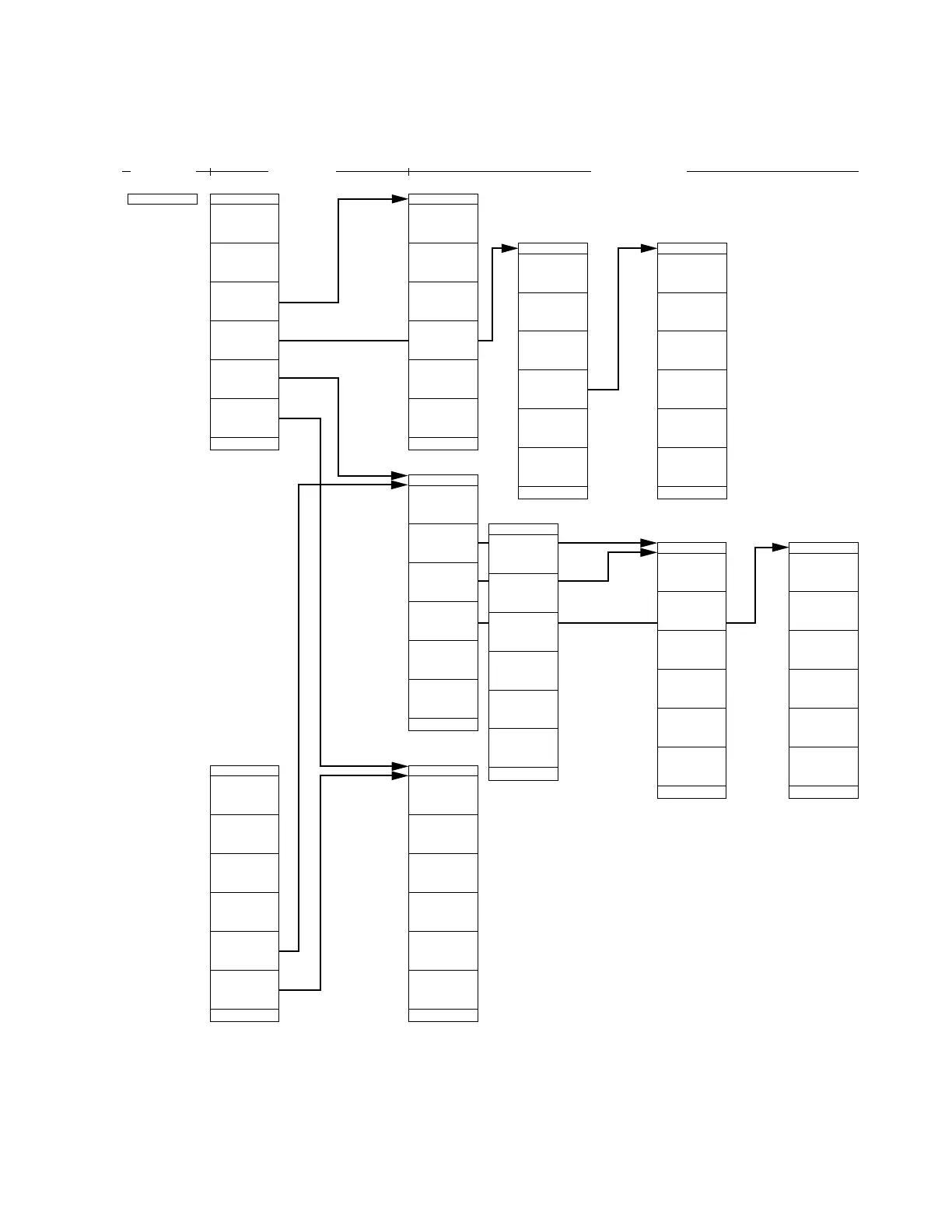
• Select Trace A/B, movement between Trace
A/B, sum/difference operation between Trace
A/B and Ref Line, and designate the storage
and detection modes and Active Trace.
#1 Trace Move: Conduct movements A->B and
B->A, switching between A and B,
and A+B operation.
#2 Trace Calc: Select A–B+DL corrective opera-
tion, A–B operation and Ref Line.
#3 Storage: Select a storage mode from Nor-
mal/Max Hold/Min Hold/Average.
Set Sweep Count, Rewrite/Over-
write, Stop Continue, Restart, etc.
#4 Detection: Select a detection mode from Nor-
mal/Pos Peak/Neg Peak/Sample.












 To Next Page