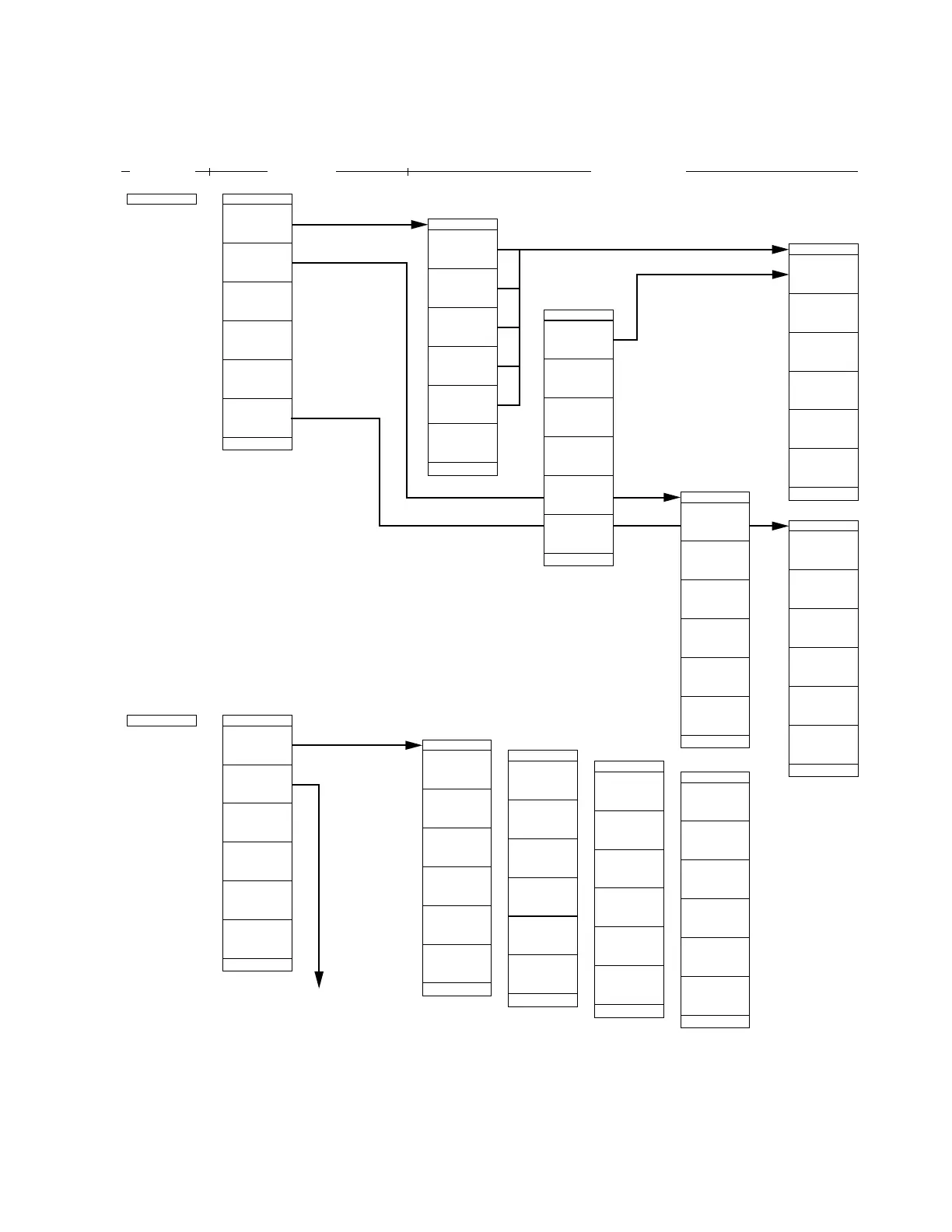
SECTION 4 SOFT-KEY MENU
4-29
Mem Card
PTA
*
Directory
*
Format
*
Select
Media
Mem Card
MS2665C Menu Tree (22/25)
Panel Key
Top menu Lower menues
*
BMP file
return
|
|2|
Directory
*
PTA
Library
Cursor
Up
Cursor
Down
*
PTA
Program
PTA
Stop
Cont
Run
Reset
etc.
Off
|1|
| | |
PTA
Prog List
Load
etc.
Run
|
|2| | |
PTA
F2
F3
F1
F4
etc.
F5
|
| |3| |
PTA
No
Yes
etc.
| | | |4|
PTA
*
Trace
*
Correction
*
Mask
*
Template
return
*
Difine
Menus
|1|
|
Directory
Apply
return
Format
#1
(Upper
Mem Card-1
Slot)
(Lower
Mem Card-2
Slot)
return
Media
Directory
Display
/Next
Detail
Dir Disp
Outline
Delete
File
Protection
return
File Ope
#1 Formats memory card.
• Set Directory, Format and Media of the
memory card.
Directory: Select a directory to display from
Trace, Correction, Mask, Template
and Define Menus.
File Ope: Select an item from Display
Directory, Dir Disp, Delete and File
Protection.
• Set PTA (personal test automation) that can build an auto measurement system without requiring
external controllers.
PTA Program: Select one from Run, Stop, Cont Reset, Prog List, Load, etc.
PTA Library: Select one from Display/Run for the library program and Load/Check for the library file.
(Next Page)












 To Next Page