26
ONE by APOGEE – User’s Guide
Apogee Maestro 2
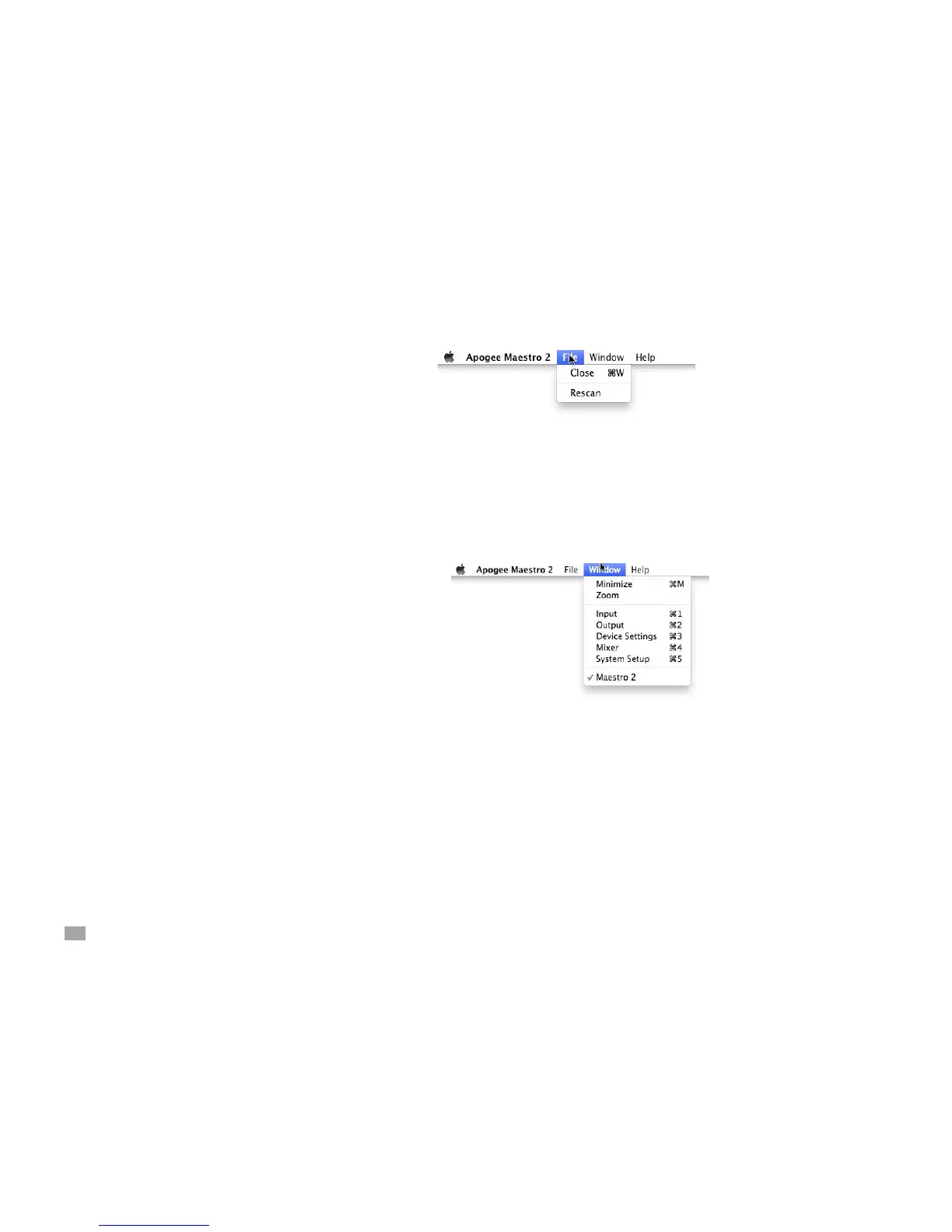
Menu Bar Menus
Close - Choose this menu item to close the Preferences panel
when opened.
Rescan - Choose this menu item to re-initialize the link between
Maestro software and Apogee hardware connected to the Mac,
in the case where the hardware is correctly connected and
powered on but not detected in Maestro.
Minimize - Choose this menu item to minimize the Maestro
window to the OS X Dock.
Zoom - Choose this menu item to maximize the size of the
Maestro window.
Choose any of the currently active tabs to open the tab window.
Type Command + number to open the tab window.



 To Next Page