29
ONE by APOGEE – User’s Guide
Apogee Maestro 2
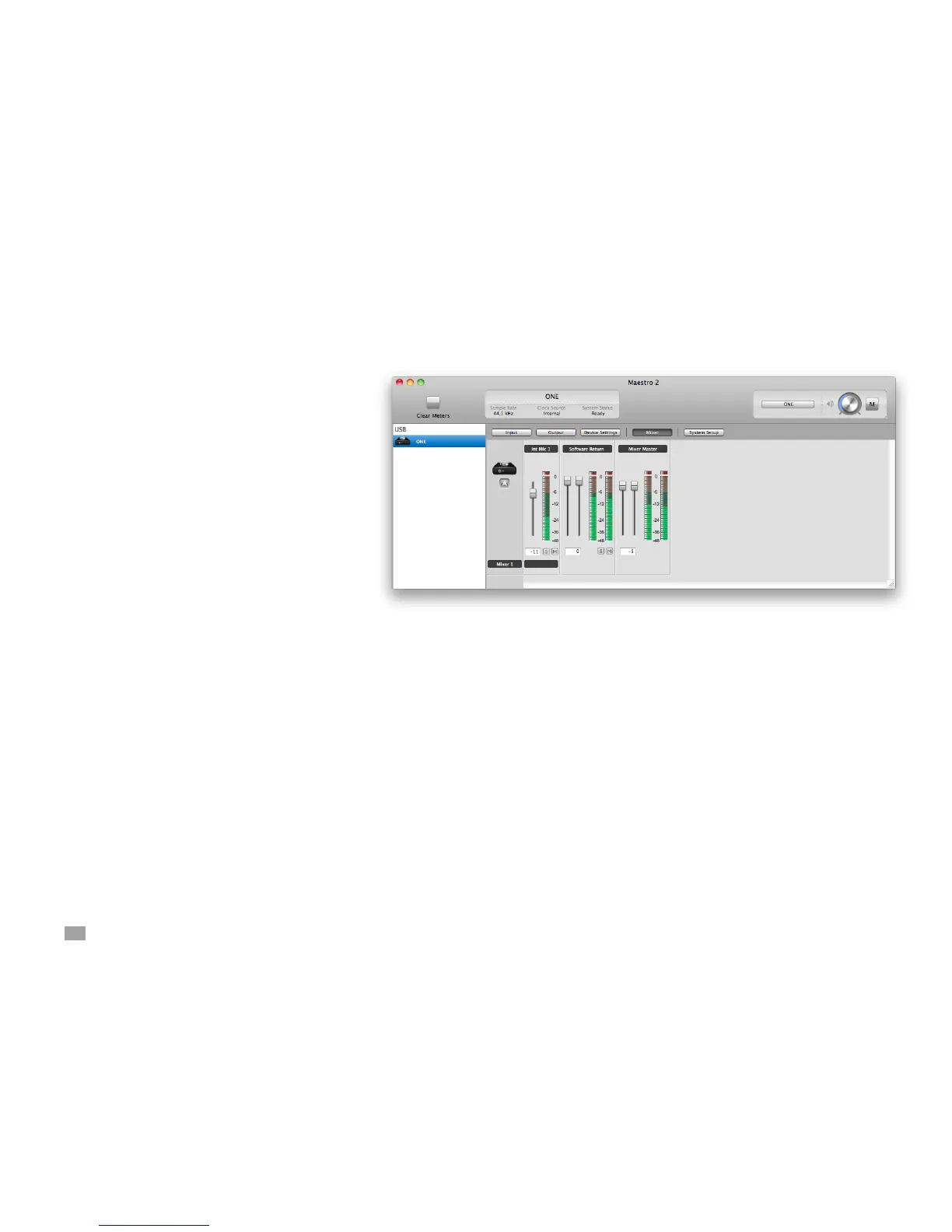
Maestro Mixer Settings
After making the input selection and setting gain, the
signal should be displayed on both the Input and Mixer
Master meters. If the Input’s Over LED lights, reduce
the input gain in the Maestro Control window. If the
Mixer Master’s Over LEDs light, reduce the Input fader.
Now start playback in your recording software. The
playback signal should be displayed on the Software
Return and Mixer Master’s meters. Use the Software
Return and Input faders to establish your desired
balance between the input and playback signals. If
you’ve found a good balance but the Mixer Master’s
Over LEDs light, reduce the Mixer Master fader.



 To Next Page