34
ONE by APOGEE – User’s Guide
Final Cut Pro
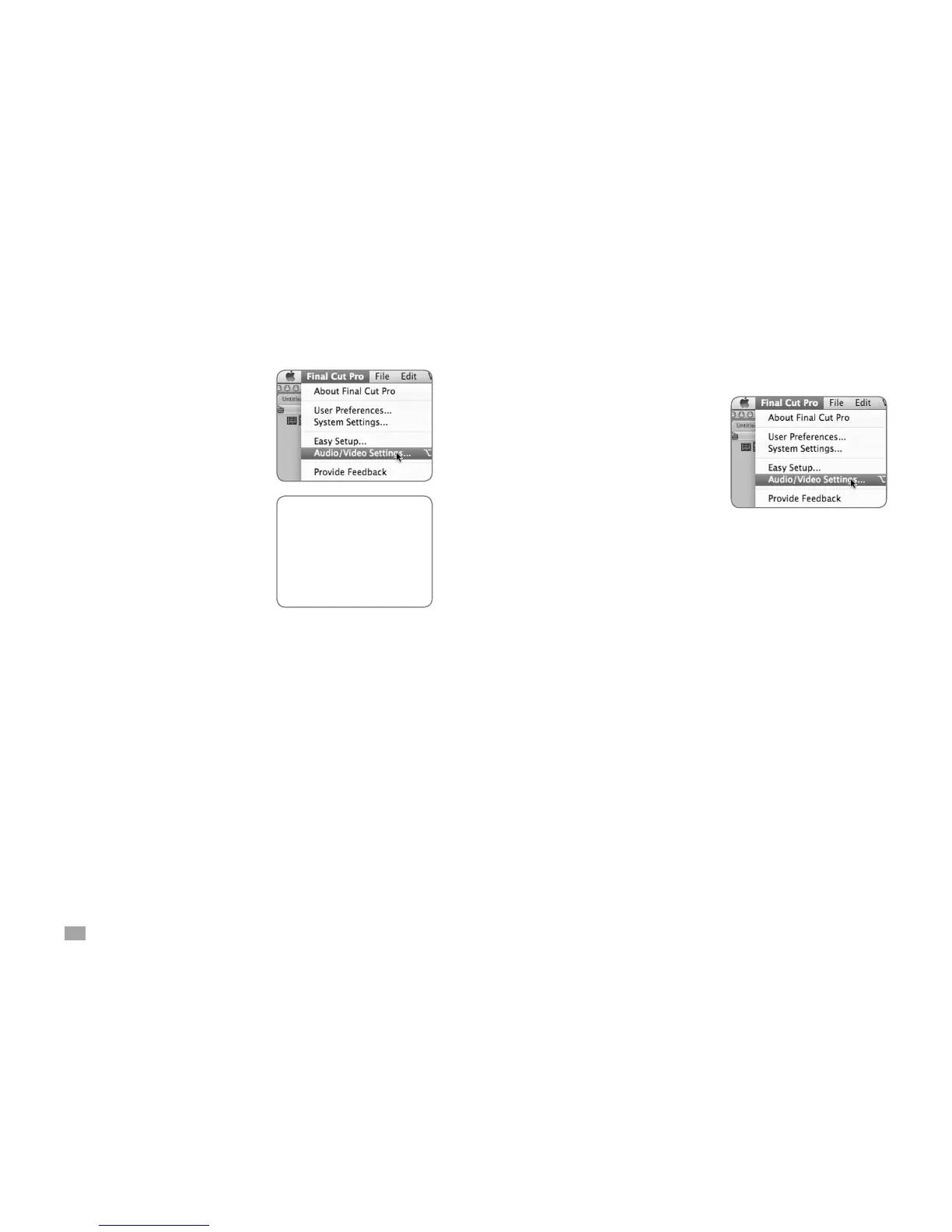
Choose Final Cut Pro > Audio/
Video Settings.
Click on the A/V Devices tab.
Select ONE in the Audio menu.
Click OK.
GarageBand ‘08 (or previous)
Click on the A/V Devices tab.
Select ONE in the Audio menu.
Click OK.



 To Next Page