36
ONE by APOGEE – User’s Guide
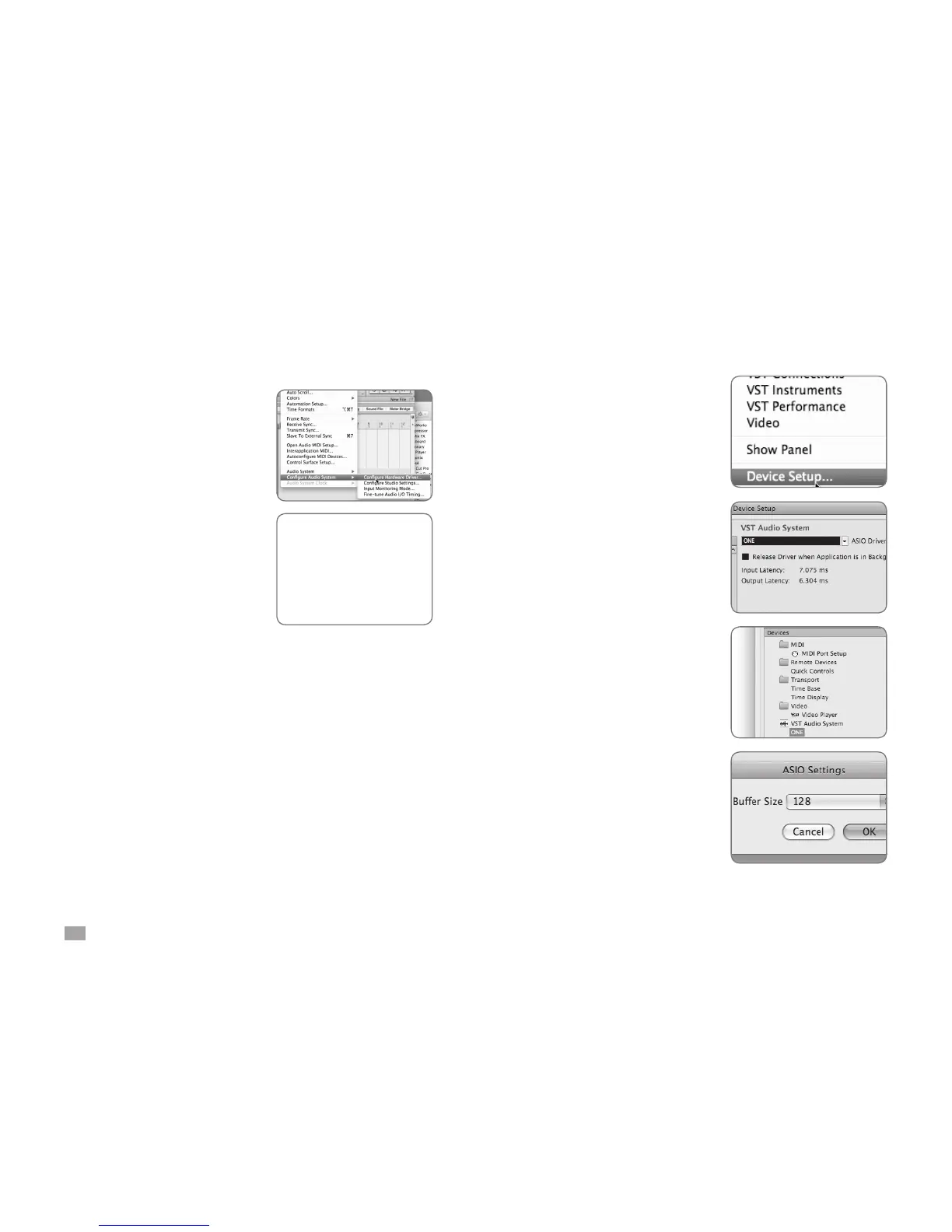
MOTU Digital Performer
Choose Setup > Congure Audio
System >Congure Hardware
Driver
In the Congure Hardware Driver
window, select CoreAudio in the
topmost menu.
Select One in the device list.
Set Buffer Size to 128.
Set Host Buffer Multiplier to 1.
Set Work Priority to Low.
Click OK.
Choose Devices > Device Setup
In the Devices window, click on VST
Audio System.
Select ONE in the ASIO Driver
menu.
Once ONE is recognized by Nuendo,
select ONE in the Devices window.
Click on Control Panel.
In the ASIO Settings pop-up, set
Buffer Size to 128 and click OK.
In the Device Setup window, click
OK.
Steinberg Nuendo



 To Next Page