27
ONE by APOGEE – User’s Guide
Apogee Maestro 2
Low Latency Mixing
While recording, if you notice a delay between the
moment you play or sing a note and when you hear
it in your headphones you are experiencing latency.
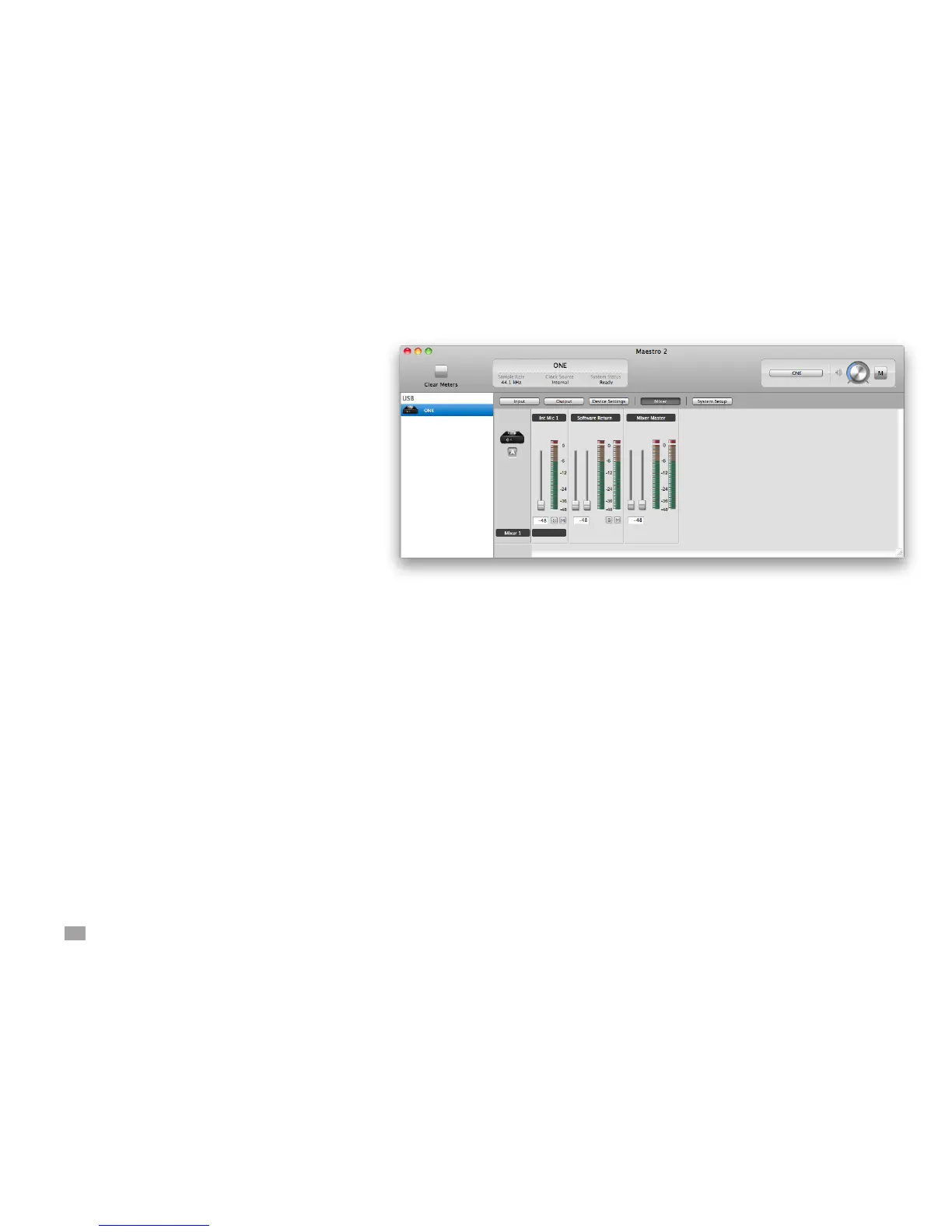
Maestro’s low latency mixer may help and can be
congured by clicking the Mixer tab in Maestro.
Maestro Low Latency mixing
A bit of background information concerning latency and
computer-based digital recording setups will help you
better understand these functions.
When recording with most computer-based digital audio
applications, the delay between the input and output
of the recording system often disturbs the timing of the
musicians performing. This delay, known as latency,
means that the musician hears the notes played a
few milliseconds after having actually played them.
As anyone who has spoken on a phone call with echo
knows, relatively short delays can confuse the timing of
any conversation, spoken or musical.



 To Next Page