WorldCast Equinox - Release 3.1 - user manual – 07/2011
Page 88
Whiterock Business Park - 729 Springfield Road - Belfast BT12 7FP - Northern Ireland
Tel.: +44 28 9067 7200 | Fax: +44 28 9067 7201 | http://www.aptcodecs.com | contact@aptcodecs.com
5.8.7. Output Silence Detect
This option allows you to set up an audio alarm for loss of audio output from the unit. The following menu is
displayed: -
Main setup – L/R silence detect configuration menu
Using the and keys highlight the chosen option and press Ent. For any option other than Off you will be
asked to enter the threshold – audio will be considered to be silence only if it is below the chosen level. The
level is selectable in 4 dBFs steps between –4 dBFs and –28 dBFs.
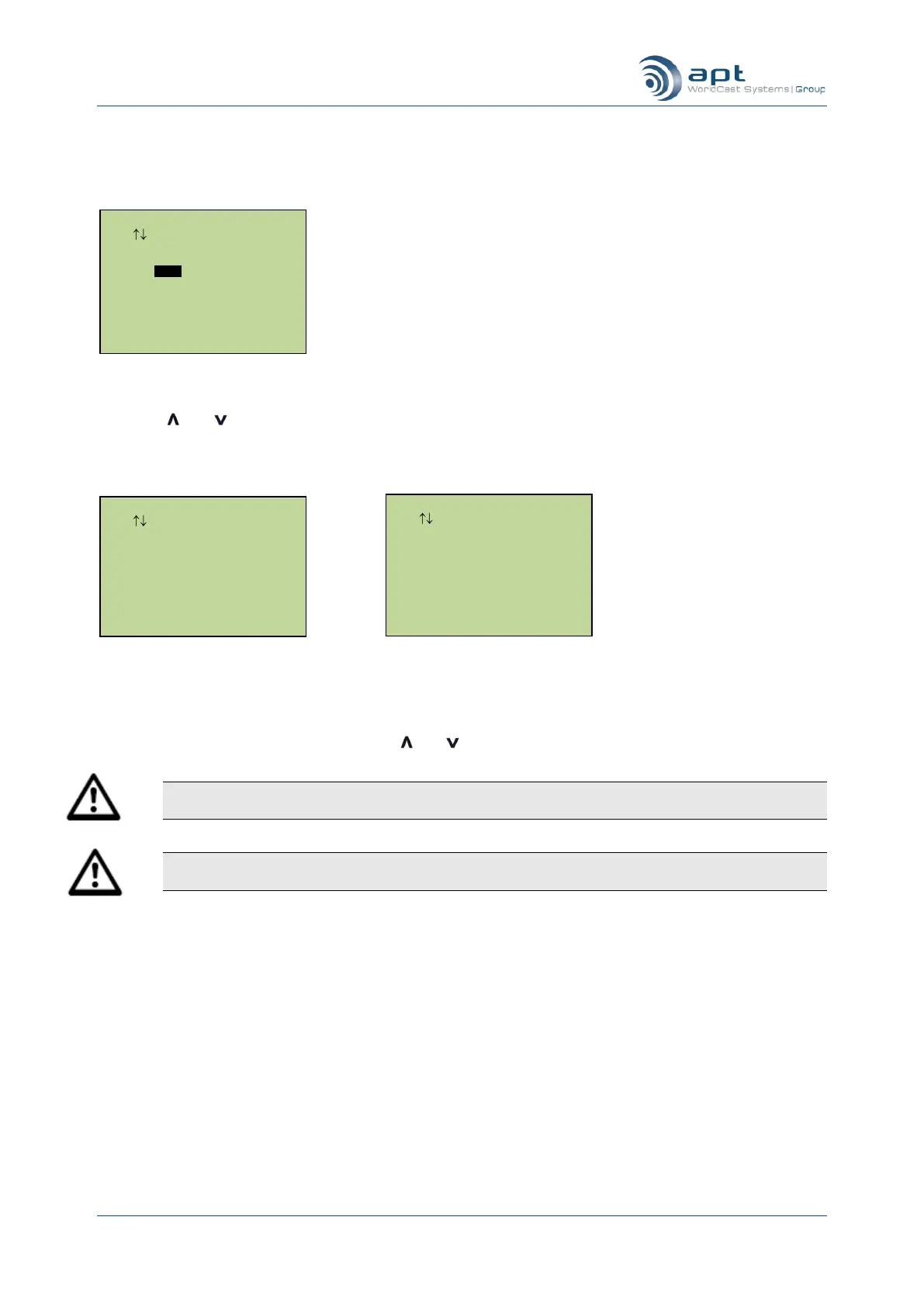
Configuring Left/Right Silence Detect
If Left and Right silence detect was selected you enter a separate threshold level for each side – chosen of two
successive screens.
Once you have selected a threshold level you must select a timeout value – the alarm will trigger if silence is
present for at least this time period. Using the and keys to select the chosen timeout value and press Ent.
Note: If the unit is configured to use a digital interface the threshold levels are calibrated in dBFs –
for analog interface the threshold levels are calibrated in dBu.
Note: If the unit is operating in Mono then the audio is associated with the left channel only – setting
an alarm on the right audio channel will have no effect.
5.8.8. Input Silence Detect
This option allows you to set up an audio alarm for loss of audio input to the unit.
Whenever the unit is using IP as the primary connection and the Input Silence Detect alarm is triggered the unit
will stop sending audio on the IP stream and instead send low bandwidth “keep alive” messages. This has the
effect of reducing the IP bandwidth used by the unit whenever there is no useful audio to send.
Whenever the unit is using X.21 as the primary connection and the Input Silence Detect alarm is triggered the
unit will negate the X.21 CONTROL interface signal. This can then be used to signal other equipment in the
network. When the input signal is applied again the CONTROL line is re-asserted.
Out Left Silence Detect
Use Enter To Select
0dBu
-2dBu
-6dBu
-8dBu
-12dBu
Out Right Silence Detect
Use Enter To Select
0dBu
-2dBu
-6dBu
-8dBu
-12dBu
Output Silence Detect
Use Enter To Select
L/R Enable
Off.
Right On
Left On
L/R On



 To Next Page