WorldCast Equinox - Release 3.1 - user manual – 07/2011
Page 86
Whiterock Business Park - 729 Springfield Road - Belfast BT12 7FP - Northern Ireland
Tel.: +44 28 9067 7200 | Fax: +44 28 9067 7201 | http://www.aptcodecs.com | contact@aptcodecs.com
Note: You should not change algorithms during an active audio session – this will result in loss of
audio signal
Note: The Equinox provides algorithm auto-detection for incoming G.711 calls on ISDN. If the Equi-
nox is not connected on an active call it will switch to G.711 if it answers an incoming G.711 (A-law or
u-Law) call – irrespective of the default audio profile at that time. When the call is dropped the Equi-
nox will revert back to the default audio profile. It is possible that this switch to G.711 will cause arte-
facts in the audio.
Note: If you change the current audio profile of an Equinox without saving it to the list of audio pro-
files whenever you power cycle the Equinox it will not restore the default audio profile – it will restore
the last profile it was loaded with from the audio profile table.
Note: Sample rates 32 and 44.1kHz are not valid options for selecting with CDQ/H221 imux mode.
Note: H221 will only operate from 64kbs to 256kbs Equinox to Equinox.
5.8.2. Loopback Mode
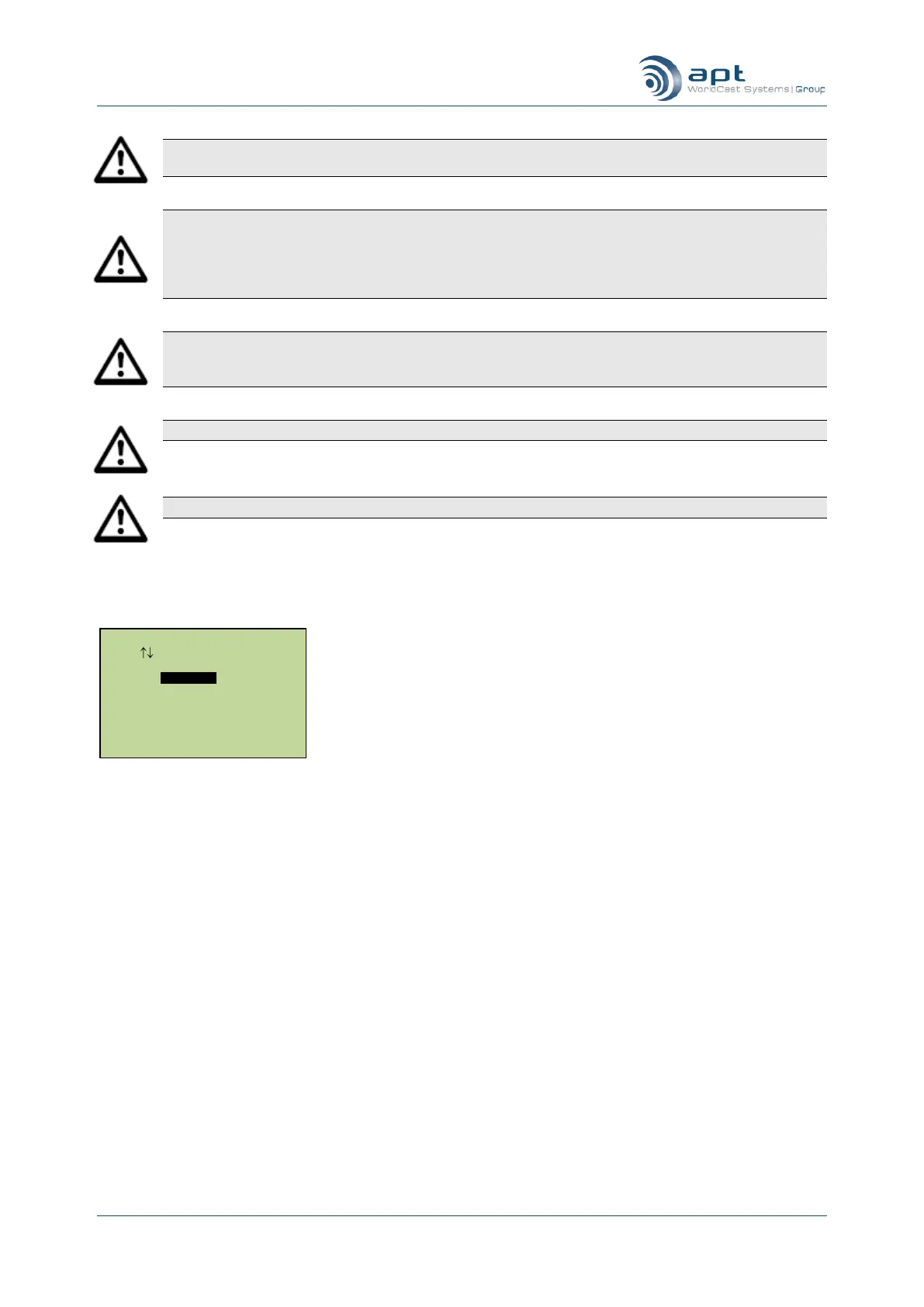
On selecting Loopback Mode the following sub-menu is displayed: -
Main setup – loopback mode configuration menu
Loopback Mode Setup
Use Enter To Select
Loop Off
Local Loop
Remote Loop



 To Next Page