WorldCast Equinox - Release 3.1 - user manual – 07/2011
Page 74
Whiterock Business Park - 729 Springfield Road - Belfast BT12 7FP - Northern Ireland
Tel.: +44 28 9067 7200 | Fax: +44 28 9067 7201 | http://www.aptcodecs.com | contact@aptcodecs.com
Configure country specific network
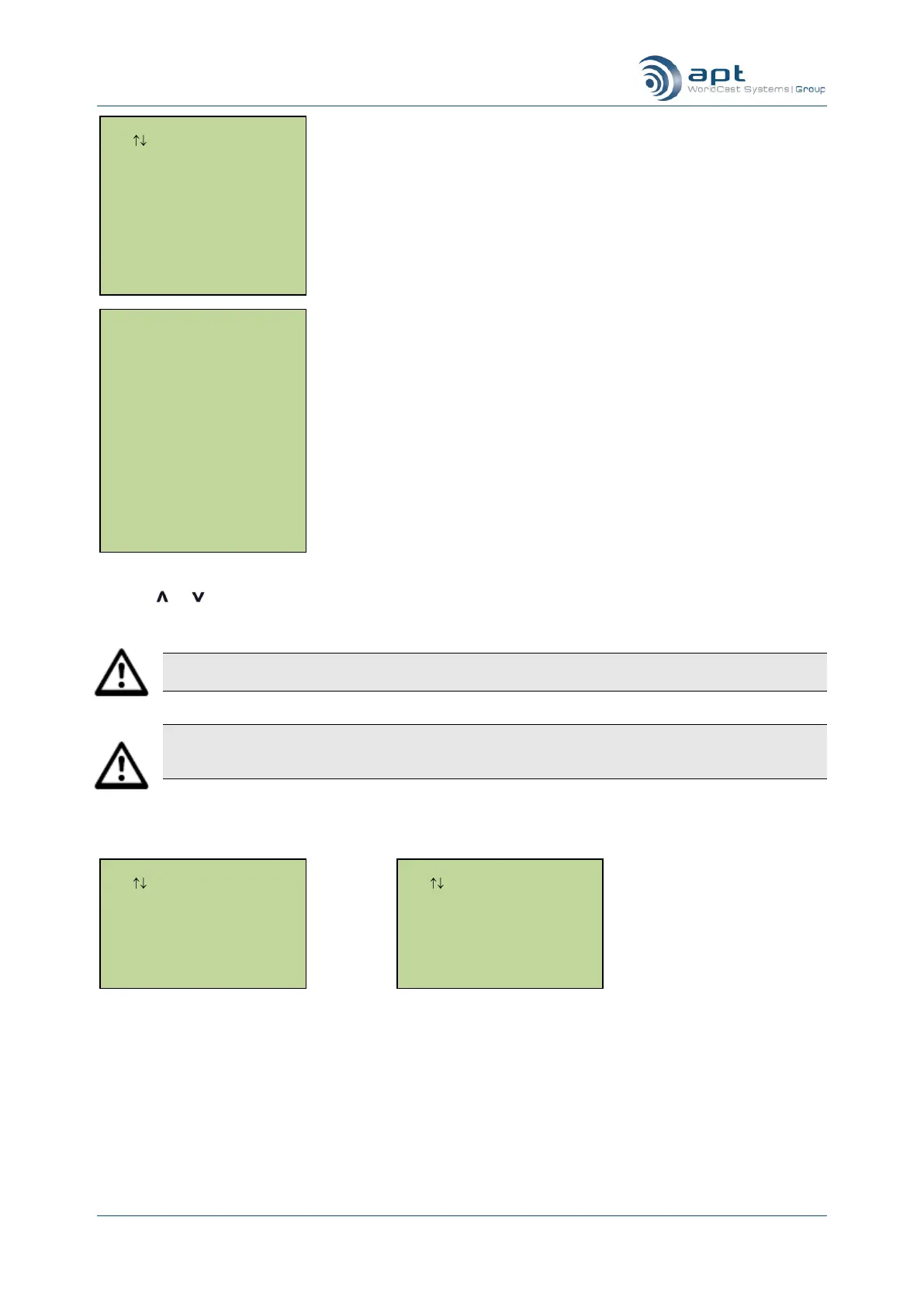
Use the or keys to highlight the specific country network where the unit is connected and press Ent. The
WorldCast Equinox unit will now be configured for operation in that country.
Note: Failure to select the correct ISDN signalling protocol may result in the unit being unable to
make ISDN calls.
Note: If you need to remove a live ISDN cable from a unit, allow at least 10 seconds before re-
inserting the cable again. This is to allow the line to drop the connection correctly on the network and
ensure the unit‟s ISDN protocol is in the initialisation state when the cable is re-inserted.
Once the country has been selected one of the following screens is displayed:-
Configure network protocol (a) S interface (b) U interface
Highlight the required signaling protocols and press Ent.
5.6.18. Dial Timeout
This option allows you to set a value for the dial timeout – the length of time (in seconds) that a WorldCast
Equinox will wait for an ISDN call to connect before abandoning the call. The current value is displayed and
you are prompted to enter a new value. Press Ent to complete.
ISDN Network Setup
Use Enter To Select
EuroISDN ETSI
Japan NTT
ISDN Network Setup
Use Enter To Select
Nortel DMS100
National ISDN 1
Finland
France
Germany
Hong Kong
Ireland
Italy
Japan
Luxembourg
Netherlands
New Zealand
Norway
Portugal
South Africa
Spain
Sweden
Switzerland
U.K.
U.S.A
Country Setup
Use Enter To Select
Australia
Austria
Belgium
Canada
Denmark
Europe
(1. Network 2)
(2. Studio A )
(3. Free )
(4. Free )
(5. Free )



 To Next Page