WorldCast Equinox - Release 3.1 - user manual – 07/2011
Page 101
Whiterock Business Park - 729 Springfield Road - Belfast BT12 7FP - Northern Ireland
Tel.: +44 28 9067 7200 | Fax: +44 28 9067 7201 | http://www.aptcodecs.com | contact@aptcodecs.com
6.3.9. The Alarms Report
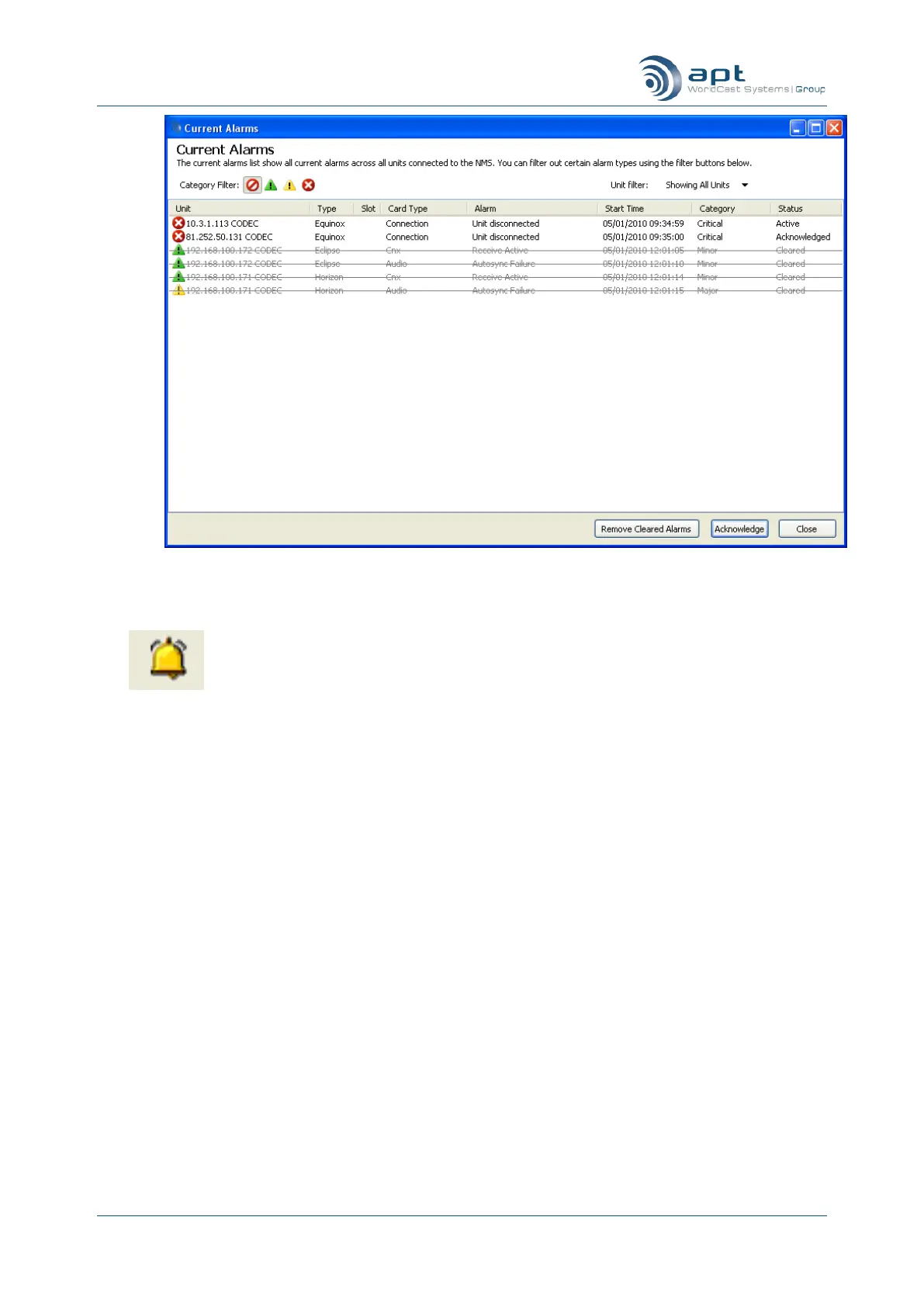
Clicking on the Alarms button opens the Alarms Viewer Window. While the
Log file, described above, logs all events, this Alarm Log File reports alarm
logs only.
The Alarm log file is stored in the unit and contains all alarm events. When you click on the “Alarms” button, the
CMS downloads the currently stored alarm log file. This alarm log file will now be removed from the unit.
The Alarm Log File, accessible by clicking on the “Alarms” button, contains log entries containing the alarm
category, date and time, IP address, as well as a short description of the alarm



 To Next Page