WorldCast Equinox - Release 3.1 - user manual – 07/2011
Page 48
Whiterock Business Park - 729 Springfield Road - Belfast BT12 7FP - Northern Ireland
Tel.: +44 28 9067 7200 | Fax: +44 28 9067 7201 | http://www.aptcodecs.com | contact@aptcodecs.com
Note: A Master unit must be a transmitter. There can be only one Master in a multi unit configuration
– in a multicast network or when using secondary transmit routes the receivers must be Slaves. It is
extremely important not to have 2 master units in any one IP/SIP link.
Note: if SIP is chosen as a primary connection, it is not possible to choose a secondary connection.
Similarly, SIP cannot be chosen as a backup option.
5.5.1.4 ISDN as a primary network connection
If you select ISDN as the primary network connection you will be prompted to enter a six digit cost code
(but only if cost codes have been enabled – see section 5.5.12 Cost Codes).
You will next choose whether the WorldCast Equinox will operate as either Master or a Slave.
Master mode indicates that this unit will control transition to secondary backup connection. Highlight the
chosen option and press Ent.
You will next choose an Audio Profile for the primary connection (an audio profile defines the codec algo-
rithm, bitrate and mode) – either by selecting a previously saved profile or by configuring a new one.
The next screen with ask if you wish to use a previously saved profile. If you select Yes the next screen
will display the list of audio profiles. Use the and keys to select a profile and press Ent. For infor-
mation on setting up audio profiles see section 5.9.1 Audio Profile.
If you answer No the next two screens will allow you to choose a codec algorithm, bitrate and mode. You
will have the option to save them as a new profile.
If you are operating in user mode (as opposed to administrator mode – see section 5.5.11 Password Set-
up) then you can only select from a predefined list of audio profiles.
The configuration of the primary connection is now complete. You must now configure the secondary
backup connections if they are being used.
5.5.2. Secondary Connections
If the primary connection fails, or its error rate becomes too high, the master unit will switch to a secondary
connection if one has been defined. The master unit is also responsible for monitoring all of the links and for
switching back to a better connection when one recovers.
If you choose a backup connection you will also be prompted for a master /slave option. Note that if you ex-
pect a codec when in backup mode to initiate a call to another codec, this would need to be set as master for
the backup option. Only codecs configured as master can initiate backup connections.
You can select any available connection for secondary use – provided it has not been previously assigned. If
you do not select a secondary backup connection it is assumed that you are using only the primary connection.
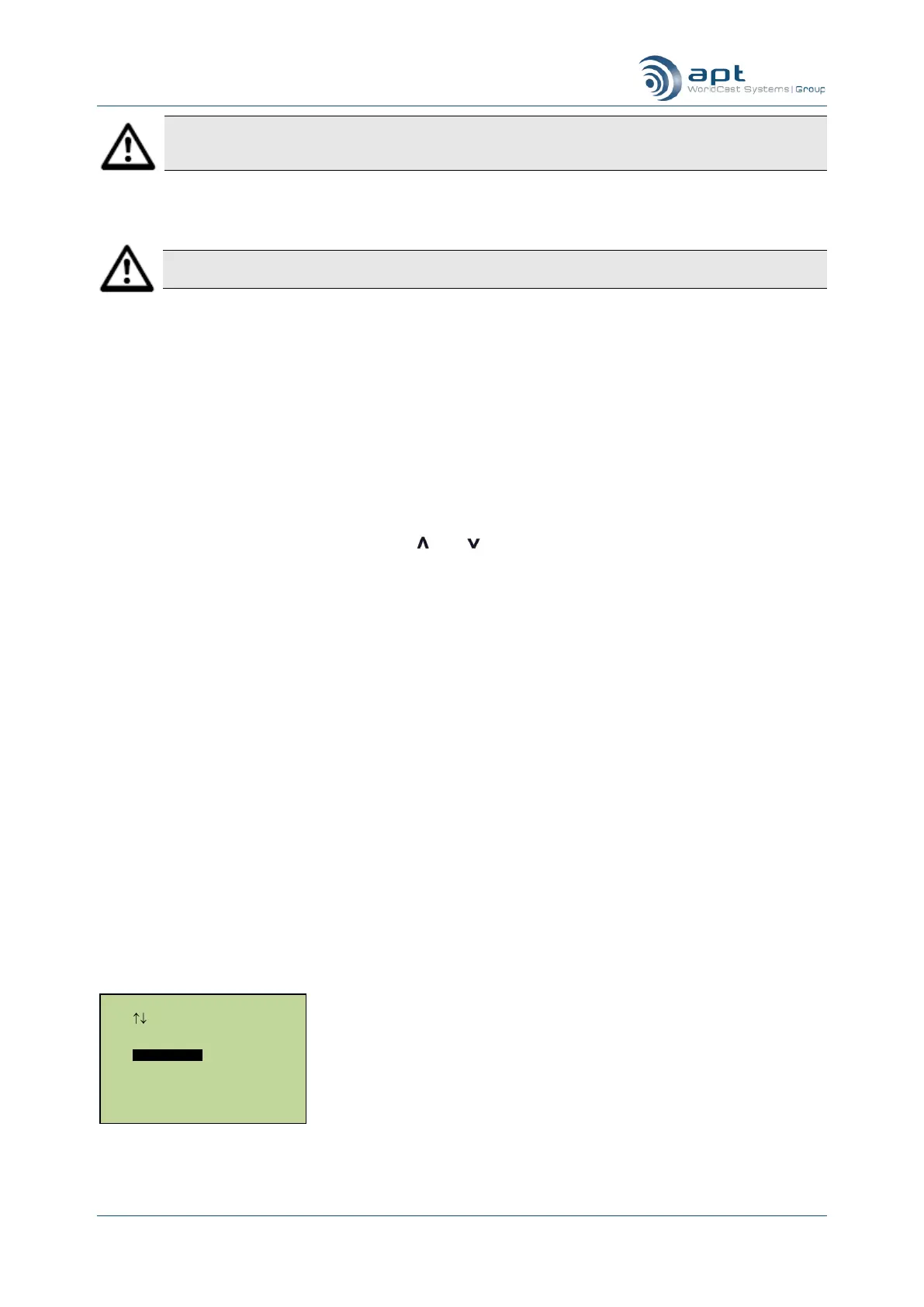
Secondary connection setup
Secondary Conn. Setup
Use Enter To Select
None
Codec-X21.
Codec-IP
Codec-ISDN



 To Next Page