WorldCast Equinox - Release 3.1 - user manual – 07/2011
Page 68
Whiterock Business Park - 729 Springfield Road - Belfast BT12 7FP - Northern Ireland
Tel.: +44 28 9067 7200 | Fax: +44 28 9067 7201 | http://www.aptcodecs.com | contact@aptcodecs.com
Note: Ensure that both ends of the link are set to the same FEC stream port setting, i.e. either
both +6 or +2.
Note: Embedded Aux and relays are not affected by FEC port configuration.
Note: APT do not recommend FEC for use with Linear PCM 24 22kHz Stereo.
Note: Using FEC will add approximately 20% onto your bandwidth usage.
5.6.7. Stream Port Setting
This area allows you to configure the main port on the codec which will stream audio. If you only
have 1 LAN port, then this will be where to configure the settings for this port. If you have 2 LAN
ports then this section refers to the main port on the codec marked „Control/Data‟ on the rear panel.
5.6.7.1 IP Address
The IP address of the unit can be configured using this option. You will then be presented with a sub menu al-
lowing you to amend the entry.
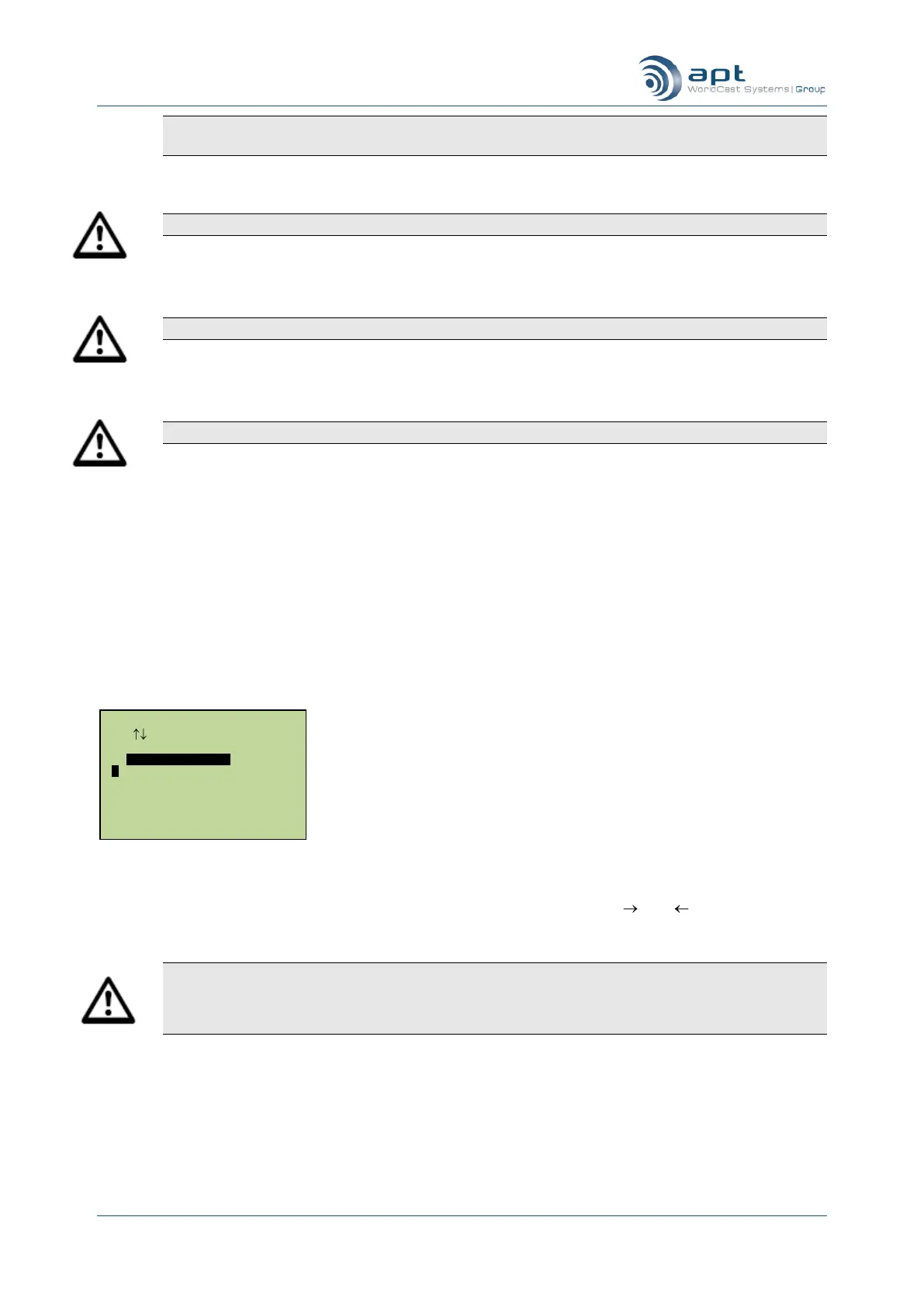
Entering a new unit IP address
Overtype the displayed information (you can use Esc/Del and Menu keys as and keys). Press Ent to
save the entry when finished.
Note: The WorldCast Equinox‟s current IP address will remain unchanged - it must be restarted be-
fore the new IP address is utilized. Whenever you press Esc to leave the IP menu you will be asked
to press Ent to confirm that the unit is being restarted. Pressing Esc instead of Ent will revert back to
the menu system without changing anything.
5.6.8. Subnet Mask
The IP subnet mask of the unit can be configured using this option. You will then be presented with a sub menu
allowing you to amend the entry.
IP Config Setup
Use Enter To Select
Unit IP Address
192.168.100.225



 To Next Page