101
Application Basics
AQUOS zero2
Purchasing Applications
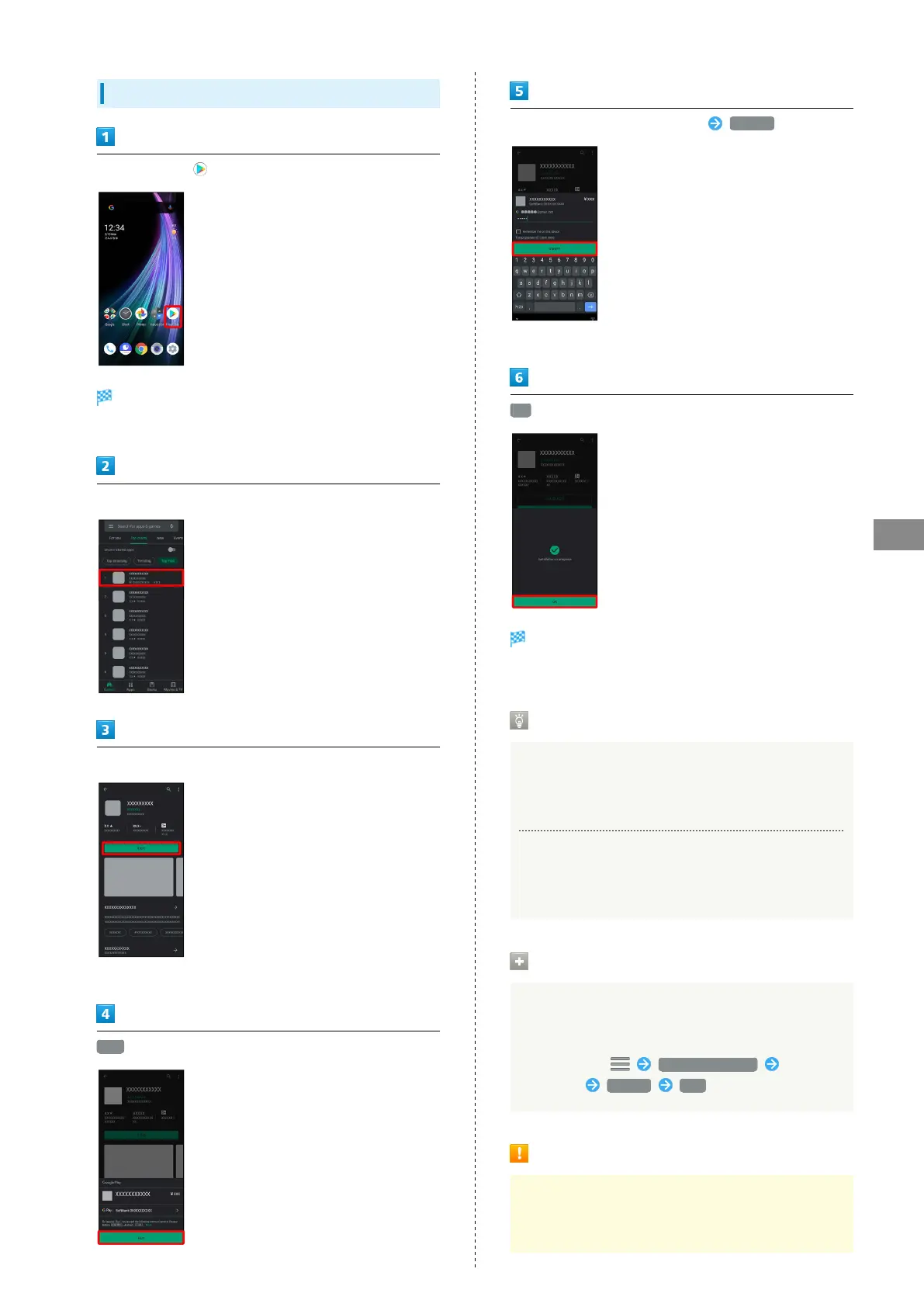
In Home Screen, (Play Store)
Google Play opens.
・If confirmation appears, follow onscreen prompts.
Tap paid application
Tap price
・If payment confirmation appears, follow onscreen prompts.
BUY
Enter password for Google account VERIFY
・If confirmation appears, follow onscreen prompts.
OK
Application downloads and installs.
・If confirmation appears, follow onscreen prompts.
Purchased Applications
Payment
Pay once. Re-downloads of uninstalled applications are free
of charge.
Use on Other Android™ Devices
Install same application on other Android devices under
same Google Account at no added cost.
Refund Requests
Request refunds within designated period. Returned
applications are deleted from handset; no payment is
required. One refund request per application.
In Google Play, My apps & games Tap
application Refund YES
Application Purchase Disclaimer
Purchase applications at your own risk. SoftBank Corp. is
not responsible for any disadvantage resulting for user or
third parties.



 To Next Page