47
Handset Interface
AQUOS zero2
Opening Settings while Scrolling
While scrolling,
Using Gaming Menu
While playing a game, record game screen or search for
walkthrough sites and make gaming screen and other settings.
Gaming Settings
Make gaming screen quality and notification settings. Settable
items are the following.
Item Description
High-response
mode
Set whether to make gaming screen
sharper and provide more sensitive touch
response.
Block
notifications
while games
are running
Set whether to block notifications while
games are running, etc.
Game image
quality
Set whether to optimize image quality of
games.
Resolution Make settings for performance of games.
View Menu
Set whether to display gaming menu while
games are running.
Recording
settings
Set recording quality of game screen, etc.
Search
settings
Set search string to search on web site or
within SNS from gaming menu.
App list
Set applications applicable to gaming
settings.
Notification
at auto-
registration
Set whether to notify when installed
application is automatically saved as
target of Gaming settings.
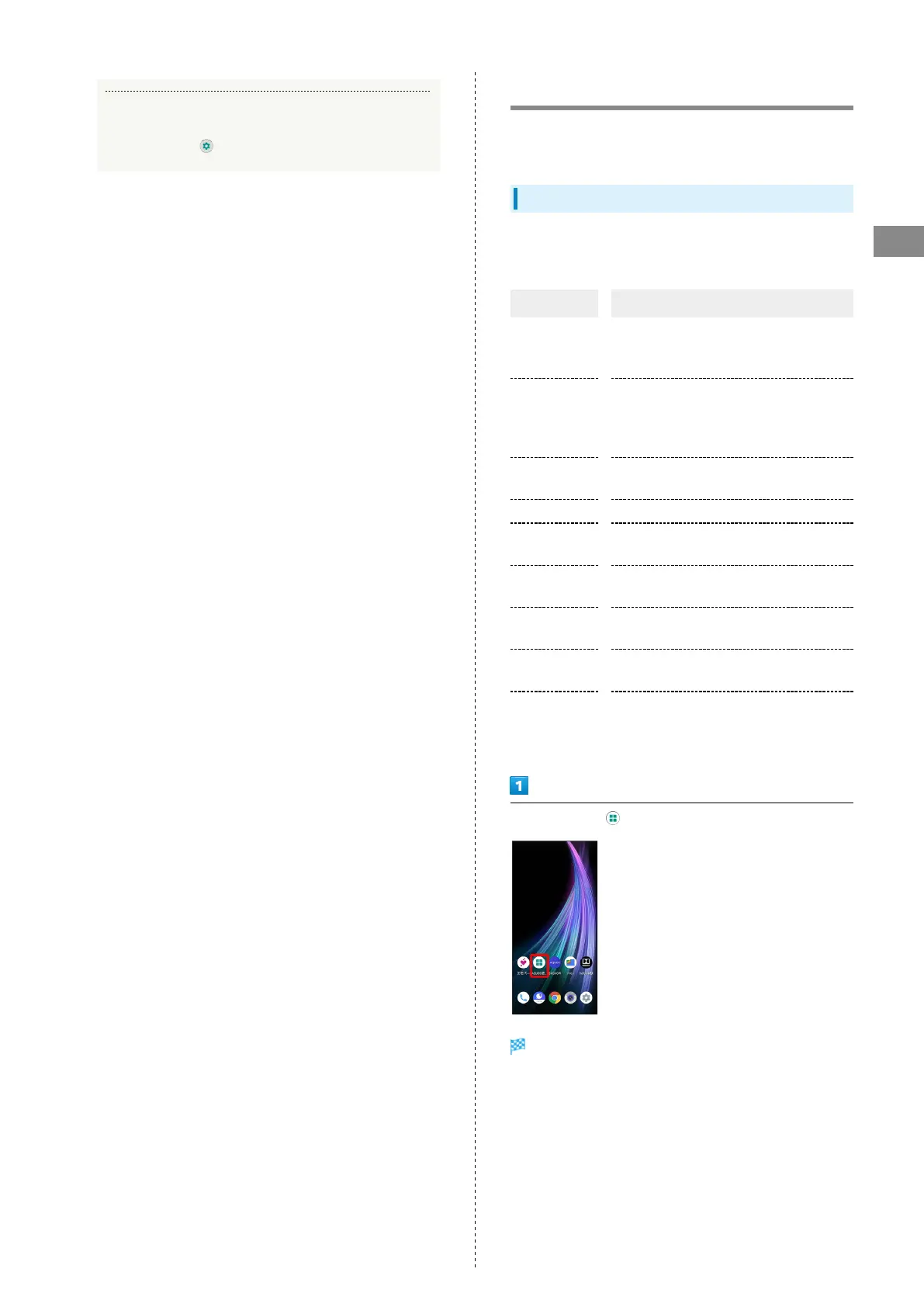
In Home screen, (AQUOS Useful)
AQUOS Useful menu opens.



 To Next Page