90
Listening to Music (YT Music)
Enjoy a broad range of music contents including official
albums and music videos. Playing back music saved to internal
storage is described as an example.
Sign in to a Google Account first, and in YT Music,
Settings Library & downloads and enable Show device
files .
Play Music
Playing High-Resolution Audio
Handset supports high-resolution audio playback.
To play high-resolution audio, a headset or speaker
(commercially available) compatible to high-resolution is
required (supports output from device connected with
3.5mm Earphones Adapter (sample)).
Before playing high-resolution audio, turn off Dolby
Atmos
®
first.
Handset also supports Qualcomm
®
aptX™ HD audio,
Qualcomm aptX Adaptive Audio, Qualcomm TrueWireless™
stereo plus and LDAC™.
File Formats
Supported file formats:
・3GPP, MPEG-4, ADTS raw AAC, MPEG-TS, FLAC, GSM,
MIDI, RTTTL/RTX, OTA, iMelody, MP3, MKV, WAVE, OGG
Playing Music
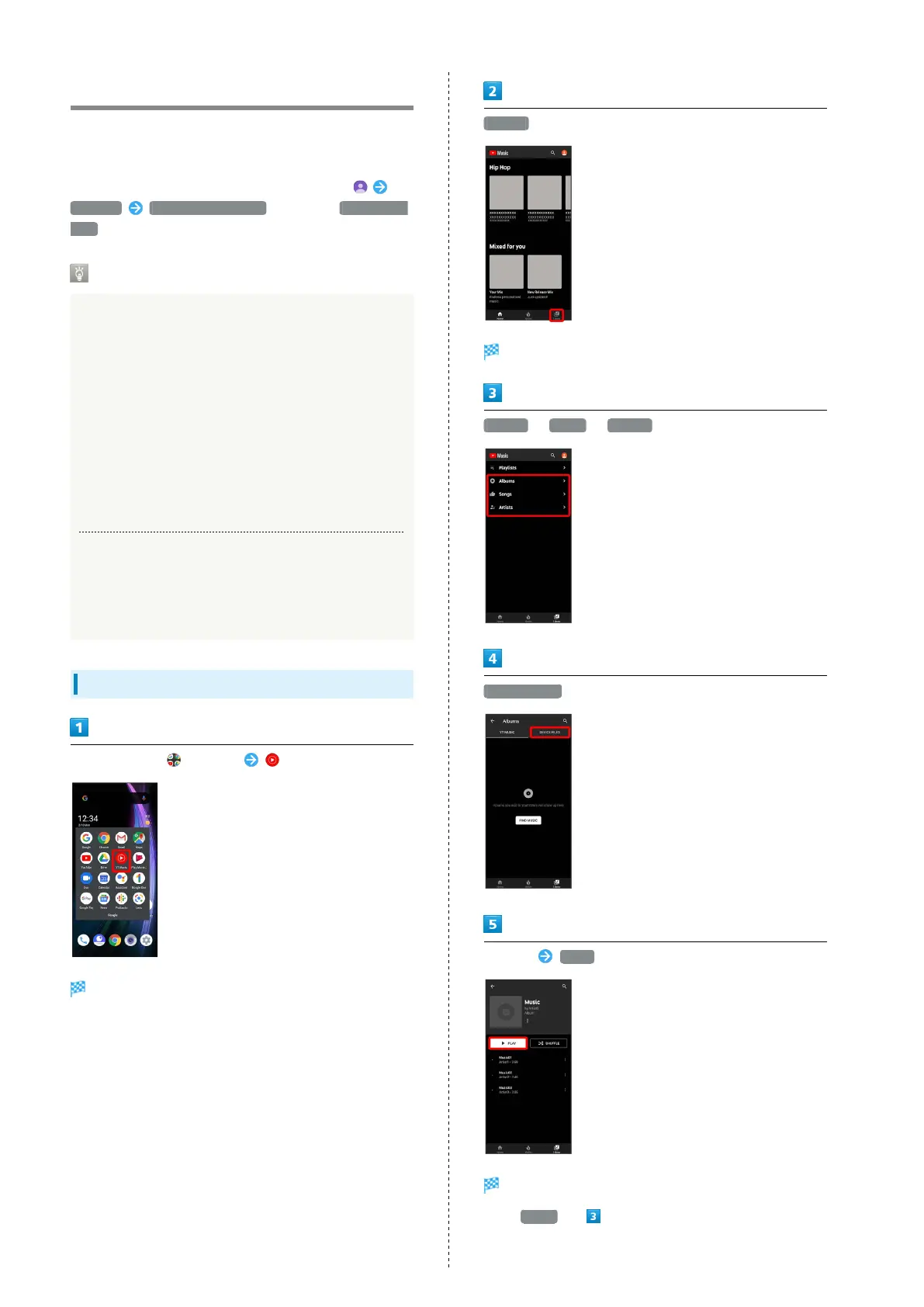
In Home Screen, (Google) (YT Music)
YT Music opens.
・If confirmation appears, follow onscreen prompts.
Library
Library opens.
Albums / Songs / Artists
DEVICE FILES
Tap item PLAY /Tap song
Song plays.
・
For Songs (in ), Tap song directly.



 To Next Page