71
Messaging
AQUOS zero2
Using Gmail
Use Gmail (Google's webmail service) as well as your work/
personal email.
Setting an Account
Set up a Google Account or an email account to use Gmail.
When activating (Gmail) for the first time, account setup
menu appears; complete setup.
・Account setup menu does not appear if you are already
signed in to a Google Account.
・To use your existing account, information such as username
(user ID), password, and server name is required.
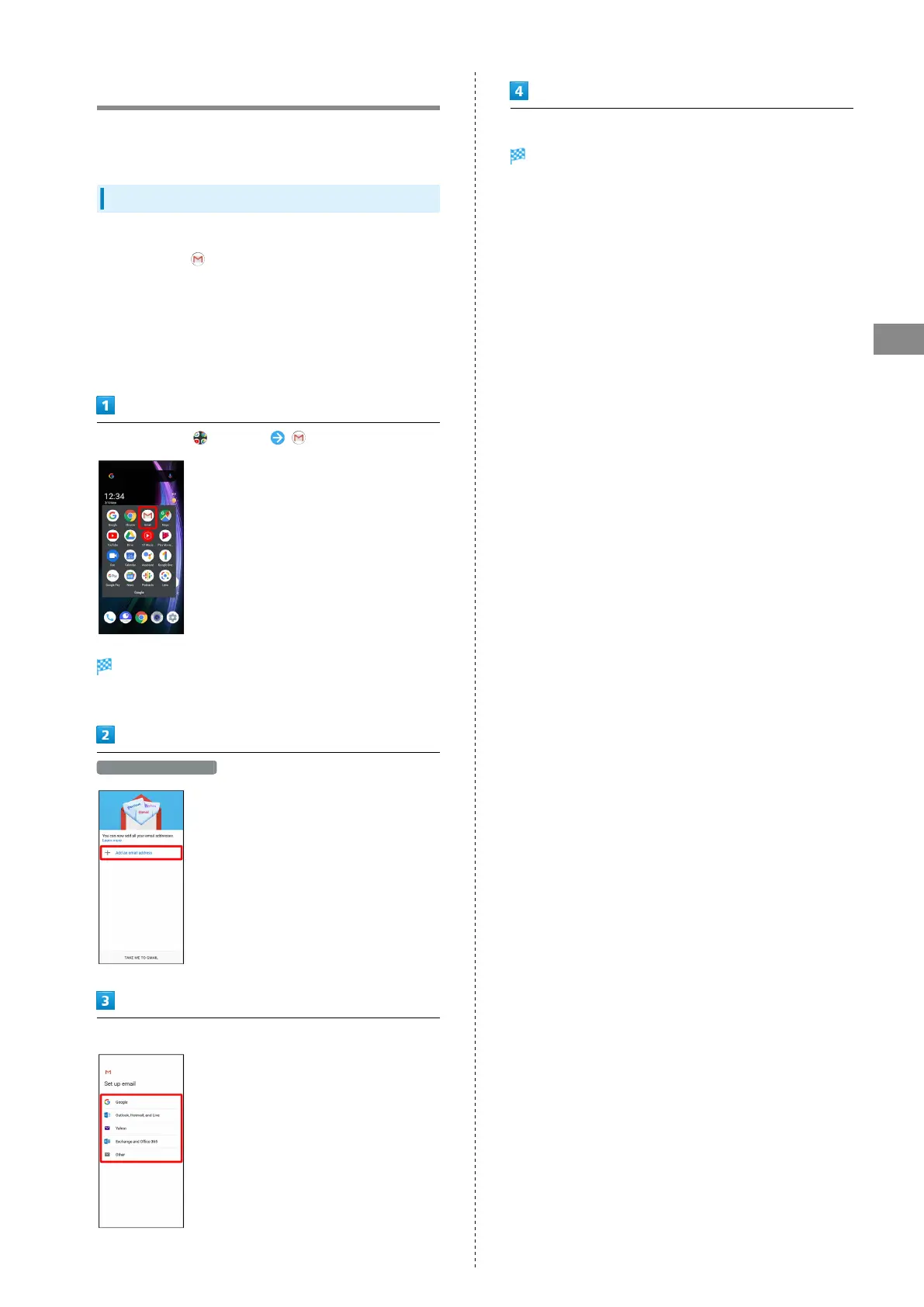
In Home Screen, (Google) (Gmail)
Account setup menu opens.
・If confirmation appears, follow onscreen prompts.
Add an email address
Tap account type
Follow onscreen prompts
Account setup is complete.



 To Next Page