136
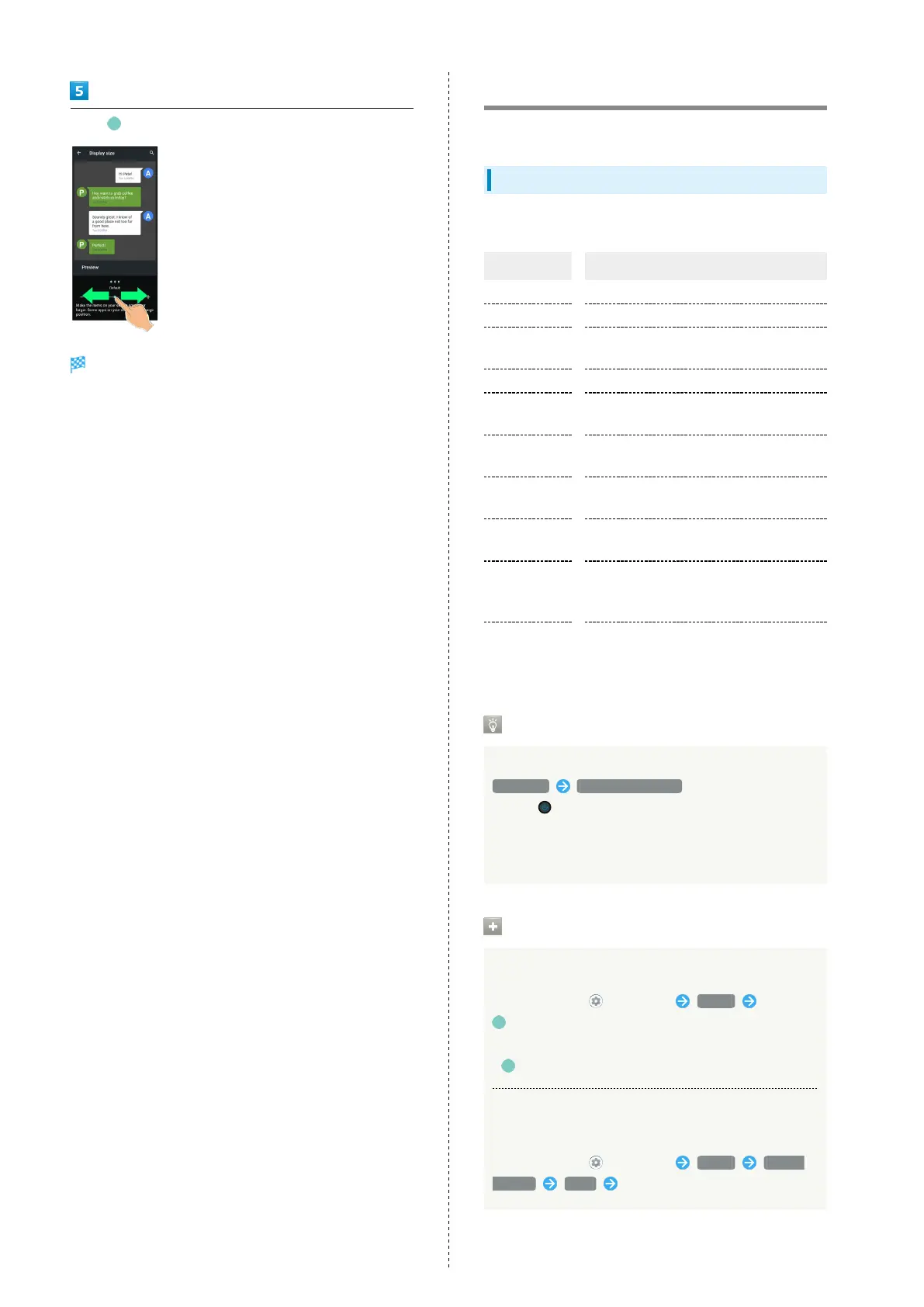
Drag left/right
Image and icon sizes are changed.
・The feature may not follow the setting with certain
applications.
・Check the set display size in Preview.
Sound Settings
Set ringtone, notification sound, etc.
Sound Settings
Settable items are the following.
Item Description
Media volume Set volume for music, videos, etc.
Call volume Set volume for calls.
Ring volume
Set volume for ringtones for incoming
calls, etc.
Alarm volume Set volume for Alarm.
Vibrate for
calls
Set whether handset vibrates for incoming
calls.
Do Not
Disturb
Make detailed Manner mode settings.
Prevent
ringing
Set Manner mode that is activated by
Pressing Power Key and Volume Up Key.
Phone
ringtone
Set ringtone.
Default
notification
sound
Set default notification sound.
Advanced
Make settings for default alarm sound,
Dolby Atmos, and other sounds and
vibrations.
Dolby Atmos
®
Handset supports Dolby Atmos. In Sound window, Tap
Advanced Advanced settings and enable Dolby
Atmos ( ) to enjoy 3D surround effect with Dolby Atmos
contents.
The audio effect is also present with media sound,
ringtones, and alarms other than Dolby Atmos contents.
Sound Operations
Setting Volume for Calls
In Home Screen, (Settings) Sound Drag
for "Call volume" to adjust
・Sound plays at set volume when releasing finger from
.
Setting Action for Calls when Do Not Disturb Is
Set
In Home Screen, (Settings) Sound Do Not
Disturb Calls Set each item



 To Next Page