66
Setting/Canceling Answer Phone
In Phone settings, Calls Answer phone Answer
phone Mannermode / ON / OFF
Checking Answering Message for Answer Phone
In Phone settings, Calls Answer phone
Answering message confirm Touch & Hold "Answering
message content" Play
Setting Answering Time for Answer Phone
In Call settings, Calls Answer phone Answer
time setting Select time SET
・If arriving calls are disconnected before answer time that
is set for Answer phone passes, disable Call Forwarding
or Voicemail. See "Call Forwarding" and "Voicemail" for
details on Call Forwarding or Voicemail.
Barring Calls from Specified Numbers
In Call settings, Blocked numbers ADD A NUMBER
Enter the number YES
Rejecting Calls from Unnotified Numbers
In Call settings, Blocked numbers Unknown
・
Tap Unknown to toggle on ( )/off ( )
Address Book
Save phone numbers and mail addresses as well as birthdays,
nicknames, etc.
Set ringtones for each contact as needed.
Address Book Caution
Contacts may be altered/lost if handset is left uncharged
or due to accidents, malfunctions, repairs, handset
upgrade/replacement, mishandling, etc. Back up important
contacts and other data regularly. SoftBank Corp. is not
liable for any damages resulting from loss/alteration of
contacts.
Adding New Contacts
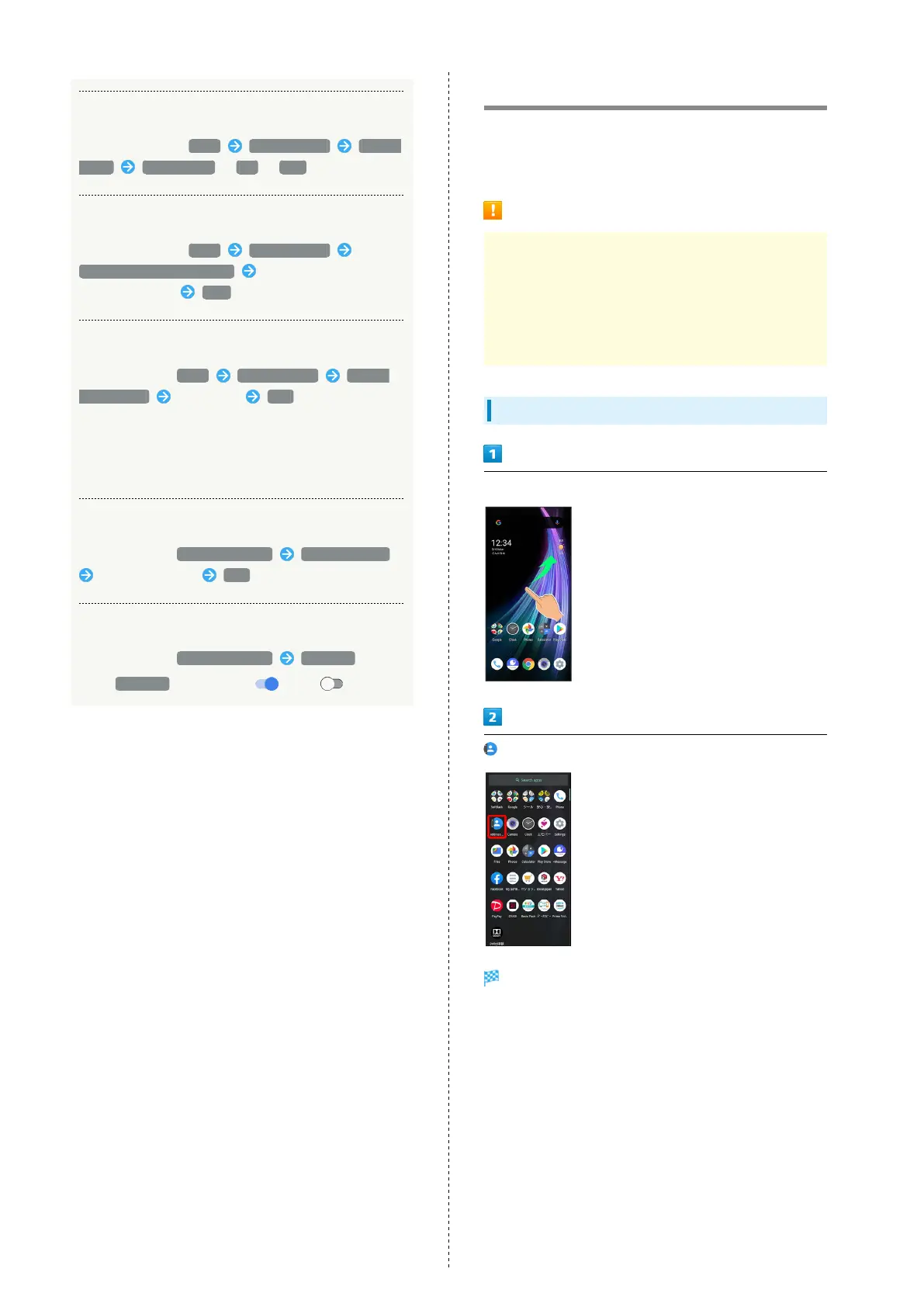
Flick Home Screen up
(Address Book)
Address Book opens.



 To Next Page