67
Phone
AQUOS zero2
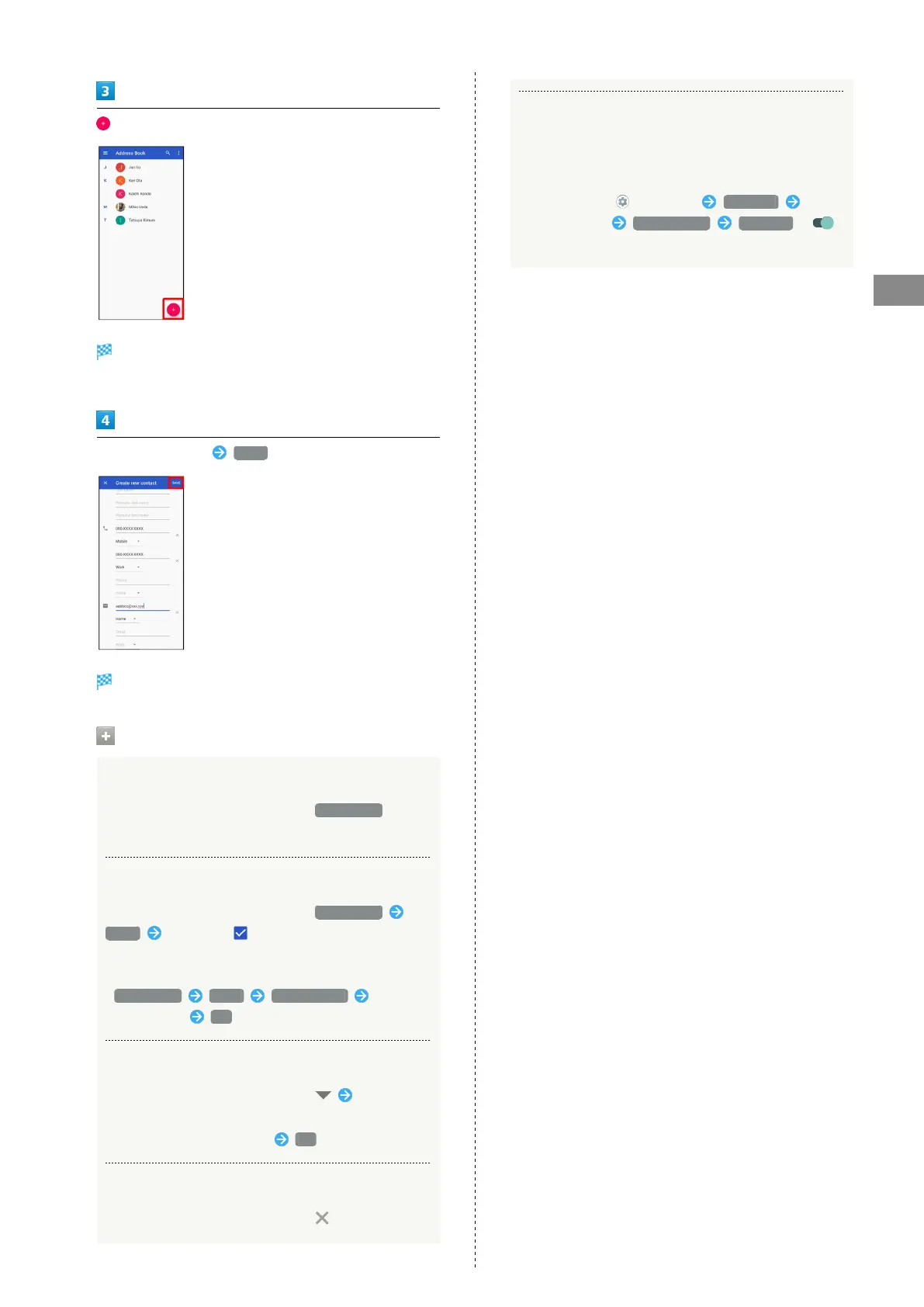
Window for saving new contact opens.
・If confirmation appears, follow onscreen prompts.
Set/enter each item SAVE
Contact is saved.
Operations when Saving Contacts
Showing Other Savable Items
In window for creating new contact, More fields
・Save residential address, chat, memos, etc.
Setting (Labels) Groups
In window for creating new contact, More fields
Label Tap label ( )
・Log in to your Google account beforehand.
・To add a new label, in window for creating new contact,
More fields Label Create new... Enter
name of label OK .
Saving Type of Phone Number, Etc.
In window for creating new contact, Tap type to
save
・
For Custom, enter type name OK .
Deleting Entered Phone Number, Etc.
In window for creating new contact, for item
Syncing with Contacts on Server
Sync handset Address Book with Google contacts on server.
Also sign in to a Google Account before syncing with a
non-Google Account.
In Home Screen, (Settings) Accounts Tap
account to sync Account sync Contacts (
)



 To Next Page