206
Wi-Fi (Wireless LAN)
Wireless LAN (hereafter "Wi-Fi") uses radio waves to enable
communication between compatible devices within range.
However, it is advisable for the user to configure security
settings to avoid risk of data interception.
・Do not use Wi-Fi near electrical appliances, audiovisual
equipment or office automation equipment; may affect Wi-
Fi transmission speed, availability, clarity, etc. (Especially
when a microwave oven is in use.)
・If there are multiple access points nearby, handset may not
detect access points correctly.
■Precautions
The frequency band utilized by handset Wi-Fi is shared with
industrial, scientific or medical equipment, including household
microwave ovens, and used by radio stations, amateur radio
stations, etc. (hereafter "other radio stations").
1. Before using Wi-Fi, visually check that no other radio
stations sharing the same frequency band are in use nearby.
2. Should interference occur between handset and other radio
stations, move it to a different location or disable Wi-Fi
immediately.
3. For additional information and support, contact Customer
Service.
・Frequency Band
This radio station utilizes 2.4 GHz and 5 GHz bands.
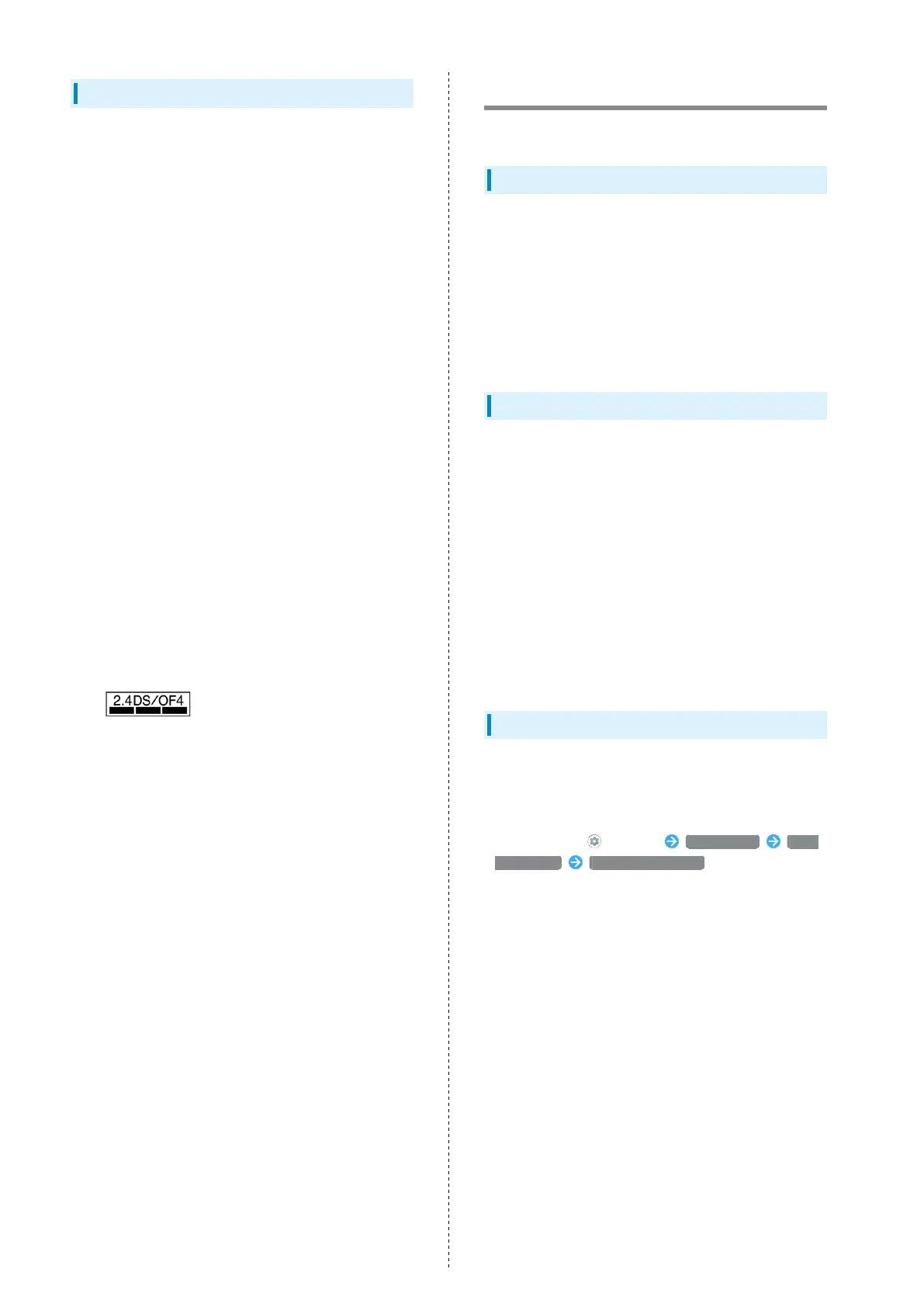
・2.4 GHz band
DSSS-OFDM modulation, with a maximum interference range of
40 m.
Handset supports Wi-Fi channels 1 - 13. Handset does not
connect to access points set to other channels.
・Channels in 5 GHz band
Three bands are available within 5 GHz frequency band:5.2
GHz, 5.3 GHz, and 5.6 GHz (W52, W53, and W56).
・W52 (5.2 GHz band; channels 36, 40, 44, 48)
・W53 (5.3 GHz band; channels 52, 56, 60, 64)
・W56 (5.6 GHz band; channels 100, 104, 108, 112, 116, 120,
124, 128, 132, 136, 140)
Use of 5.2 GHz or 5.3 GHz band (W52/W53) for outdoor
communication is prohibited by the Radio Law (excluding
communication with the base stations or land mobile relay
stations of high-output data communications systems
operating in the 5.2 GHz band).
■Simultaneous Use with Bluetooth
®
Wi-Fi (IEEE 802.11b/g/n) and Bluetooth
®
transmit on the 2.4
GHz band. Enabling handset Bluetooth
®
or using Bluetooth
®
devices near handset may affect Wi-Fi transmission speed,
availability and clarity. Should interference occur, cancel
handset Bluetooth
®
or discontinue Bluetooth
®
device use.
・Available channels vary by country.
・For use of Wi-Fi aboard aircraft, check with airline
beforehand.
・In some countries/regions, there are restrictions on the use
of Wi-Fi. Check the local laws and regulations before using
Wi-Fi on handset abroad.
General Notes
"906SH" here refers to this mobile phone "AQUOS zero2."
Portrait Rights
Portrait rights protect individuals' right to refuse to be
photographed or to refuse unauthorized publication/use of
their photographs. Portrait rights consist of the right to
privacy, which is applicable to all persons, and the right
to publicity, which protects the interests of celebrities.
Therefore, photographing others including celebrities and
publicizing/distributing their photographs without permission
is illegal; use Camera responsively.
Copyrights
Copyright laws protect sounds, images, computer programs,
databases, other materials and copyright holders. Duplicated
material is limited to private use only. Use of materials
beyond this limit or without copyright holder permission may
constitute copyright infringement, and be subject to criminal
punishment. Comply with copyright laws when using images
shot with Camera.
The software contained in handset is copyrighted material;
copyright, moral right and other related rights are protected
by copyright laws. Do not copy, modify, alter, disassemble,
decompile or reverse-engineer the software; do not separate
it from hardware in whole or part.
Open Source Software
・Handset contains software based on GNU General Public
License (GPL), GNU Lesser General Public License (LGPL),
and other licenses.
To check details of relevant software licenses:
In Home Screen, (Settings) About phone Legal
information Third-party licenses
・The source code of software based on GPL, LGPL, and
Mozilla Public License (MPL) is provided on the following
website free of charge.
http://k-tai.sharp.co.jp/support/developers/oss/ (Japanese)



 To Next Page