120
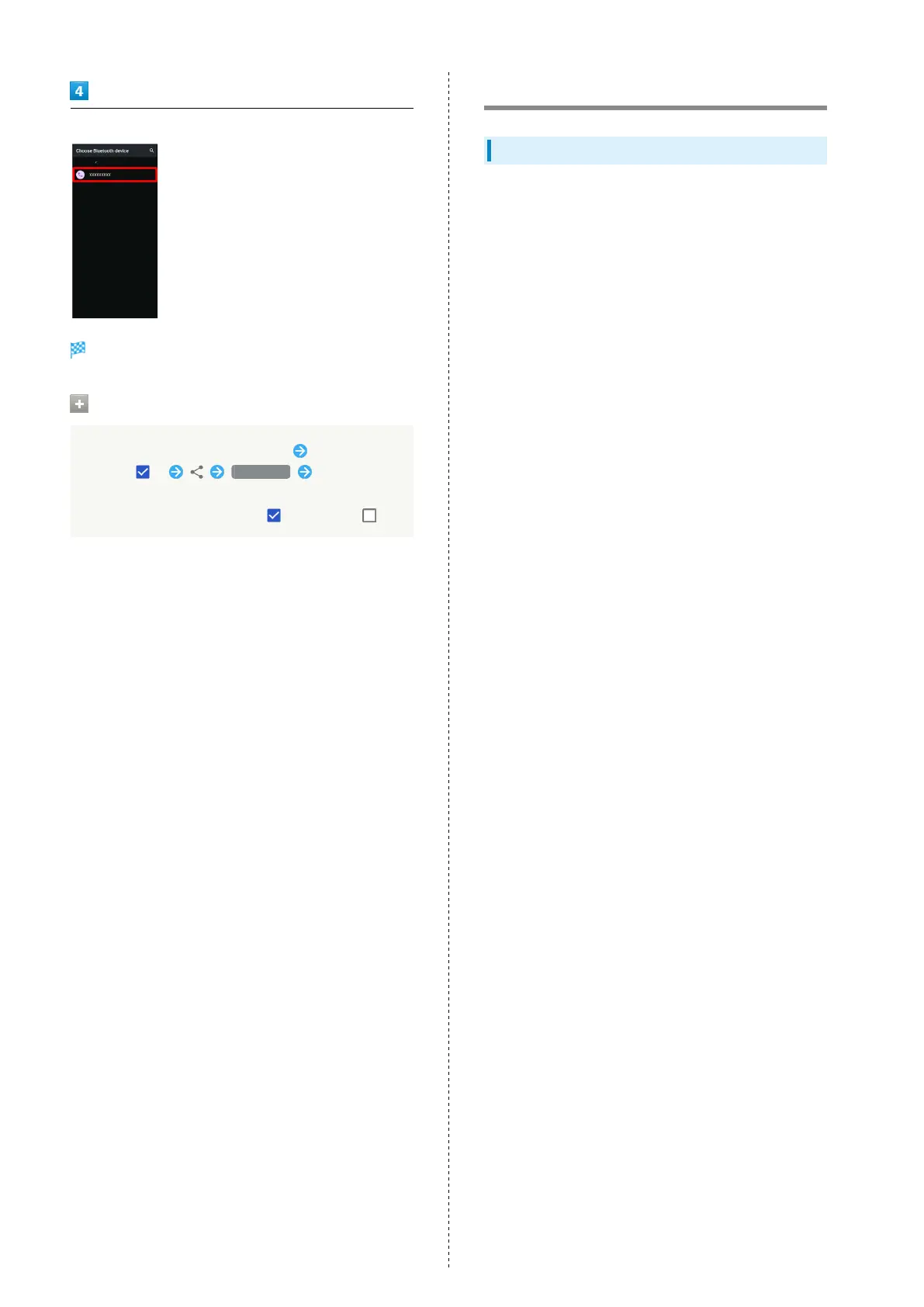
Tap target device
Data is sent.
Sending to Several Contacts
Touch & Hold contact in Address Book Tap another
contact ( ) Bluetooth Tap other
device
・
Tap contact to toggle selected ( )/unselected ( ).
Using Tethering
About Tethering
Tethering makes handset act as an external modem (like a Wi-
Fi router).
Use tethering to connect a PC or game device to the Internet
through handset.
・Requires separate subscription.
・Use after confirming that handset is updated to the latest
system.



 To Next Page